


Marketing presentation templates


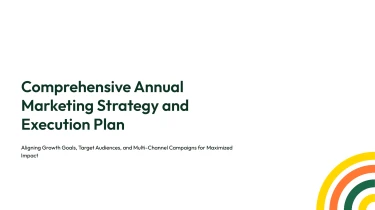


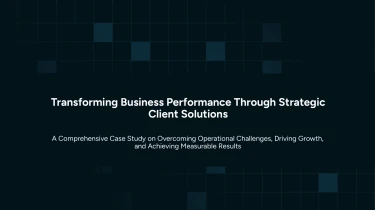
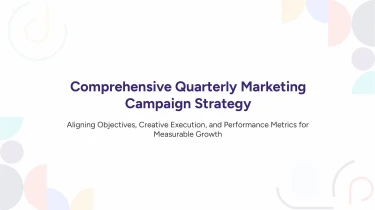

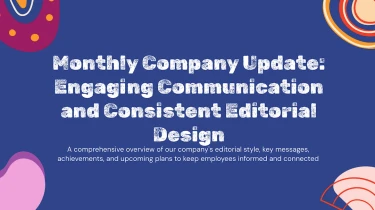
Use AI-powered templates to create marketing presentations
The Marketing AI presentation templates mentioned earlier offer pre-designed layouts, and then an AI presentation generator transforms those into slides customised to your content. By taking care of text positioning, space, and visual consistency, combining structured templates with AI reduces the need for manual formatting. You can put more effort into developing the narrative of your campaign and elucidating your marketing insights rather than fiddling with individual slides.
Turn marketing inputs into presentation structure
Marketing teams rarely start with slide-ready content. Campaign notes live in documents, performance figures sit in spreadsheets, and strategy outlines arrive minutes before a review. Decksy helps turn these scattered inputs into a structured marketing presentation, reducing the time spent reorganizing information and formatting slides.
Start with the material you have
Paste raw text or an outline, or upload Word documents, Markdown (MD) files, or spreadsheets. Use campaign briefs, audience research, channel plans, positioning notes, or reporting data as your starting point. If your source material is a PDF, explore Decksy’s PDF to PowerPoint converter to bring existing marketing documents into your presentation workflow.
Build a narrative around marketing decisions
Decksy uses your input to organize related ideas into a logical slide sequence. A campaign brief can become sections covering objectives, target audiences, messaging, channels, and next steps. An outline provides the narrative backbone, while longer documents supply supporting detail. Key points become slide-level messages, with supporting information arranged into bullet hierarchies rather than dense blocks of text.
Make performance data easier to present
Spreadsheet inputs help turn marketing metrics into organized data tables. Group related figures, such as spend, leads, conversions, and acquisition costs, so stakeholders can compare channels or reporting periods without navigating raw worksheets. Clear column labels and consistent source data give the presentation a stronger foundation.
Spend review time on the message
Instead of rebuilding every heading, table, and bullet manually, start with an automatically structured draft tailored to marketing communication. Review the sequence, confirm figures against your sources, and refine the emphasis for leadership, clients, or campaign teams. Under tight deadlines, this shifts your effort from slide assembly to the decisions that matter: what performed, what needs attention, and what the team should do next.
Marketing presentations ready for your next move
Turn marketing briefs into presentation deliverables, not another formatting task. Generate a structured deck for campaign proposals, performance reports, product launches, or stakeholder updates, then download it as a 100% native .pptx file. Your output is a working PowerPoint presentation you can refine, share, and present on deadline.
Full control over every slide
Keep your team’s workflow intact with full editability in PowerPoint and Google Slides. Update messaging, adjust layouts, replace visuals, and align colors and typography with your brand. When campaign priorities shift or feedback arrives minutes before a meeting, revise the deck directly instead of regenerating it or rebuilding slides from scratch. You stay in control of the final presentation.
Make marketing data easier to follow
Give your audience a clear path from results to recommendations. Use the generated deck as a foundation for presenting:
- Channel performance
- Campaign spend
- Customer insights
- Growth opportunities
Refine slide titles, simplify dense information, and highlight the metrics that matter to each audience. Less time spent on manual formatting means more time sharpening the story, checking the numbers, and preparing for questions that drive decisions.
Privacy for business-critical work
Marketing presentations often contain unreleased plans, budget details, and sensitive performance data. Enterprise-grade data privacy supports work where confidentiality matters, so privacy is part of the value you receive, not an afterthought. Before sharing any finished deck, review its content and apply your organization’s approval and distribution policies.
Move from brief to presentation
Use Decksy’s text-to-PowerPoint tool to turn your next marketing brief into an editable deck. Get a practical starting point for faster reviews, clearer data presentation, and stronger audience engagement. Spend less time fixing slide mechanics and more time delivering a focused message that helps stakeholders understand the opportunity and decide what comes next.