













star

AI teacher slide generator

Generate professional AI presentations as a techer in no time for any topic

Create engaging presentations with AI for any classroom topic. Use this free AI presentation maker to build custom layouts, generate an outline, and save time and effort during lesson planning. Simply add your content topic, choose a template style, and get a presentation ready deck in just a few clicks.
Generate presentations

Simple AI presentation maker to transform your classroom

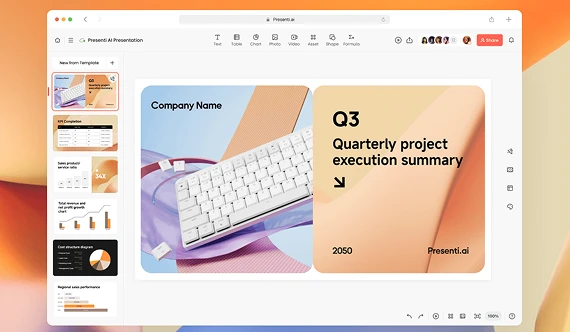
Turn your curriculum concepts into a slide presentation that is memorable. Get access to our generative AI features that take care of all presentation content creation and professional design automatically, helping you focus on teaching.

Create presentations with AI from a curriculum topic

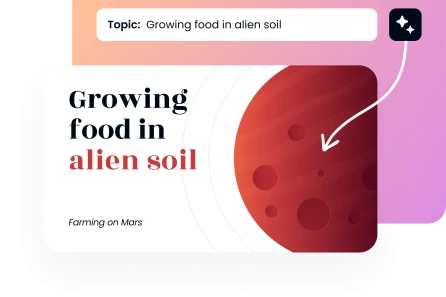
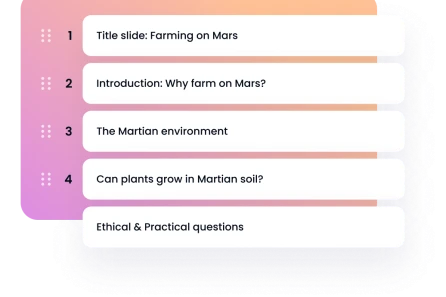
Your next lesson idea is only a few seconds away from being turned into interactive lecture slides. Simply type a text prompt, specify the number of slides wanted, and choose your grade level to build the lesson plan structure instantly.

Generate a presentation
Create presentations with AI from a curriculum topic

Quickly generate a presentation from text using automated scripts

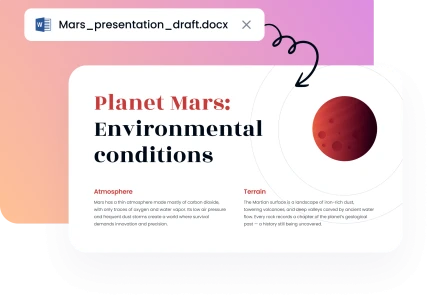
Paste your raw notes, assignment criteria, or full paragraphs to create presentations with AI assistance. Turn plain informational text into visually appealing presentations. The AI tool retains your academic format, matches your target audience tone, and organizes information into stunning slides.

Quickly generate a presentation from text using automated scripts

Upload files to the top AI slideshow maker for educators

Our tool supports multiple document types. If you already have a curriculum document, text file, or PDF that you want to utilize, you can upload files on our platform and immediately create a PPT with highly professional results.

Upload files to the top AI slideshow maker for educators

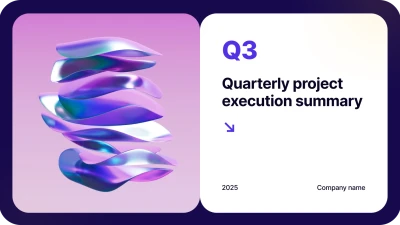
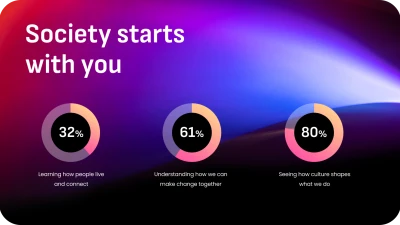
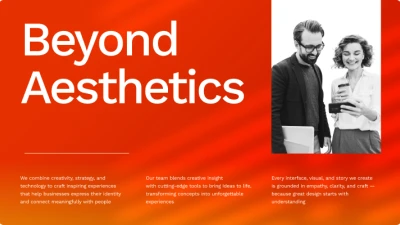
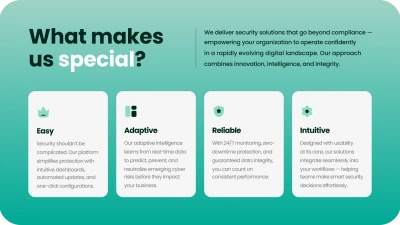
Presentation creator with ready-to-use template selections

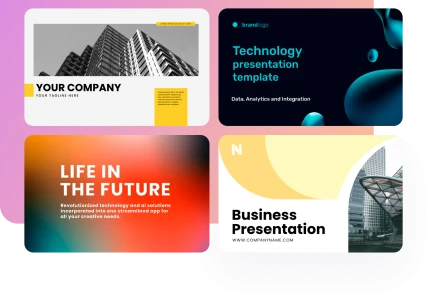
Save time and skip the late-night design stress completely. Our slideshow maker offers hundreds of free template styles ready to use, allowing you to instantly choose a template layout that fits your subject matter and looks polished from the start.

Generate slides
Presentation creator with ready-to-use template selections
Trusted by 50K+ US educators
image
image
image
image

Why choose our AI presentation generator for your school workflow?

Simplify every stage of lecture development. The tool handles visual formatting, text to image generation, and layout alignment so you can focus entirely on delivering impactful lessons instead of fixing margins.
image

Fully secure tool:

All school documents and teaching materials you upload to our software are safeguarded with enterprise-grade encryption to keep your data protected.
image

Presentations in minutes:

You do not need specialized graphic design skills to create custom educational resources with professional results. The entire process is intuitive from start to finish.
image

Simple for everyone:

Our AI presentation maker for teams has no learning curve. Every teacher can navigate our easy-to-use AI slideshow maker with absolute confidence, making real-time adaptations feel completely effortless.
image

Polished classroom layouts:

Choose from hundreds of well-crafted layouts tailored for specific subject blocks, from interactive science charts to historical timelines.
image

Faster, cheaper lessons:

Our tool for professional presentations allows educators to take full advantage of educational AI tools faster and at a much lower rate than complex corporate design software.
image

Fits all curriculum standards:

Every educator has a specific purpose for their lecture, and our free AI presentation maker is perfectly adaptable to custom standards or rubrics.
Show more

Best AI presentation generator built for modern schools & universities

Whether your lesson format is educational, professional, or interactive, you can quickly find the right template to display your content. From elementary school teachers to university professors, you are just a few clicks away from using AI tools to create stunning presentations.

Educators
Educators
Educators
Educators
Educators
Educators
Educators
Educators
Educators
Educators
faces

Why educators love Decksy free AI presentation maker tool

It saves time, simplifies deck construction, and brings abstract concepts to life with AI images and custom layout variations.
stars
Highly recommended for busy teachers!
"This free AI tool has completely transformed my weekend preparation routine. All of my curriculum ideas are turned into clean, on-brand slide decks instantly, leaving me with a presentation ready to share on Monday morning."
icon
— Anna K., High School Teacher
stars
Great alternative to Slidesgo or Canva!
"I prefer using this AI presentation maker for teachers over Slidesgo or Canva when building technical lectures. I can create a PPT with full formatting control with ease since this program handles the structural heavy lifting."
icon
— Dr. James R., University Professor
stars
Saves our department hours every single week
"We create complex training materials and student lesson plans every day. This AI ppt maker greatly reduces our turnaround time while applying clean layout styling across every single slide."
icon
— Emily C., Academic Coordinator
Show more

FAQs about our AI tools for teachers

How do I make presentations using this AI presentation maker for teachers?

You can use AI presentation maker to build custom slideshows by opening our online tool. Simply type your lesson topic, insert an outline, paste the YouTube link of a video, or upload a document to get automated presentations in minutes.

Can I incorporate custom standards or rubrics into the generator?

Our intelligent AI lesson plan generator allows you to specify curriculum standards or rubrics before compiling your slide content. The tool processes your guidelines to ensure every AI slide fits your class objectives.

Can I export the final file directly to Google Slides?

Currently, our system provides a highly compatible export to PowerPoint. Once you download your PPT file, you can upload it straight to your Google Classroom drive and open it as a Google Slide presentation instantly.

Is there a feature to modify text and include AI images?

Our advanced workspace includes an intuitive editor where you can fine-tune text, change fonts, modify the layout style, and utilize built-in AI image generation to insert relevant visuals effortlessly.

How does this platform compare to tools like Slidesgo, Canva, or traditional slides?

Unlike generic design software that requires manual element placement, our tool uses an AI translator engine to structure text information automatically. It saves time by generating contextually relevant layouts, speaker notes, and graphics in seconds.

Can students use this tool for their school projects?

Yes, our platform is built to be safe and approachable for both teachers and students. The interface requires no prior design experience, making it the best AI presentation tool for interactive group assignments and student pitches.

Create a presentation pefect for teachers using the best AI presentation maker

Create teacher presentations