


Business presentation templates
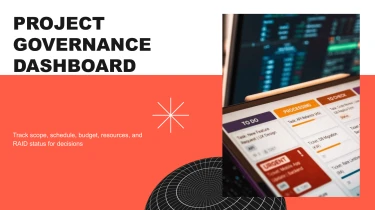
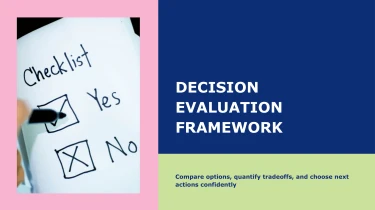
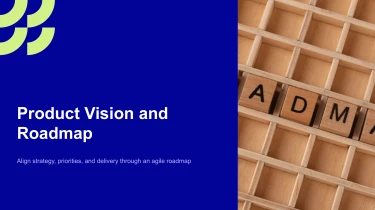

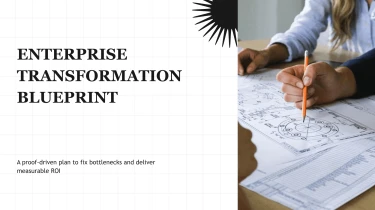

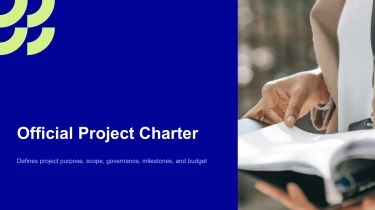
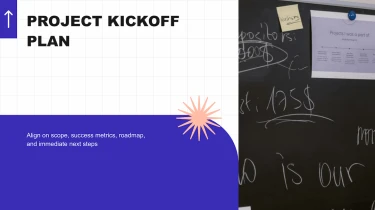

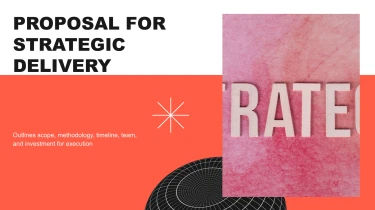
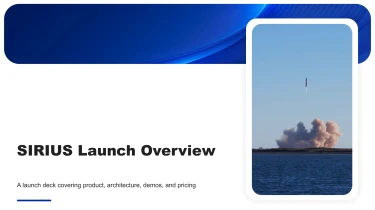
Use AI-powered templates to create professional presentations
If you use an AI presentation maker, you can make pre-made Business AI presentation templates smarter. By combining these templates with AI, you may mould your message without touching a single slide’s formatting, text boxes, or alignment. You may put your attention on delivering your company ideas clearly because the templates will take care of the visual framework and the layout work is handled by AI.
Turn business inputs into structured presentations
Business presentations often start with scattered notes, lengthy reports, and spreadsheets that need to become clear slides quickly. Decksy automatically turns those inputs into a logical presentation structure, reducing the manual work of organizing content, formatting tables, and rebuilding bullet lists before a meeting.
Start with the material you already have
Paste raw text or an outline, or upload Word documents, MD files, or spreadsheets. Your source material gives Decksy the context for building a business presentation: the objective, supporting evidence, key findings, and proposed next steps. An outline provides an initial sequence, while longer documents supply content that can be organized into focused sections.
For teams working from exported reports or reference documents, converting PDF reports into PowerPoint slides brings another common business format into the presentation workflow.
Build a business narrative, not a document dump
Decksy uses your inputs to build a logical slide structure suited to business communication. For a strategy review, that might mean moving from the current situation to priorities, evidence, and recommendations. For a performance update, the structure can emphasize results, variances, and actions rather than repeating every paragraph of the source report.
Spreadsheet data can become presentation tables, giving figures a clearer place in the story. Text and document content can become bullet hierarchies, with main points separated from supporting details. This helps keep executive summaries concise while preserving the context needed for operational discussions, budget reviews, or stakeholder decisions.
Spend less time rebuilding each slide
Instead of starting with empty layouts, you start with an organized draft based on your material. Review the sequence, check numerical accuracy, and refine the emphasis for your audience. Under tight deadlines, that means more attention on the business decision and less on repetitive formatting and restructuring.
Business presentations ready for your next move
A generated deck should move your work forward, not create another formatting task. Business AI presentation templates turn your brief into a structured presentation you can review, refine, and share. Whether you are preparing a quarterly update, sales proposal, or executive briefing, the output gives you a practical starting point when deadlines are tight.
Get a native PowerPoint file, not a static preview
Export your presentation as a 100% native .pptx file, ready for the tools your team already uses. Your slides remain fully editable in PowerPoint and Google Slides, so you can adjust text, layouts, colors, and visual elements without rebuilding the deck.
Update a forecast, replace an image, or apply your company’s preferred styling. You stay in control of the final presentation, from the opening message to the smallest label.
Spend less time formatting and more time communicating
Manual alignment, inconsistent spacing, and crowded slides can slow down even a straightforward business update. A structured output reduces that cleanup work and helps you focus on what your audience needs to understand.
Use clear slide hierarchy to distinguish headline results from supporting detail. Refine data presentation so stakeholders can follow trends, compare performance, and identify the next decision. The result supports audience engagement through readable content and a focused narrative, rather than unnecessary visual noise.
Keep business information protected
Business decks often contain financial projections, internal plans, and customer context. Enterprise-grade data privacy helps protect sensitive inputs while your team develops presentation content. Follow your organization’s information-handling policies when deciding what to include.
Turn generated slides into business value
Start with Decksy AI’s text-to-PPT generator, then tailor the exported deck to your audience. You get a reusable, editable business asset, not a finished-looking file that becomes difficult to change when priorities shift or new figures arrive.