Templates
Org Chart presentation template
Present your team’s structure, responsibilities, and reporting relationships clearly with our PowerPoint org chart designs. Use our AI presentation maker and customizable templates to create a polished organizational chart for your next presentation.
Use this template 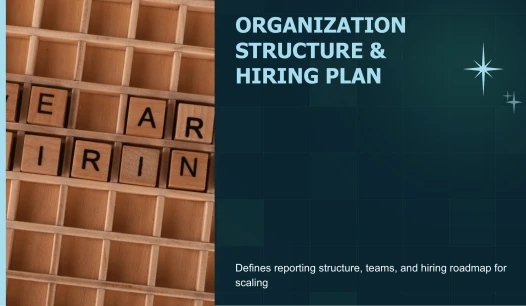
Org Chart PowerPoint template preview

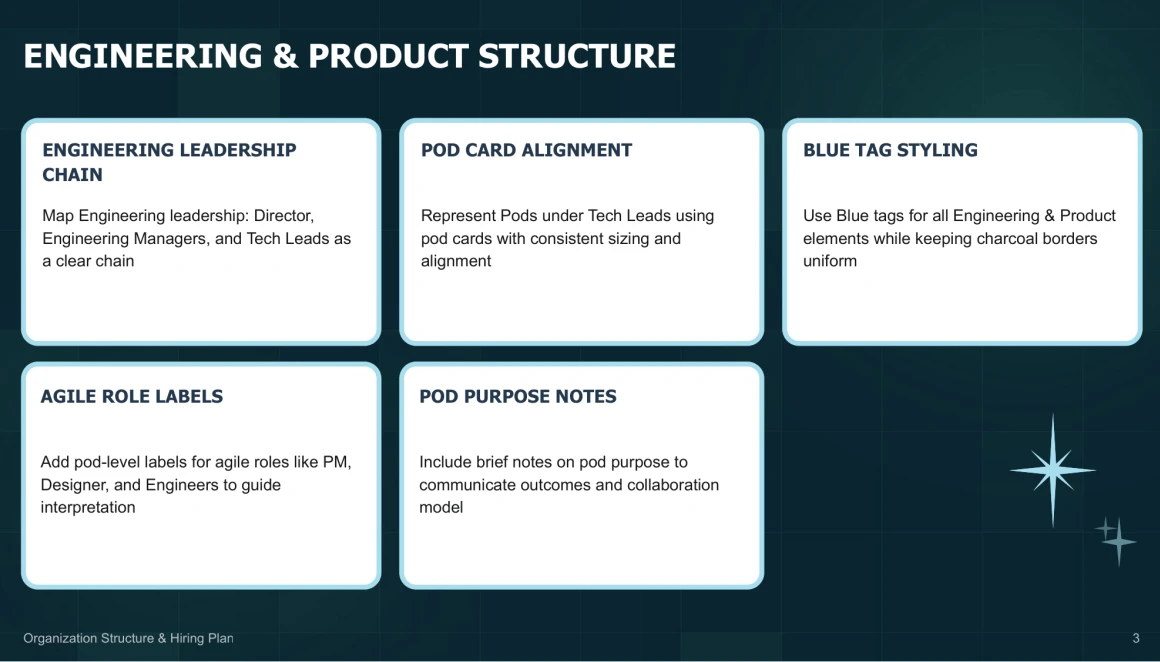
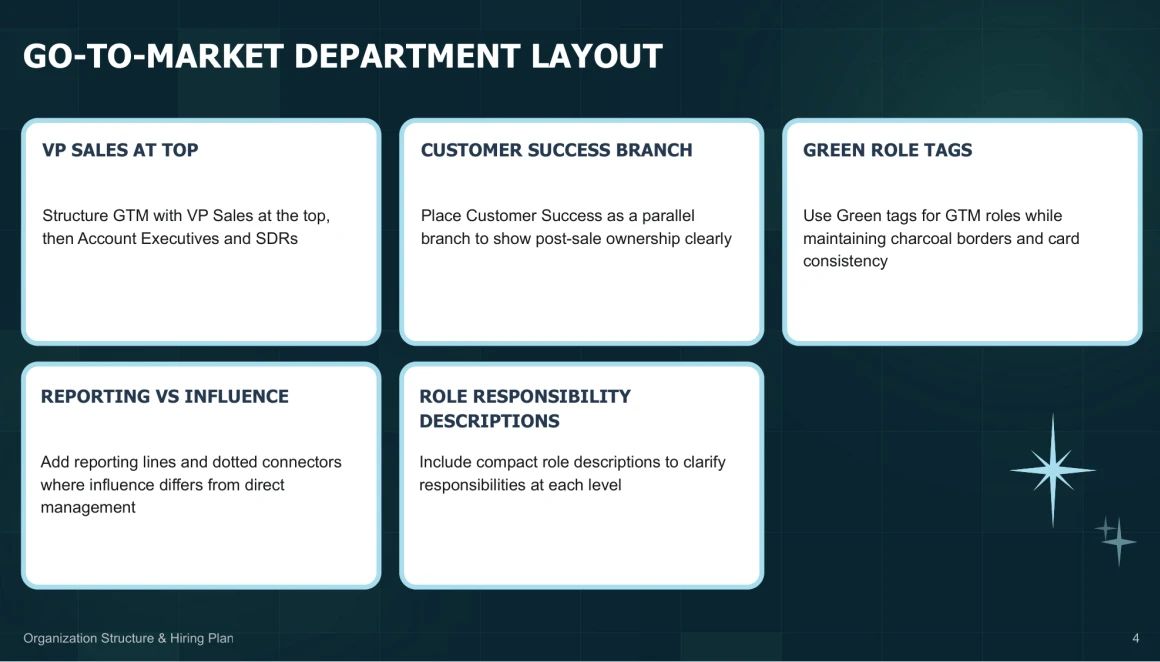
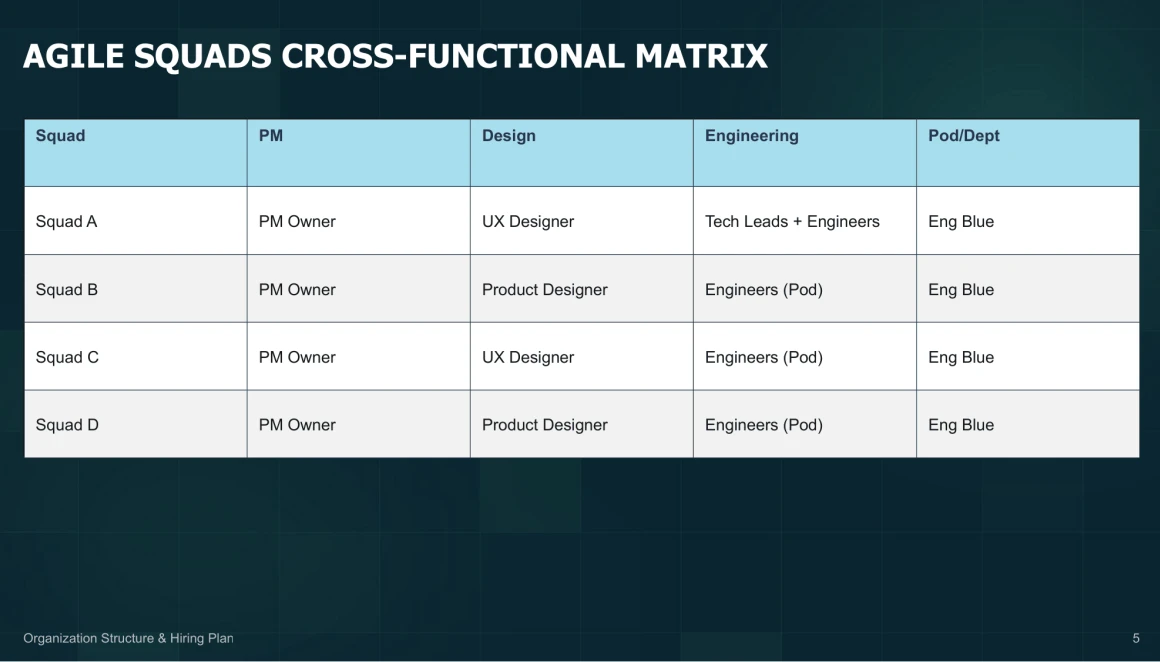
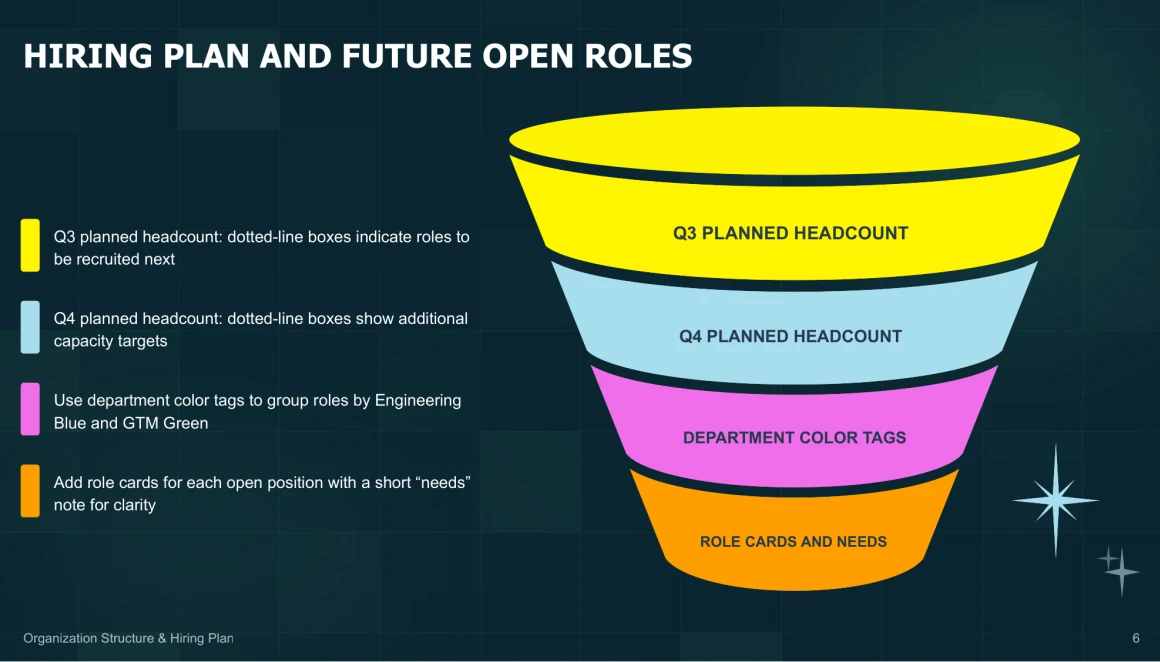


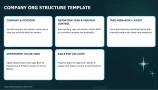
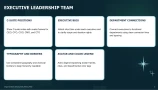
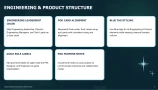
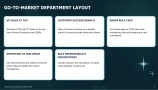
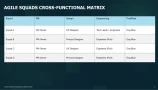
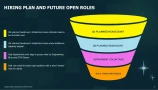
Download org chart presentation




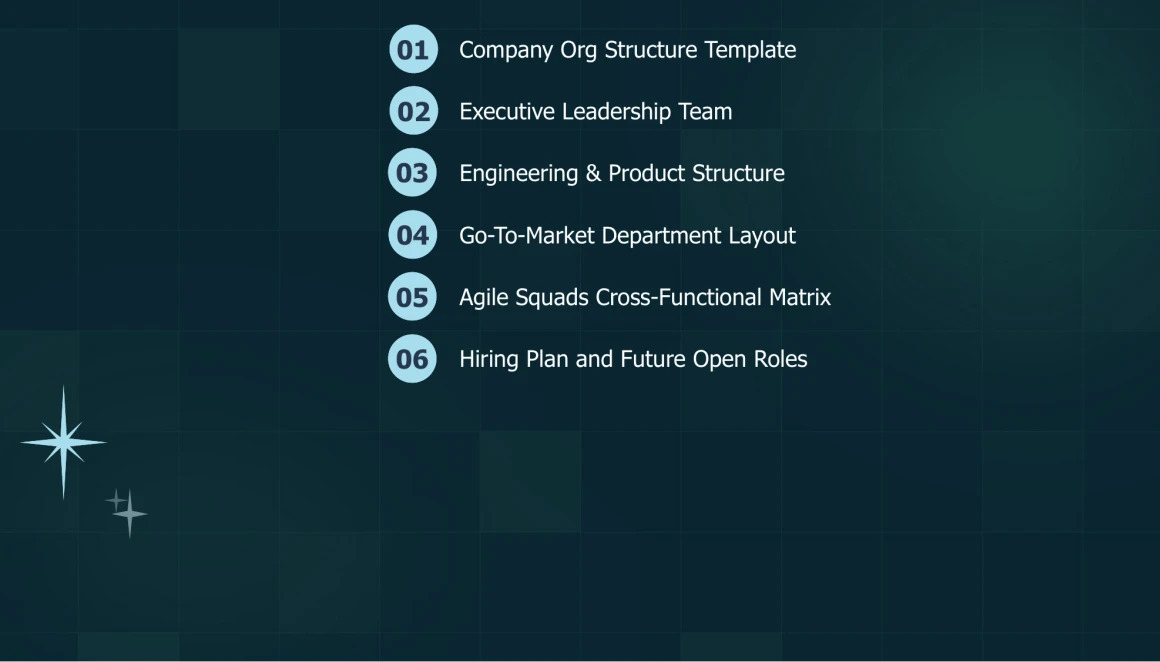
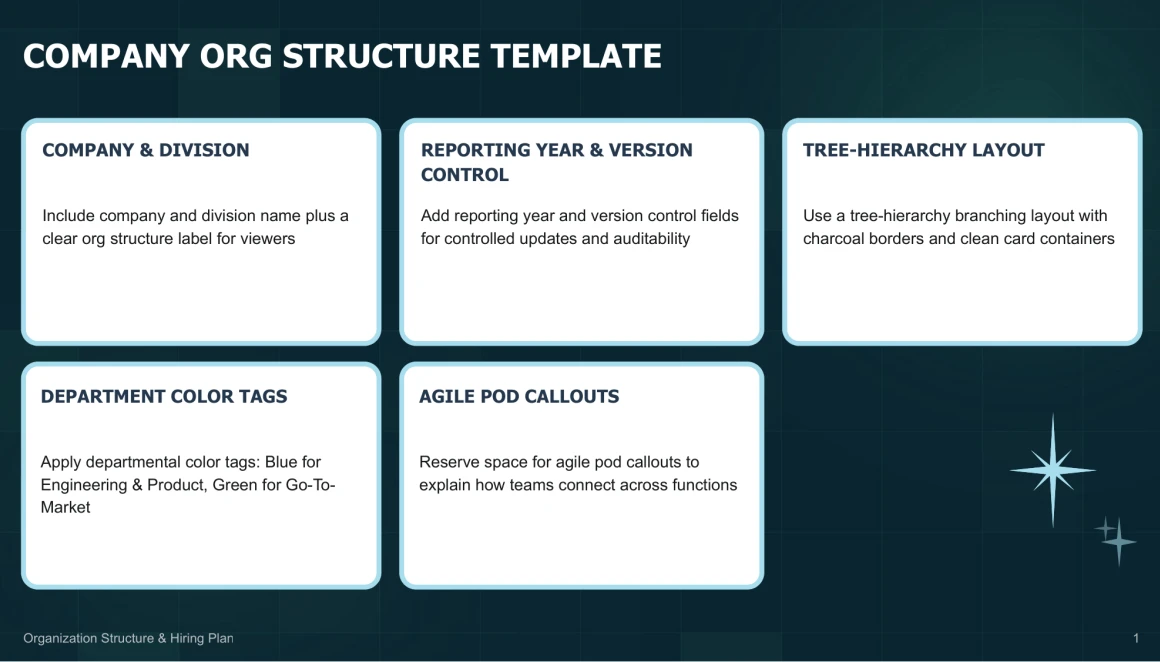
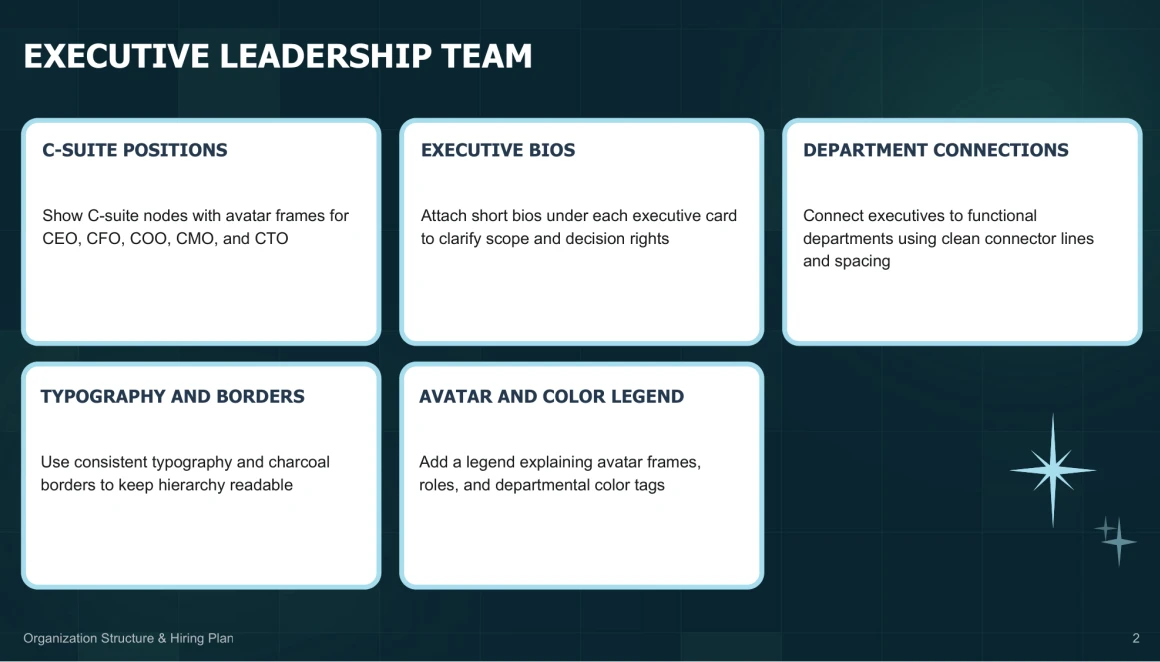
Whether you’re using PowerPoint, Google Slides, or exporting to PDF, Decksy AI’s PowerPoint org chart template makes it easy to present your team structure. With drag-and-drop image placement, editable vector graphics, and a 16:9 aspect ratio, you can customize reporting lines, team hierarchies, and personnel layouts directly in your presentation software, no extra plugins or fonts needed. To complement your organizational overview with a project success story, try Decksy AI’s AI case study generator.

Creating a professional brand identity is a breeze with Decksy AI, even if you lack design skills. Start with our org chart template, or turn your written content into slides with our Markdown to PPT tool. Then personalize your PowerPoint presentation using global theme colors and master font styles. Save time by avoiding tiresome slide-by-slide adjustments, while clear visual hierarchy and polished layouts make your team’s structure easy to follow. Just add your details and branding to make your next presentation feel uniquely yours.
Polished org charts, zero effort
Make team structures instantly clear with Decksy.
Decksy integrates teams, responsibilities, and reporting lines into professional PowerPoint organizational charts without the need for design knowledge or manual formatting.