


Education presentation templates
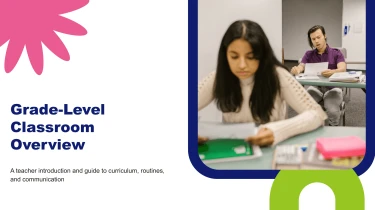
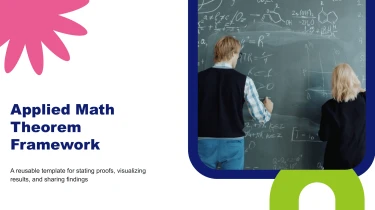

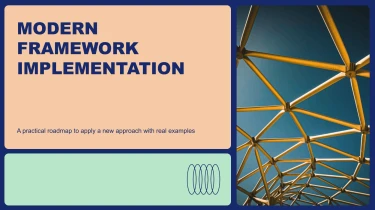
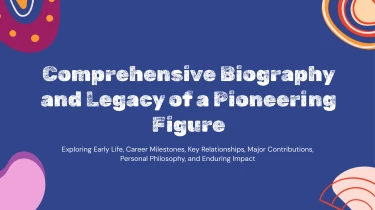
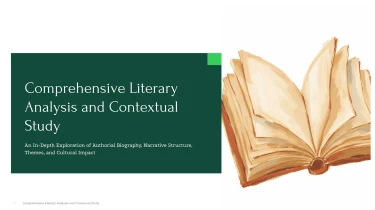
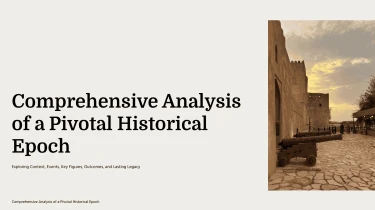
Use AI-powered templates to make educational presentations
Combine the pre-made layouts of the Education AI presentation templates provided with an AI presentation maker free tool to create professionally looking slides. No more tedious hand-formatting of individual slides thanks to AI that seamlessly integrates your instructional content into pre-made templates. Put more effort into creating lessons that actually aid your audience’s learning and less on fixing text boxes and aligning objects.
Turn education content into structured slides
Lesson notes, curriculum outlines, and assessment results rarely arrive ready for a presentation. Decksy helps educators, instructional designers, and academic teams turn source material into education presentations without rebuilding every slide by hand. Start with your content, then let the AI organize it into a clear teaching or reporting sequence.
Choose the input you already have
Paste raw text or an outline, or upload Word documents, MD files, or spreadsheets.
- Use lecture notes to introduce a topic.
- Use a course outline to map learning objectives.
- Use a spreadsheet to present attendance, assessment, or program data.
If your material is stored as a PDF, explore Decksy’s PDF to PowerPoint converter as another starting point.
Build a hierarchy that supports learning
Decksy uses the supplied content to build logical sections and slide groupings. An education deck can progress from learning objectives and key concepts to examples, practice activities, and recap slides. For administrative presentations, the structure can instead follow context, findings, and next steps.
Long passages become focused slide content, while main ideas and supporting details form bullet hierarchies. This reduces time spent splitting paragraphs, adjusting indentation, and deciding where one topic ends and another begins.
Make education data easier to present
Spreadsheet inputs give Decksy tabular material to organize into presentation tables. Use these to compare cohort results, summarize resource allocation, or show progress across reporting periods. Clear rows, columns, and labels help audiences understand the information without navigating the original worksheet.
Review the generated deck against your source material before presenting. Check terminology, learning level, figures, and the balance between explanation and detail. With the initial structure and formatting handled, you can spend more of your limited time refining the lesson or discussion rather than manually arranging text boxes and tables on each individual slide.
Ready to teach, built to adapt
Turn lesson outlines, lecture notes, and research summaries into structured presentations without spending hours on manual formatting. Education AI presentation templates give you a practical starting point for classroom teaching, faculty briefings, student projects, and training sessions. After generation, you get a deck you can review, refine, and make your own before your next deadline.
Export a native PowerPoint file
Download your presentation as a 100% native .pptx file, not a collection of flattened slide images. Your content stays usable beyond the generation tool, so you can move straight into preparation, collaboration, or delivery.
Use Decksy’s text-to-PowerPoint tool for education presentations to turn written material into a deck that fits your existing workflow. Keep the exported file, share it with colleagues, and update it as your course or curriculum evolves.
Edit every slide in your preferred app
Retain full editability in PowerPoint and Google Slides. Rewrite explanations, adjust layouts, replace visuals, and update data without rebuilding entire slides.
That flexibility matters when a lesson needs a simpler explanation, a department requests new figures, or a presentation must suit a different age group. Adapt the generated content to your learning objectives rather than adapting your teaching to a fixed design.
Help your audience follow the learning
Clear hierarchy and focused slides help students identify key ideas. Refine dense material into manageable sections, give data room to breathe, and add discussion prompts or knowledge checks where they support the lesson.
Spend less preparation time aligning elements and more time checking accuracy, strengthening explanations, and planning meaningful interaction.
Keep institutional privacy in focus
Enterprise-grade data privacy supports responsible presentation workflows for educational teams. Follow your institution’s policies when handling student information, internal reports, or unpublished research, and review content before sharing. The result: editable teaching materials with institutional control in mind.