


Corporate presentation templates



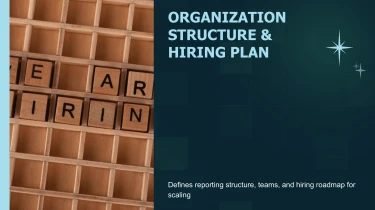
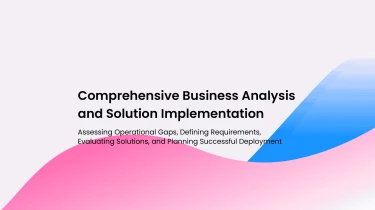
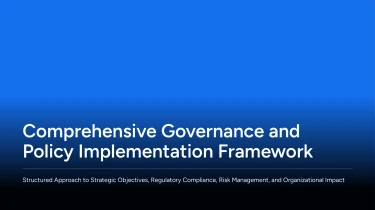
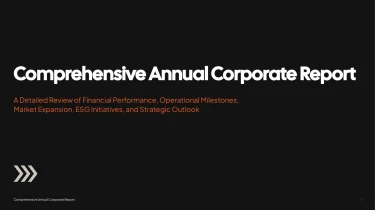
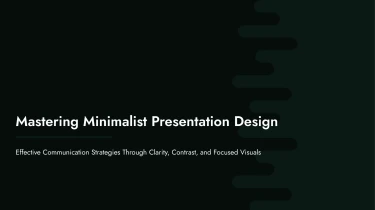

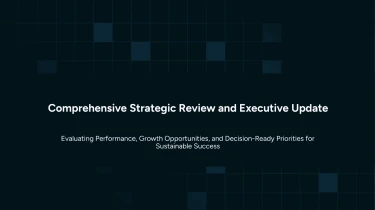
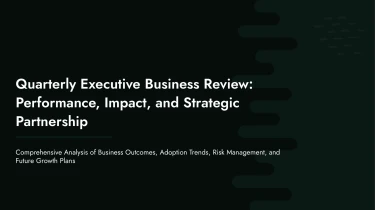
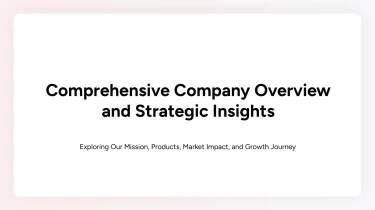
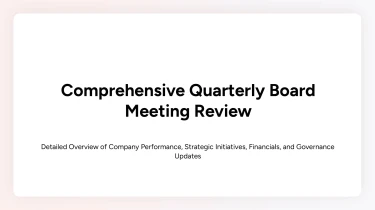
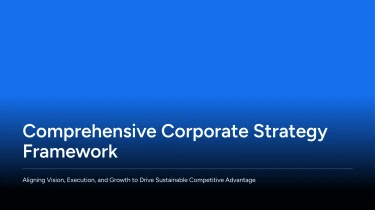
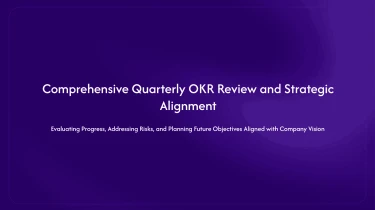
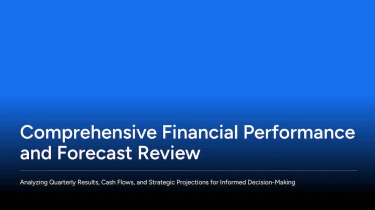


Use expert templates to create AI presentations for business purposes
Make use of AI make presentation tools to upgrade the aforementioned Corporate AI presentation templates. You can shape your message using AI-powered pre-made layouts; the engine will handle slide formatting, so you don’t have to worry about manually positioning text or adjusting spacing. With the help of AI, your information can be transformed into a polished business presentation, with the visual framework provided by your selected template.
Turn corporate inputs into a presentation-ready structure
Corporate presentations often start with scattered inputs: strategy notes, departmental updates, financial spreadsheets, and documents written for reading rather than presenting. Decksy helps turn those materials into structured slides, reducing the manual work of sorting information, rebuilding tables, and formatting bullets before a deadline.
Start with the content you have
Paste raw text or an outline, or upload Word documents, Markdown (MD) files, or spreadsheets. Use:
- Meeting notes to shape a leadership update.
- A written plan to frame a strategy presentation.
- Spreadsheet data to support a quarterly review.
If your source material is a PDF, explore Decksy’s PDF-to-PowerPoint conversion option before preparing your corporate deck.
Build a clear corporate narrative
Decksy uses your input to build a logical presentation structure rather than treating every paragraph as a separate slide. An outline provides an initial sequence; longer text gives the AI material to organize into sections, key points, and supporting detail. For corporate presentations, that means a flow centered on context, performance, priorities, and next steps.
Spreadsheet inputs become structured data tables, helping make figures easier to compare and discuss. Text-heavy content becomes bullet hierarchies that distinguish main messages from evidence and action items. Corporate templates give these elements a consistent visual framework, so you spend less time adjusting individual slides.
Review the message, not just the formatting
The result is a working presentation built around your source content and business purpose. Review the proposed sequence, confirm figures and labels, and refine the emphasis for executives, colleagues, or clients. Keep decisions and recommendations prominent, with supporting detail where it adds value. When deadlines are tight, this approach lets your team focus on accuracy, relevance, and a clear corporate story instead of repeatedly copying content, aligning tables, and rebuilding the same slide structures manually.
Corporate presentations ready for your next move
Tight deadlines should not mean hours of manual formatting. Corporate AI presentation templates turn your content into a structured deck you can review, refine, and present. After generation, you get a practical working file, not a static preview or a collection of slide images.
From executive updates to sales proposals, the output gives your team a clear starting point for communicating decisions, results, and recommendations.
A native PowerPoint file you control
Download your presentation as a 100% native .pptx file, with fully editable slide content. Open it in PowerPoint or import it into Google Slides to continue working in your preferred environment.
Update copy, adjust layouts, change colors, and replace visuals as your message develops. Your team can apply brand guidelines, incorporate stakeholder feedback, and reuse slides without rebuilding the deck from scratch.
When figures change before a meeting, you can revise the relevant content rather than regenerate the entire presentation.
Clearer data, stronger audience engagement
Dense reports and disconnected numbers make presentations harder to follow. A structured corporate template gives your information a visual hierarchy, helping audiences distinguish the headline, supporting evidence, and next action.
Use the generated deck to bring attention to key metrics, explain comparisons, and keep discussions focused. Editable layouts let you adapt the level of detail for leadership, clients, or internal teams, supporting audience engagement without sacrificing substance.
Practical value with enterprise-grade data privacy
Corporate presentations often contain sensitive plans, financial information, and internal analysis. Enterprise-grade data privacy is essential to that workflow, not an optional extra.
Explore Decksy AI’s text-to-PowerPoint presentation builder to move from written material to an editable deck.
The value continues after generation: less repetitive formatting, faster revisions, and a reusable presentation asset your team controls. Spend your remaining preparation time checking the facts, sharpening the story, and preparing for the conversation.