


PDF presentation templates

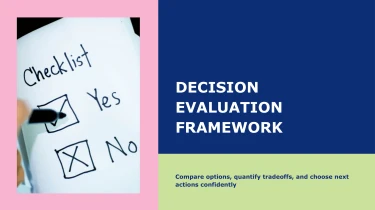
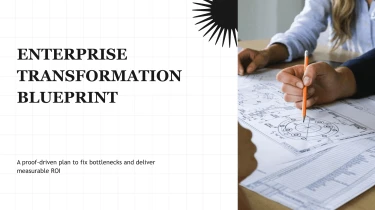


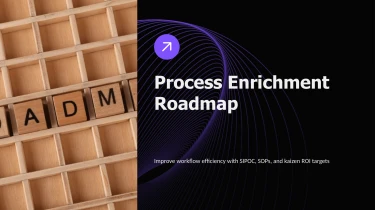
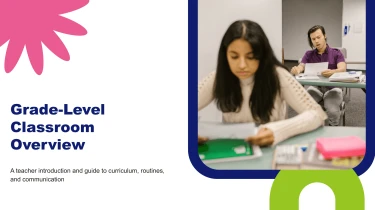
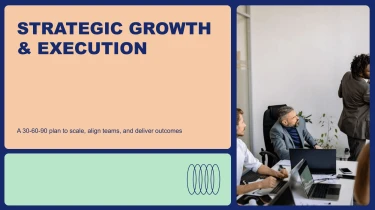

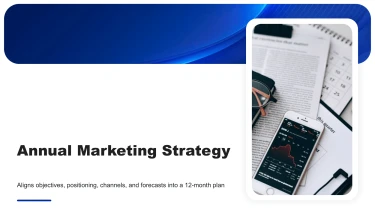



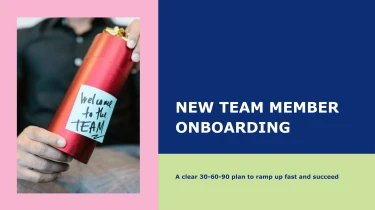
Make use of AI presentation templates in PDF format to prepare presentations
The visual base is provided by AI presentation templates in PDF format, and the content is connected to those layouts using a presentation maker AI. When you combine AI with organised templates, you can quickly and easily create presentation-ready slides without having to manually rearrange text boxes, resize items, or modify space. With AI taking care of the layout, you can concentrate on honing your message rather than formatting each slide by hand.
Turn source content into presentation structure
Building a presentation for PDF delivery should not mean copying paragraphs into slides and fixing every layout by hand. Decksy turns source material into a structured starting point, helping you move from scattered content to a readable deck when deadlines are tight. Start with raw text, an outline, a Word document, an MD file, or a spreadsheet.
Give your content a clear direction
Paste notes or upload your material to establish the presentation’s subject and supporting detail.
- Raw text provides the substance.
- An outline provides an initial sequence.
- Word headings and Markdown sections give Decksy cues for grouping related ideas.
- Spreadsheet headers and rows provide the basis for data tables.
The AI uses these inputs to propose a logical slide structure, separating main messages from supporting points. Longer passages become concise bullets, with nested details organized into readable hierarchies. Review the sequence and wording to keep the result aligned with your audience.
Build for readable PDF pages
PDF presentations need to communicate without relying on animations or presenter commentary. Use Decksy’s proposed structure to keep each page focused, with clear titles, manageable bullet depth, and tables that make comparisons easy to follow. Spreadsheet content can become organized data tables rather than pasted screenshots, giving you a clearer basis for checking labels, values, and context.
If your starting point is an existing PDF rather than editable source material, explore Decksy’s PDF to PowerPoint converter to turn it into an editable presentation before refining the structure.
Review before you export
Check the generated hierarchy, confirm table values against your source, and adjust any overcrowded pages. Starting with an organized draft reduces repetitive formatting work, so you can spend more time on accuracy, emphasis, and a PDF presentation that readers can understand without any additional verbal explanation.
From PDF to a presentation you can own
Turn a dense PDF into a presentation that is ready for review, refinement, and delivery. Decksy AI helps reduce manual formatting, giving you a structured deck instead of another document to reorganize. When deadlines are tight, you can focus on the message rather than rebuilding layouts.
Get a 100% native .pptx export
Your generated presentation exports as a 100% native .pptx file, not a collection of flattened slide images. You get a usable PowerPoint deck that fits into your existing workflow, whether you are preparing a client proposal, a quarterly update, or an internal training session.
Keep the file, share it with colleagues, and make revisions as your presentation develops.
Edit every slide in PowerPoint or Google Slides
Generation is the starting point, not the final lock. Your deck remains fully editable in PowerPoint and Google Slides, so you can adjust text, change layouts, update visuals, and apply your brand styling.
That flexibility matters when figures change, reviewers request revisions, or different audiences need different levels of detail. You stay in control without recreating the presentation from scratch.
Make complex information easier to follow
A useful presentation does more than move PDF content onto slides. Clear hierarchy, focused messaging, and readable data presentation help your audience understand the key points and stay engaged.
Refine dense sections, highlight important findings, and build a narrative around the decisions your audience needs to make.
Starting with written notes instead? Explore Decksy AI’s text-to-PowerPoint generator to turn your draft into an editable presentation.
Protect business information
Enterprise-grade data privacy matters when your PDFs contain business information. Keep privacy expectations central to your workflow, alongside output quality and editability.
The value is practical: less time spent formatting, more room for thoughtful revisions, and a presentation you can confidently make your own.