


Design presentation templates
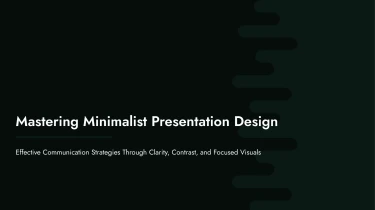

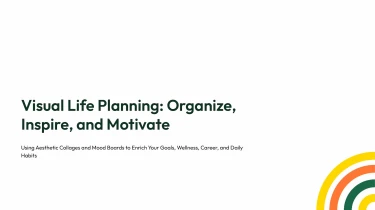
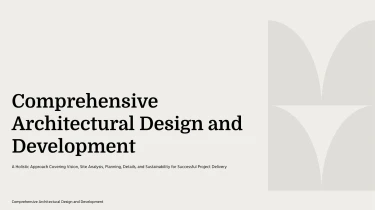
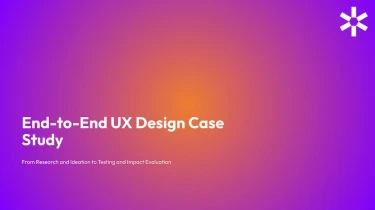
Use AI-powered templates to create design presentations
By utilising AI powerpoint free tools, you can transform pre-made layouts into slides that are customised to your content, while the aforementioned Design AI presentation templates offer a polished foundation. Instead of manually formatting each slide, you can let the engine handle text positioning, spacing, and visual hierarchy by matching these templates with AI. Instead of spending time tweaking layouts, you should focus on crafting the narrative that will drive your presentation.
Turn design inputs into structured presentations
Design presentations often start with scattered research notes, creative briefs, feedback, and performance data. Decksy turns those inputs into a clear slide structure, helping you explain the problem, present your approach, and support design decisions without rebuilding every section manually.
Start with the files you already have
Paste raw text or an outline, upload a Word document or Markdown (MD) file, or bring in a spreadsheet.
- Use a creative brief to establish project goals.
- Use research notes to organize user needs.
- Use an existing outline to guide a stakeholder review.
If your source material is a PDF, explore Decksy’s PDF to PowerPoint converter as another starting point.
Build a narrative around design decisions
Decksy uses your content to build logical sections suited to design presentations: context, audience, challenges, concepts, rationale, and next steps. Instead of placing long paragraphs on slides, it organizes key ideas into headings and bullet hierarchies. Supporting details sit beneath the points they explain, making research findings and design recommendations easier to follow.
For concept reviews, this gives each option room to communicate its purpose and tradeoffs. For project updates, it helps separate completed work, open questions, and upcoming milestones.
Make design data easier to present
Spreadsheet inputs can become structured data tables for usability results, survey responses, content audits, or comparisons between design options. Clear rows, columns, and labels help stakeholders review evidence without searching through raw worksheets.
Spend less time formatting
Under a tight deadline, the first challenge is turning mixed source material into something presentable. Decksy handles the initial organization so you can focus on refining the story, checking the figures, and choosing the right Design AI presentation template. Review the generated structure against your brief before sharing it with clients, collaborators, or your internal decision makers.
Presentation templates that stay editable
A generated presentation should save you time, not leave you rebuilding slides. Decksy AI turns your content into a structured, professionally designed deck you can download, revise, and present. Move from a first draft to a meeting-ready presentation without spending hours aligning text boxes or fixing inconsistent layouts.
Get a native PowerPoint file
Your output is a 100% native .pptx file, not a collection of flattened slide images. Text, visuals, and slide elements remain editable, so the presentation stays useful long after generation.
Open your deck in PowerPoint or import it into Google Slides for full editability in the tools your team already uses. You can:
- Update messaging.
- Change colors.
- Reposition elements.
- Adapt the design to your brand.
When feedback arrives minutes before a meeting, make the changes yourself without starting over.
Start with Decksy AI’s text-to-PowerPoint generator to turn written material into a presentation you control.
Spend less time formatting, more time communicating
Tight deadlines should not force a choice between clear content and polished design. Consistent layouts and a clear visual hierarchy help you organize complex information, highlight key figures, and make dense material easier to follow.
Refine each slide for its audience:
- Simplify an executive summary.
- Add context to a sales proposal.
- Bring the most important numbers forward in a quarterly review.
The result is a deck designed to support audience engagement, not distract from your message.
Keep business information protected
Presentation content often includes internal plans, client information, and sensitive business data. Enterprise-grade data privacy supports confident use of AI-assisted presentation design for professional work.
You get more than a generated draft: an editable asset your team can review, reuse, and update. Keep control of the final message, respond quickly to feedback, and carry the same presentation forward as your needs evolve.