Templates
Webinar presentation template
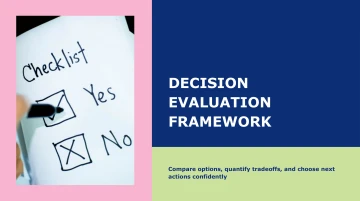
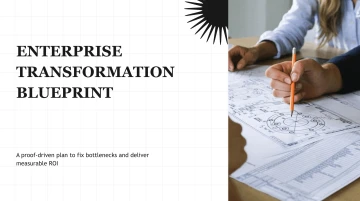
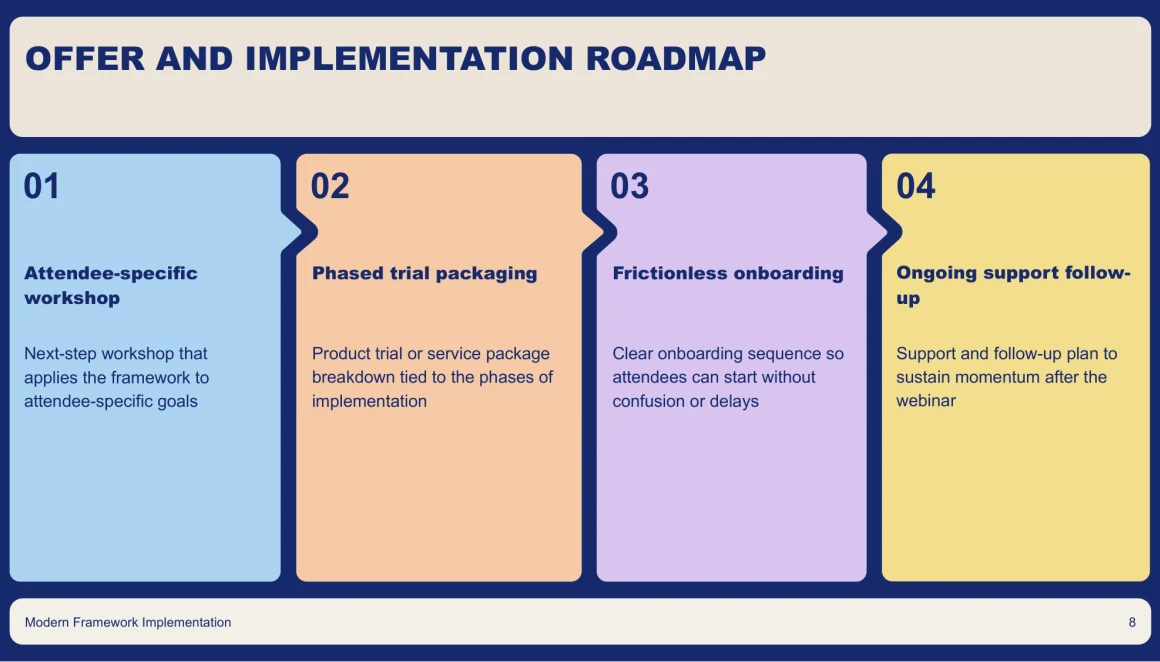
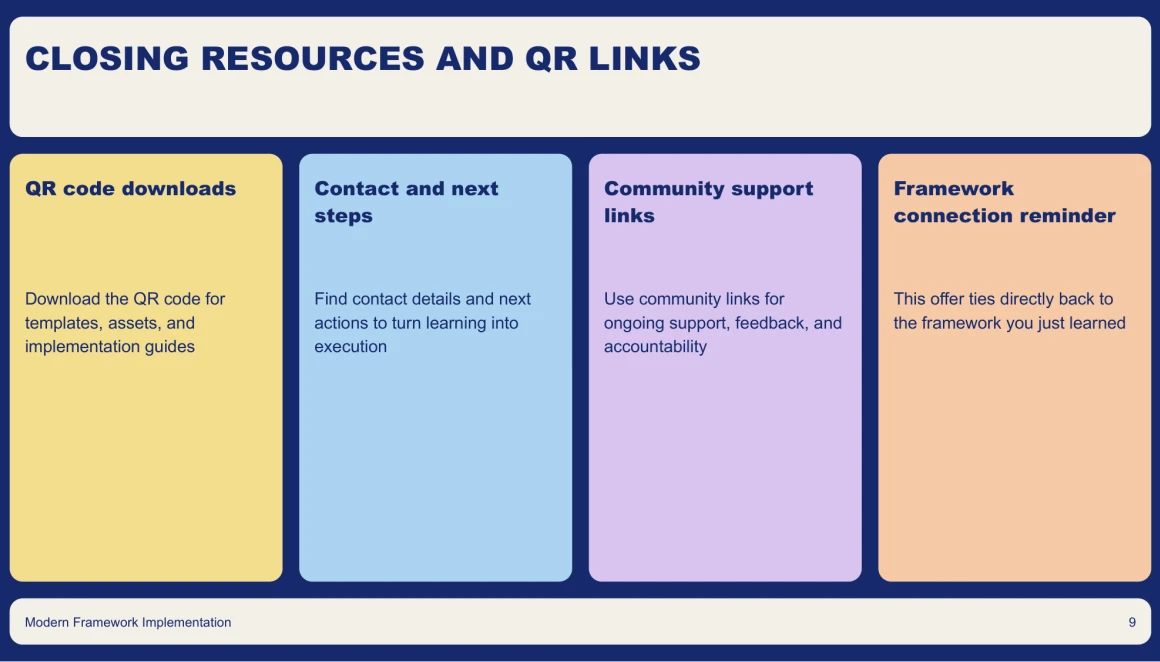
Create polished, eye-catching slides that keep your webinar audience engaged with our AI presentation maker. Easily organize your content, highlight key points, and customize your presentation to reflect your brand, all with the help of our versatile presentation template.
Use this template 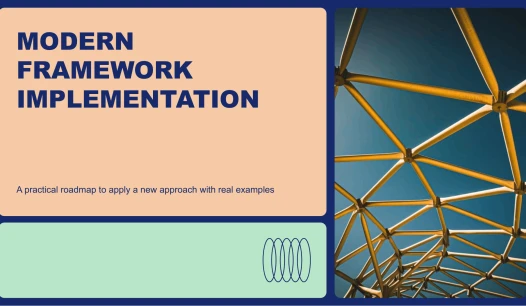
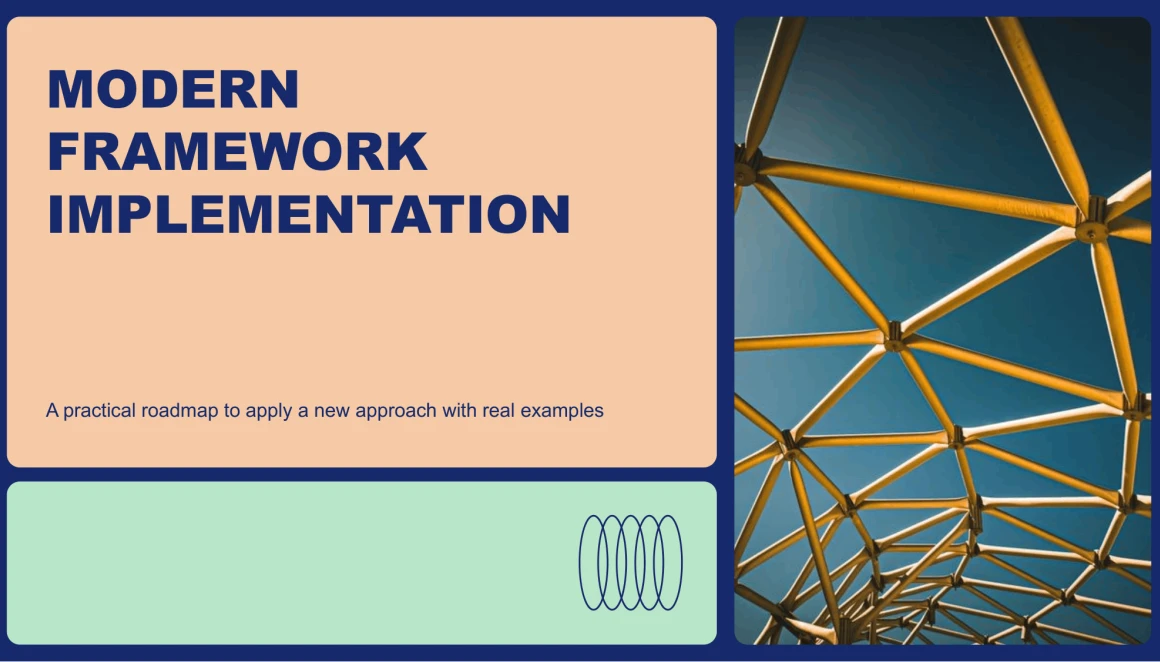
Webinar presentation template preview
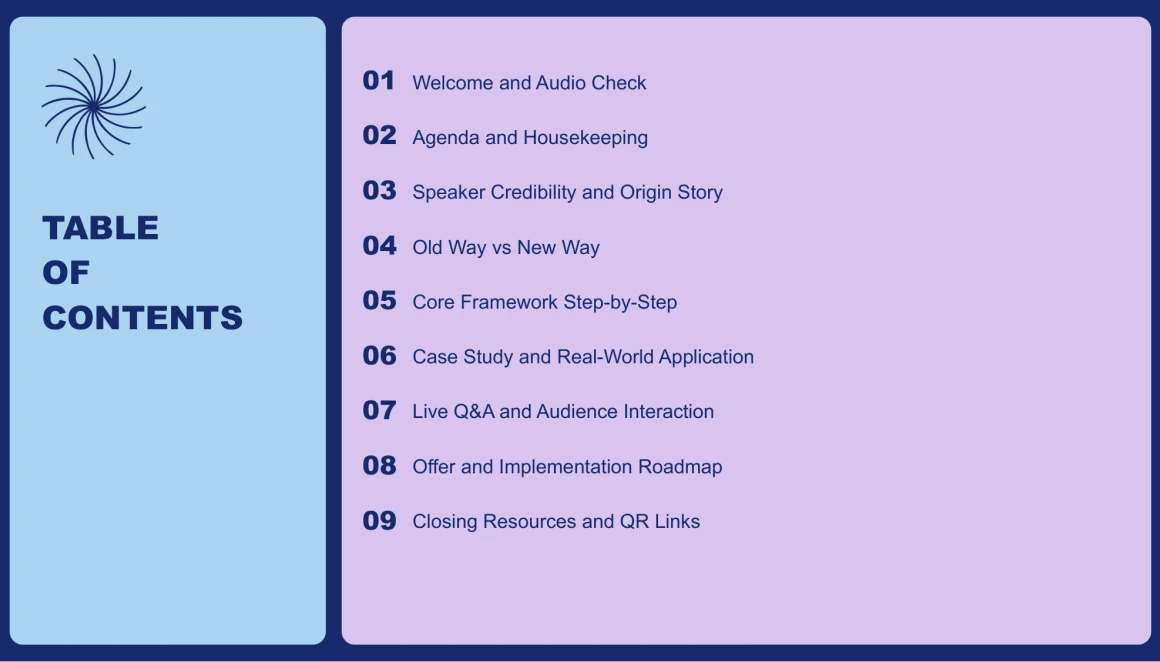
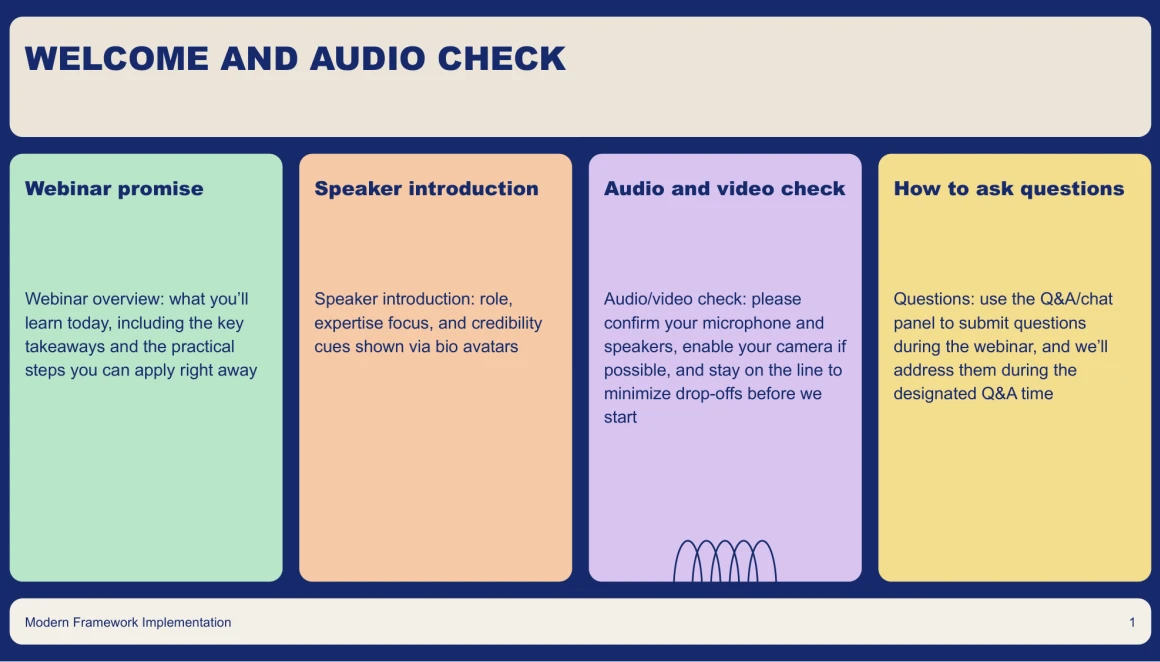
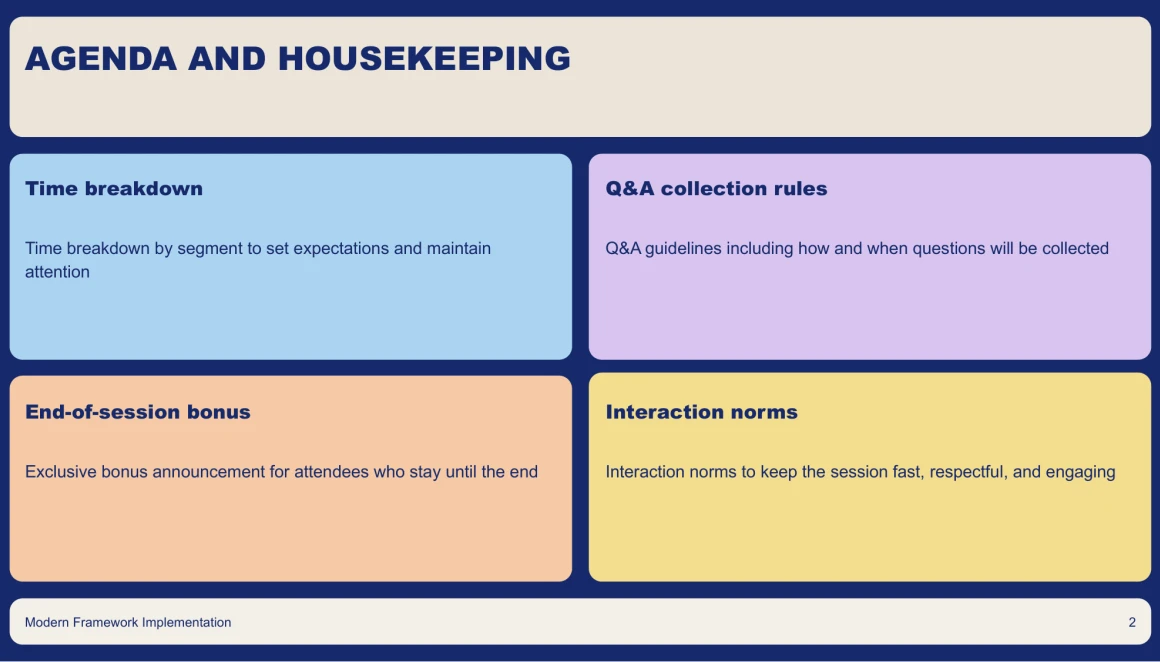
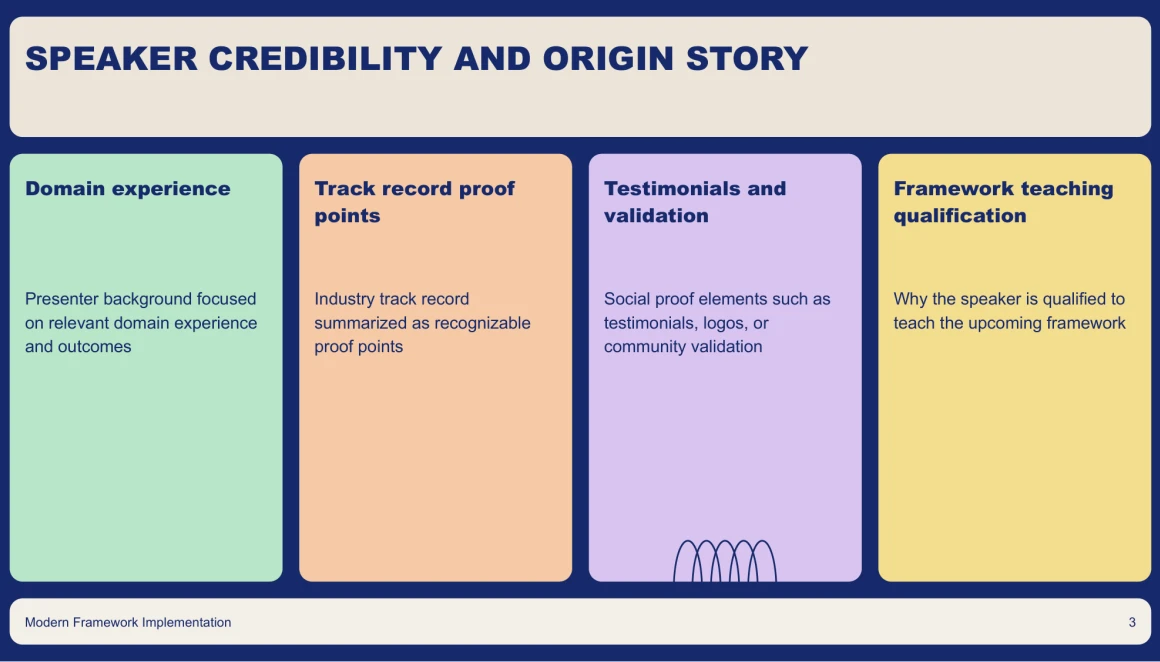
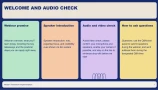
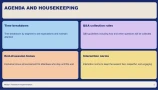
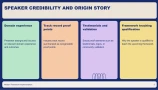
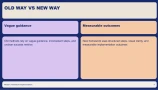
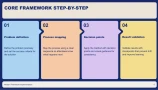
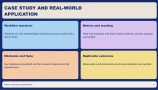
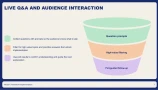
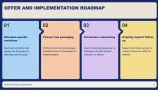
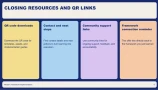
Download webinar presentation




Decksy AI offers a webinar presentation template compatible with PDF, Google Slides, and PowerPoint. It features a widescreen 16:9 aspect ratio, editable vector graphics, and a drag-and-drop image editor, making it easy to create professional webinar decks without additional plugins or fonts. Whether you’re hosting an online seminar or sharing yearly results with our AI annual report presentation maker, Decksy AI helps you organize information into clear, engaging slides.

If you've never created a slide before, don't worry, Decksy AI makes webinar creation easy. Start with a presentation template, or turn an existing PDF into editable slides with our PDF to PPT AI tool. Then, make the deck your own by applying your brand colors and fonts throughout. A clean visual hierarchy and professional layouts save you formatting time, so you can focus on personalizing your content and delivering it with confidence.
Designer polish. Zero design work.
Keep webinar audiences engaged with Decksy’s striking visuals.
You don't need design skills or a formatting marathon to style webinar agendas, speaker biographies, and Q&A slides using Decksy's AI.