


Google Slides presentation templates

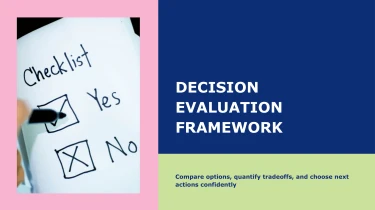




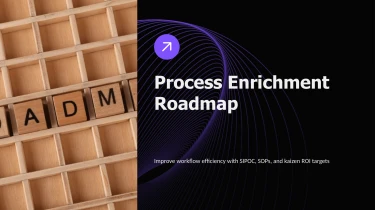
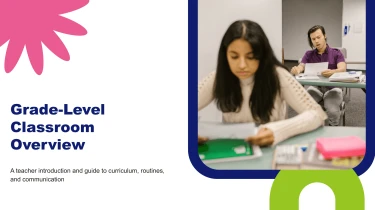
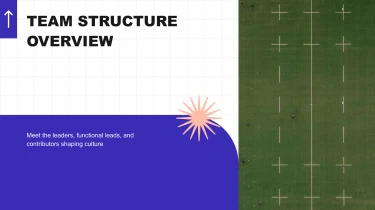

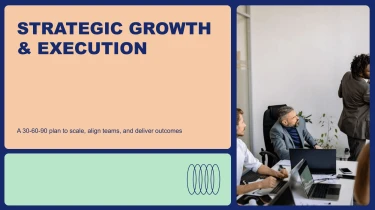

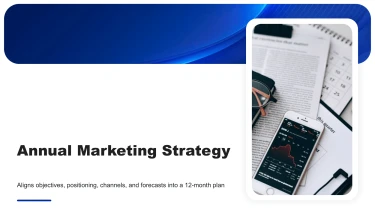




Create presentations using pre-made AI templates in Google Slides
You can find pre-made layouts for Google Slides AI presentations in the aforementioned list, and an AI slides maker can transform those designs into presentations ready for content. The need to manually format each slide is eliminated when preset slide structures are combined with AI-driven content placement. Pay attention to crafting your message rather than fiddling with text boxes, space, and alignment.
Turn source content into Google Slides presentations
Building a Google Slides presentation should not start with copying paragraphs into text boxes. Decksy lets you begin with raw text, an outline, a Word document, an MD file, or a spreadsheet. The AI uses that material to organize a presentation around your content, reducing the formatting work that slows down teams working against tight deadlines.
Give unstructured ideas a clear sequence
Paste meeting notes, a brief, or a rough draft to establish the presentation’s subject and key points. Decksy turns those inputs into logical slide structures, separating major themes from supporting details. Starting with an outline gives the AI a clearer sequence to follow, while Word documents and MD files provide headings and sections that help guide content grouping.
For Google Slides AI presentation templates, that structure matters: each slide needs a defined purpose, readable content, and a place in the wider narrative.
Build tables and bullet hierarchies
Spreadsheets give Decksy a structured starting point for data tables, helping turn rows and columns into presentation content. Review labels, units, and totals before sharing, especially when your slides support a decision.
For text-heavy inputs, the AI organizes key messages into primary bullets and supporting points. This hierarchy helps prevent crowded slides and makes information easier to scan during a live presentation.
Prepare better inputs for faster review
Include your audience, objective, and essential figures alongside the source material. Clear inputs give Decksy better direction and help you spend review time on accuracy and emphasis rather than rebuilding layouts. If your source is a PDF, explore Decksy’s PDF to PowerPoint converter for that workflow.
Before presenting:
- Check the generated sequence.
- Confirm the data.
- Adjust the level of detail to suit your Google Slides audience.
Keep source headings descriptive and spreadsheet labels consistent.
A finished presentation, not another formatting task
Google Slides AI presentation templates should give you more than a starting point. After generation, you get a structured, editable deck that turns your content into slides ready for review, refinement, and delivery. Spend less time fixing layouts and more time sharpening your message, whether you’re preparing a sales pitch, a quarterly update, or a presentation for leadership.
Native files with full editing control
Export your presentation as a 100% native .pptx file, not a collection of flattened slide images. Open it in PowerPoint or import it into Google Slides to continue working in your preferred environment.
Full editability means you can update text, adjust layouts, change colors, replace visuals, and refine data presentation without rebuilding slides from scratch. When feedback arrives or numbers change before a meeting, you can revise the deck instead of starting over.
Use the Decksy AI text-to-PowerPoint generator to turn your written content into an editable presentation that stays useful beyond the first draft.
Clearer slides that support audience engagement
Your audience needs a clear message, not crowded slides. A structured deck helps you organize information, highlight key takeaways, and give data the context it needs.
The value extends beyond appearance: less manual formatting, faster preparation under tight deadlines, and more room to focus on the story behind your numbers. Adapt the presentation to your audience, from a concise executive summary to a detailed team discussion.
Enterprise-grade privacy for business content
Business presentations often contain sensitive plans, internal metrics, and customer information. Enterprise-grade data privacy helps protect that content while you prepare your deck.
The result is a practical business asset: an editable presentation you can review, share, update, and reuse, with control over the final message and format as your priorities and presentation needs evolve.