


















Finance presentation templates

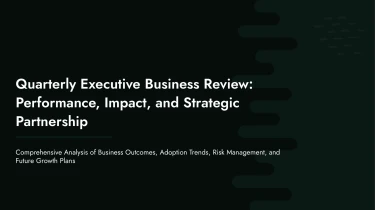

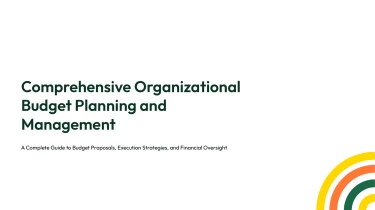



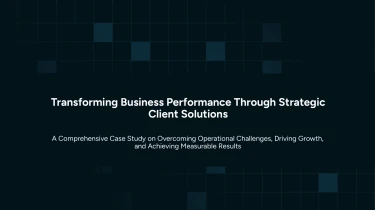


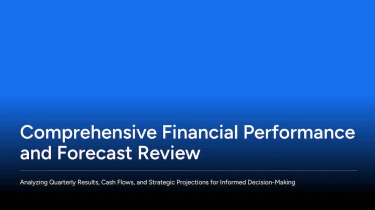
Utilise AI-powered templates to craft impactful financial presentations
Use a presentation AI generator to quickly create slides using the Finance AI presentation templates that were mentioned earlier. You can transform financial content into organised slides using AI and pre-made layouts. No more manually altering text boxes, space, or alignment. To let you concentrate on the data and the story it tells, AI takes care of the formatting while templates supply the visual framework.
Turn financial inputs into structured presentations
Financial presentations often start with scattered inputs: spreadsheet exports, a quarterly narrative in Word, an analyst’s outline, or notes copied from a report. Decksy turns those materials into a presentation structure, reducing manual formatting when reporting deadlines are close.
Start with the financial content you have
Paste raw text or an outline, upload Word documents or Markdown (MD) files, or import spreadsheets. Use narrative inputs to establish the story and spreadsheet data to support it. For reports stored as PDFs, explore PDF to PowerPoint conversion as another starting point. Include reporting periods, currency labels, and metric definitions in your source material to give the presentation clear financial context.
Build a logical financial narrative
Decksy uses your inputs to build logical sections for finance presentations, such as an executive summary, revenue performance, cost drivers, cash flow, and outlook. An outline provides the sequence; longer text supplies supporting detail. The resulting bullet hierarchies separate headline findings from explanations, helping you present the main takeaway without crowding every slide with commentary.
Make financial data easier to review
Spreadsheet inputs give Decksy the rows, columns, and labels needed to build data tables around your financial content. Structure source data with clear headers for actuals, budgets, variances, and reporting periods so comparisons have an explicit basis. This helps move the work from rebuilding tables and adjusting bullet levels to reviewing how the numbers support the message for investors, board members, or internal stakeholders.
Before sharing, review the generated structure, confirm figures against your source files, and check units, dates, and assumptions. AI handling of presentation structure does not replace financial validation. With the initial organization in place, you can spend your remaining time refining the narrative, checking the evidence, and preparing for the questions your audience will ask.
Finance presentations ready for review
Quarterly results, budget proposals, and investor updates demand clear communication, often under tight deadlines. Decksy AI helps you move from financial content to a structured presentation without spending hours aligning tables, adjusting layouts, or rebuilding slides. After generation, you get an editable deck that your team can review, refine, and prepare for its audience.
Export a native PowerPoint file
Your presentation comes with 100% native .pptx export, giving you a working file rather than a collection of static slide images. Open it in PowerPoint or import it into Google Slides to continue editing in the tools your team already uses.
Full editability means you can revise text, update figures, adjust visual elements, and change layouts as your analysis develops. Replace preliminary numbers with approved results, apply your organization’s branding, or tailor the same presentation for executives, investors, and department leaders.
When assumptions change before a meeting, you can update the deck yourself instead of starting again.
Make financial information easier to follow
A useful finance presentation does more than display numbers. It helps people understand performance, compare scenarios, and identify decisions that need attention.
Use the generated structure to give key metrics context, highlight important variances, and build a narrative around your recommendations. Clear hierarchy and focused slides support audience engagement, keeping discussions centered on what the data means rather than how to read it.
Start with Decksy AI’s financial analysis to PowerPoint generator, then shape the output around your reporting needs.
Keep control of sensitive content
Financial presentations often contain confidential forecasts, internal targets, and commercially sensitive information. Enterprise-grade data privacy is essential to that workflow.
Combine that privacy focus with editable output, and the value is practical: less manual formatting, faster revisions, and a presentation your team can own from first draft through final approval.