


















PowerPoint presentation templates
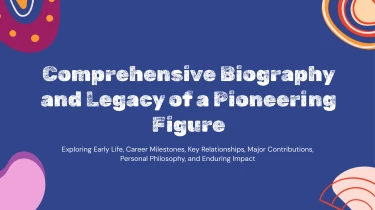
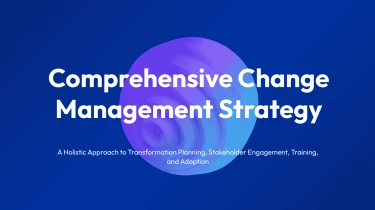
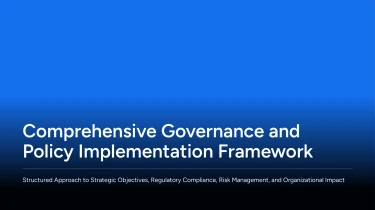
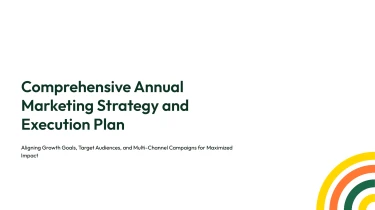
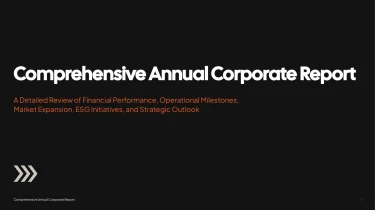
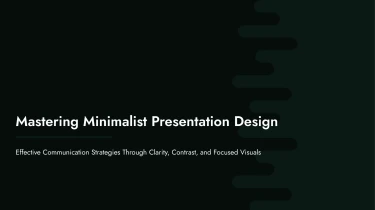
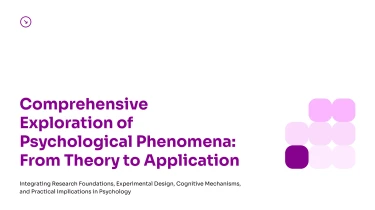


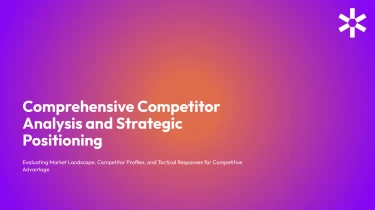

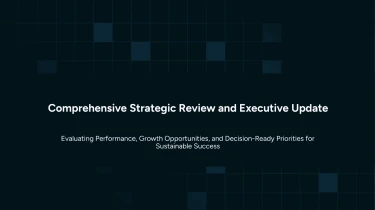
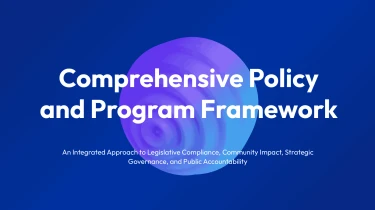
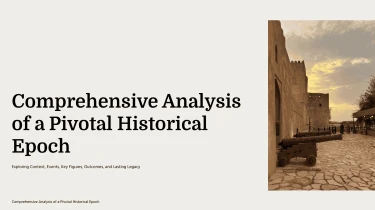
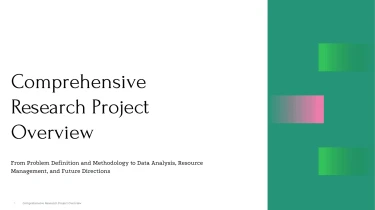

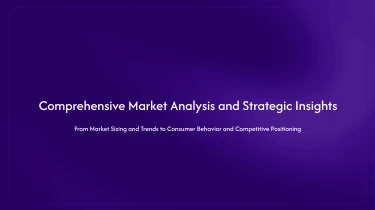
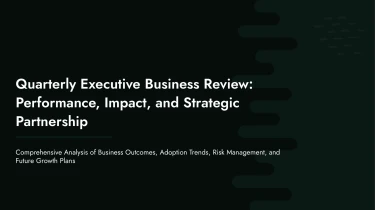
AI-powered PowerPoint presentation templates for rapid presentation creation
Using presentation AI, you can transform pre-made AI PowerPoint presentation templates into a more intelligent workflow. By combining these templates with AI, you can arrange content into professional-looking slides without having to manually change things like space, alignment, or fonts. You may concentrate on crafting your message rather than rearranging text boxes because automation takes care of the formatting and the templates give the visual foundation.
Turn source material into structured PowerPoint slides
When a presentation starts with scattered notes, a lengthy document, or a spreadsheet, organizing the material can take longer than designing the slides. Decksy turns those inputs into a structured starting point for PowerPoint AI presentation templates, helping you move from source content to a clear deck without manually rebuilding every section.
Start with the content you already have
Feed Decksy raw text, an outline, a Word document, an MD file, or a spreadsheet. Rough notes provide the main ideas; outlines establish an initial sequence; Word and Markdown files bring longer passages and headings. For spreadsheet inputs, rows and columns provide the basis for presenting figures as organized data tables rather than dense blocks of text.
Build a logical PowerPoint slide structure
Decksy uses your source material to build a presentation structure, organizing related information into sections and translating key points into bullet hierarchies. This gives each slide a clearer purpose and helps distinguish main messages from supporting details. Within a PowerPoint AI presentation template, that structure becomes the foundation for consistent layouts and a more readable narrative.
Make data easier to present
Spreadsheets often contain more detail than an audience needs on a single slide. Decksy helps turn tabular inputs into structured tables that fit the presentation format. You can then review labels, units, and totals, decide which comparisons matter, and keep the slides focused on the information your audience needs.
Spend less time on manual formatting
If your material is stored in a PDF, explore Decksy’s PDF to PowerPoint converter as another starting point. With content organized before final editing, you can spend less time arranging text boxes and more time refining the message. Before presenting, check the generated structure, verify figures, and adjust emphasis to suit your audience and deadline.
Presentation output that stays in your control
Your presentation should be ready to use, not another formatting project. Turn your content into a structured deck with PowerPoint AI presentation templates designed for clear communication. Get a practical starting point for client pitches, business reports, training sessions, and leadership updates, without building every slide from scratch.
Get a native PowerPoint file
With the Decksy AI text-to-PowerPoint generator, your output is a 100% native .pptx file, not a collection of flattened slide images. Download your presentation and keep working in the tools your team already uses.
That means less time recreating layouts before a deadline and more time checking your message, refining your data, and preparing to present.
Edit every detail in PowerPoint and Google Slides
Keep full control after generation, with full editability in PowerPoint and Google Slides. Revise headlines, replace images, adjust layouts, and update content as your requirements change. Adapt the deck to your brand, incorporate stakeholder feedback, or tailor the same presentation for different audiences.
When numbers change before a meeting, you can revise the relevant slides rather than rebuild the entire deck. Your presentation remains a working asset, not a locked final product.
Make your message easier to follow
Strong presentations help audiences understand what matters. Clear hierarchy, consistent formatting, and focused slides reduce visual clutter and support audience engagement.
Use your generated deck to organize complex information, highlight key findings, and give data a clear narrative. Spend your time explaining the implications instead of fixing inconsistent spacing.
Protect your information and extend your investment
Enterprise-grade data privacy supports confident use of business content throughout the presentation workflow.
The value continues beyond the first download. Reuse slides, refresh reports, and adapt layouts for future projects. You get an editable presentation your team can maintain, helping reduce repetitive work while keeping ownership of the final message.