Visme vs Prezi: Which AI Presentation Maker Wins?
- Which is better, Visme or Prezi? Neither wins outright, as it depends on whether you're building something to be read later or presented live.
- Choose Visme if you need branded reports, infographics, and data-heavy decks with real chart variety, and you're fine working within a credit-based AI system.
- Choose Prezi if you're presenting live and want a zoomable, cinematic format that stands out in a room, and you don't mind a narrower template range in exchange for that visual style.
- Choose Decksy AI if you need to turn long documents, meeting notes, or a rough <a href="https://decksyai.com/text-to-ppt/">text prompt into a structured, professional deck fast,</a> without hours of manual layout work or a wait for the whole thing to regenerate over one bad slide.
- Whichever way you land on Visme vs Prezi, the deciding factor usually isn't the templates.
- In most cases, it's whether the AI actually understands the story you're trying to tell, and whether fixing one slide means five minutes of work or a full regeneration from scratch.
You have a presentation due in two hours, and you are browsing Visme and Prezi on two separate tabs. Which option will allow you to complete the task without taking too much time? That’s the question we are about to answer in this Visme vs Prezi comparison. Let’s take a close look at pricing, design, data, and, most importantly, how the AI in each performs in actual work.
Results of the comparison at a glance
| Feature | Visme | Prezi |
| Free plan | Unlimited projects, watermarked exports | Public presentations only, 500 AI credits/month |
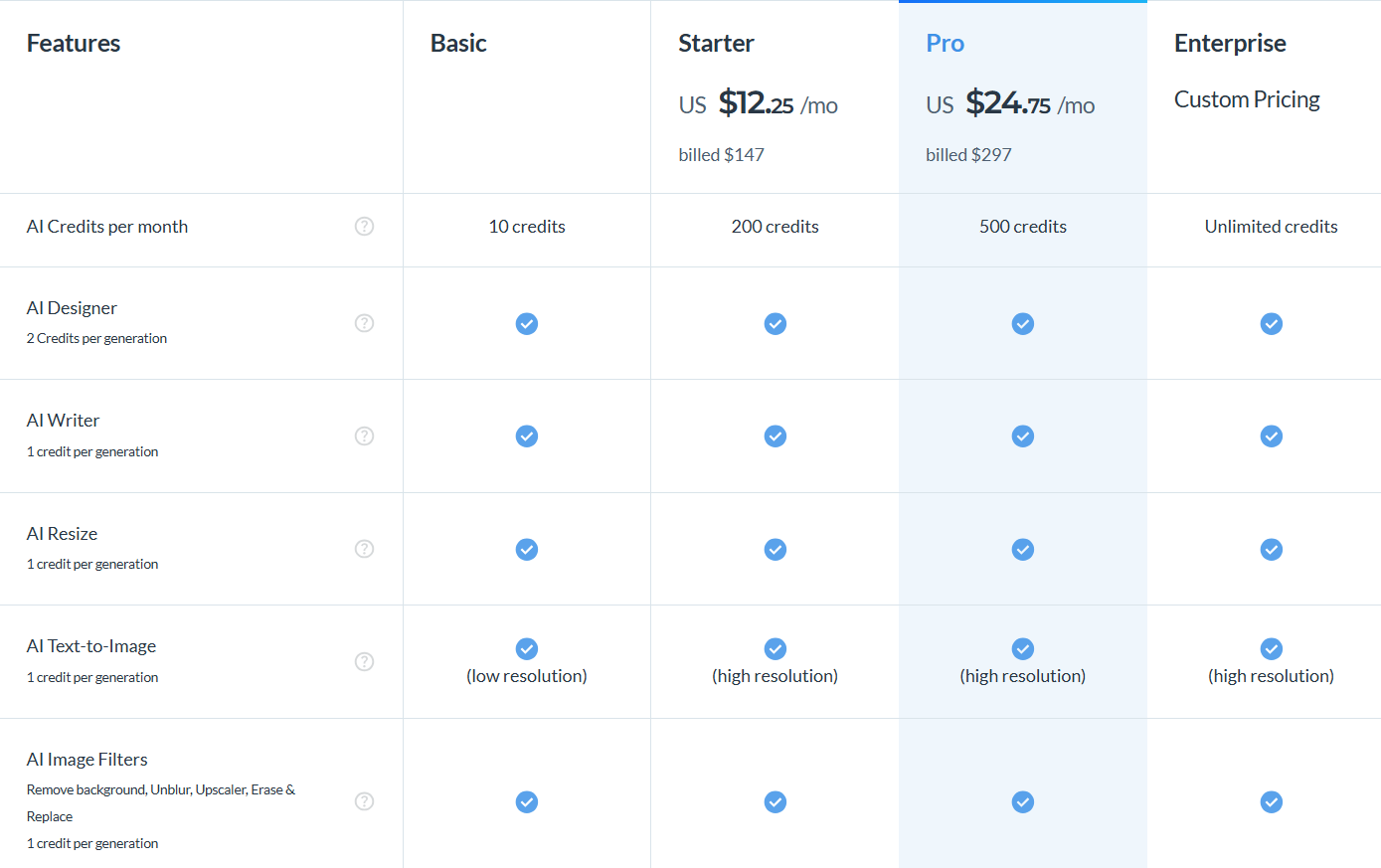
| Entry paid price | $12.25/mo (Starter, billed annually) | $7/mo (Standard, billed annually) |
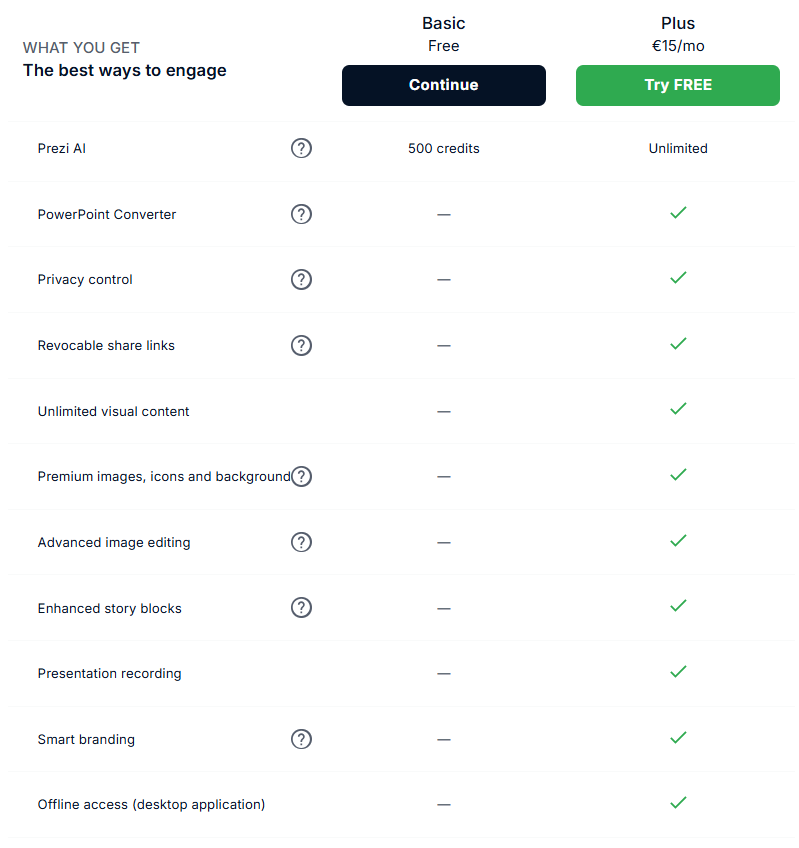
| AI credit system | 10 (Basic), 200 (Starter), 500 (Pro) per month | 500 free/month, unlimited on Plus at $15/mo |
| Document-to-slide import | Paid tiers only | PDF, PPT, DOCX; limited on free, full on Plus |
| Native PPTX export | Pro plan | Plus plan and above |
| Best suited for | Branded reports and data-heavy decks | Live, zoomable storytelling presentations |
Pricing, free plans and who each tool is really for
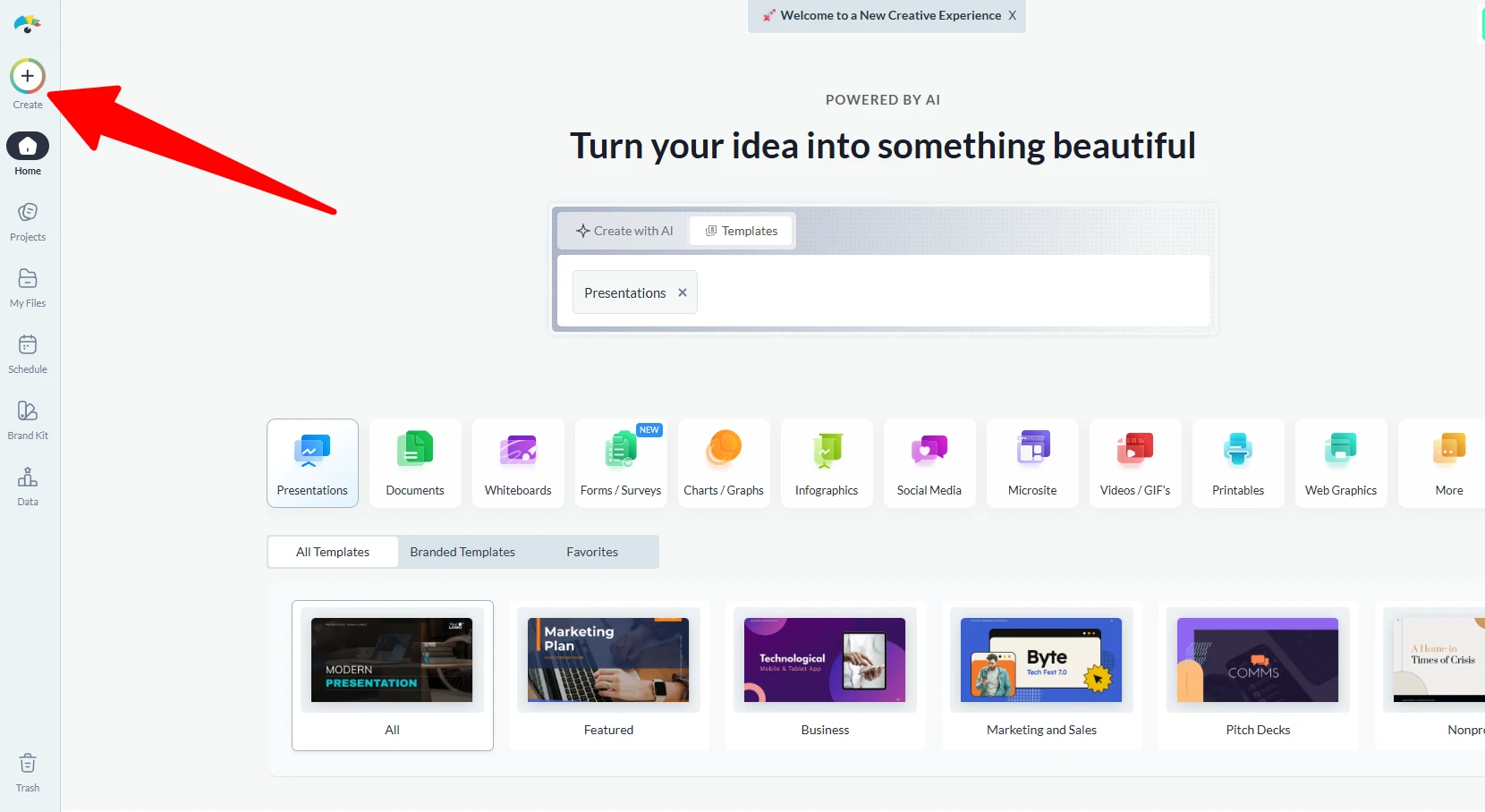
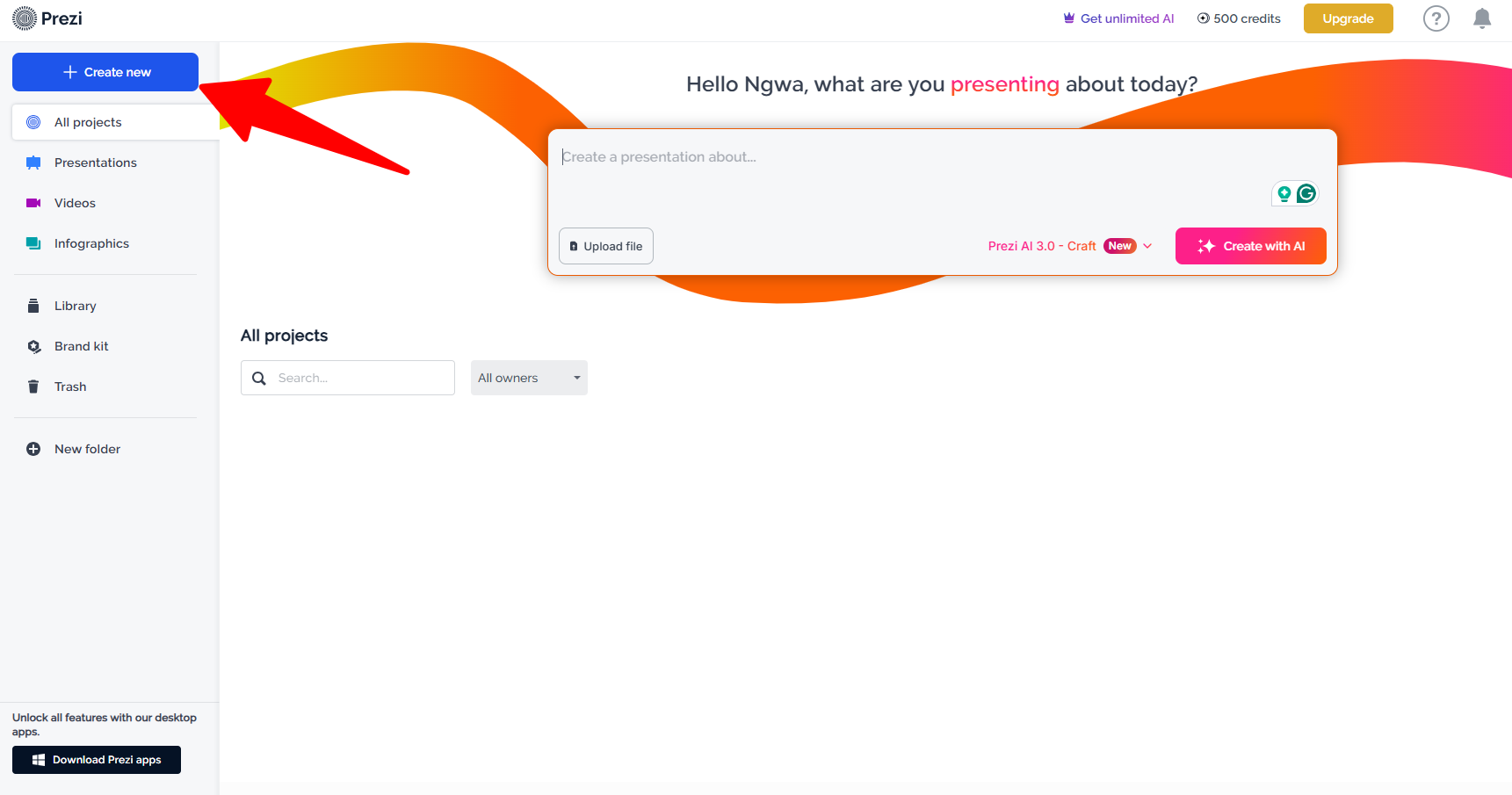
The Basic plan of Visme is usable free of charge. You get unlimited projects and 80% of the editor. However, every export has a watermark. Plus, you’re limited to 500MB of storage. To remove the watermark would mean jumping to the Starter plan at $12.25 a month, while using the AI features works on credit allowance monthly rather than unlimited. Basic users are only allotted 10 credits before facing a complete restriction on AI PowerPoint slide generation.
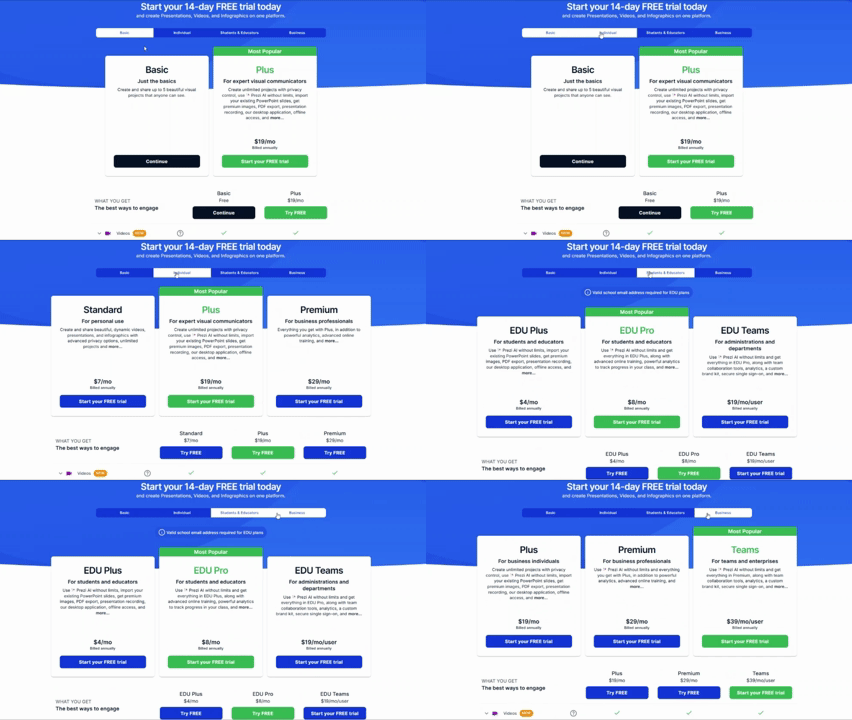
Prezi’s Basic tier is more limited compared to Visme’s. Your presentations must remain public, there’s no offline mode, and PDF or PowerPoint import is not available in any way. While you receive 500 AI credits every month for free, which sounds more generous on paper, it is at the Standard plan at $7 per month where privacy and basic AI access do actually open up. You only get unlimited AI and watermark-free output at the Plus level for $15 a month.
The free tier of Visme offers more to solo creators making infographics and social graphics, while teams leaning towards dense reports go for its Pro plan for the chart variety. Prezi is best suited for presenters who want a different approach for live talks; something a bit more cinematic. However, its Teams tier at $39 per seat a month is beyond many small budgets.
The paid tier on both platforms offers full AI slide generation capabilities. This makes Decksy’s $2 trial and flat $10 monthly plan look appealing by comparison.
In the PPT vs Visme debate, the difference is solid. PowerPoint is a native desktop app that many people already use through a Microsoft 365 license, so there’s often no new subscription to add. Visme skips installation entirely. Everything lives in the browser, autosaves as you go, and its animated, interactive output is built for content headed to a webpage rather than a projector screen.
PowerPoint wins on offline reliability and near-universal file compatibility, while Visme wins on browser-based collaboration and design tools PowerPoint simply doesn’t have.
Design assets, templates and customization
This is where the difference between Visme and Prezi really shows up. Most Visme templates are heavily designed for businesses. Envision reports, brand kits, infographics, and dashboards that accompany its presentation templates. Also, the Brand Wizard can pull colors and fonts straight from a company’s URL.
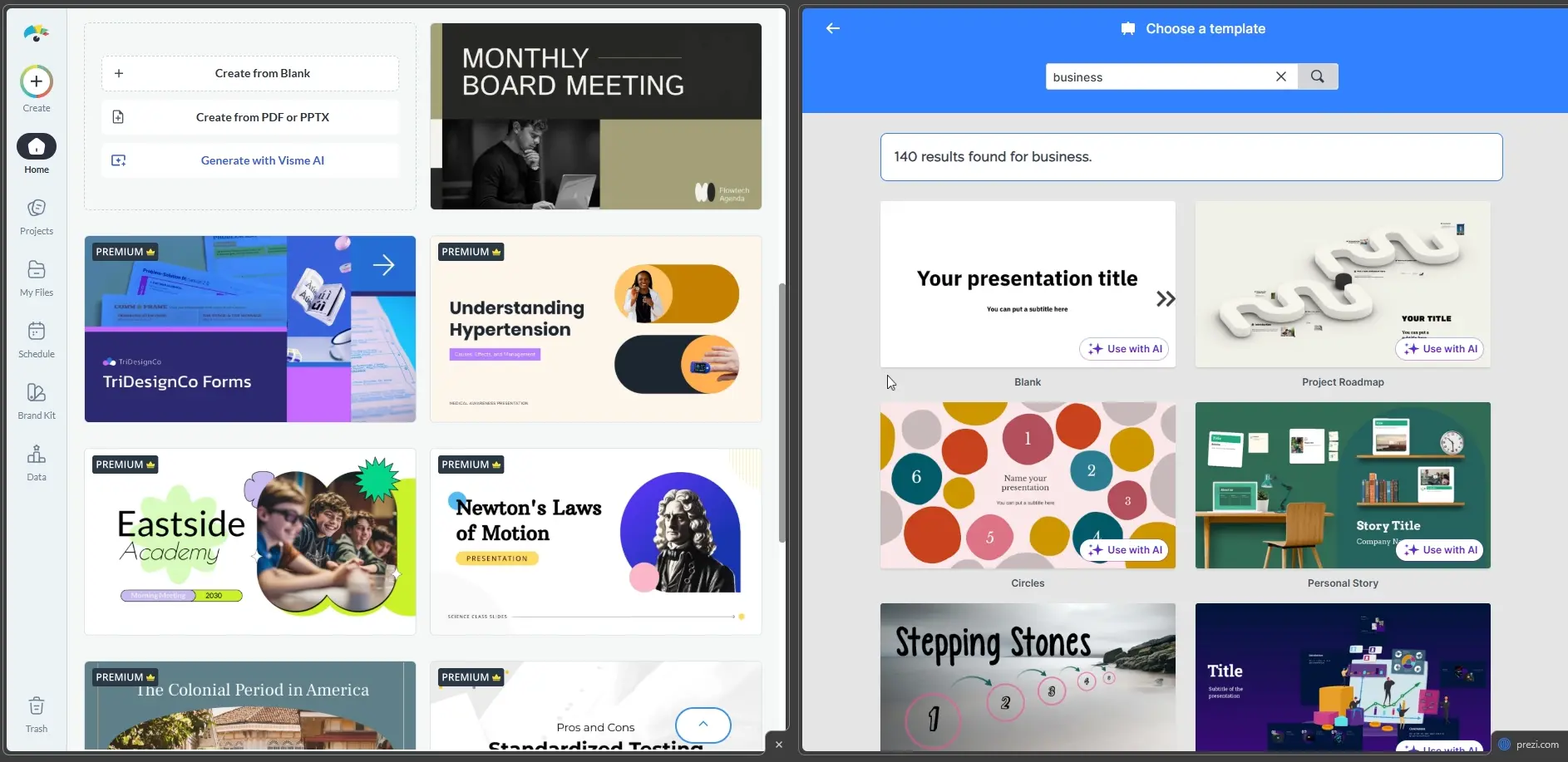
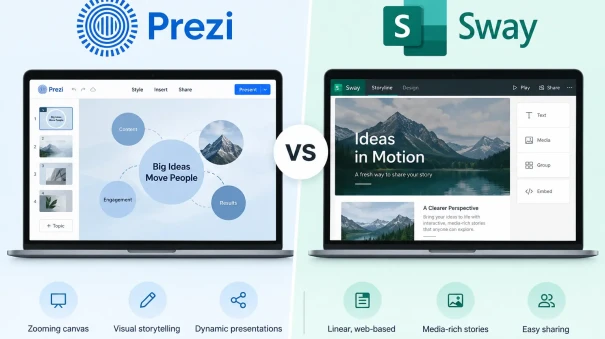
On the other hand, Prezi’s templates work off the zooming canvas so the visuals feel more cinematic, but noticeably much narrower outside of the presentation. At this point, going for Visme or Prezi mostly comes down to business polish vs cinematic flair.
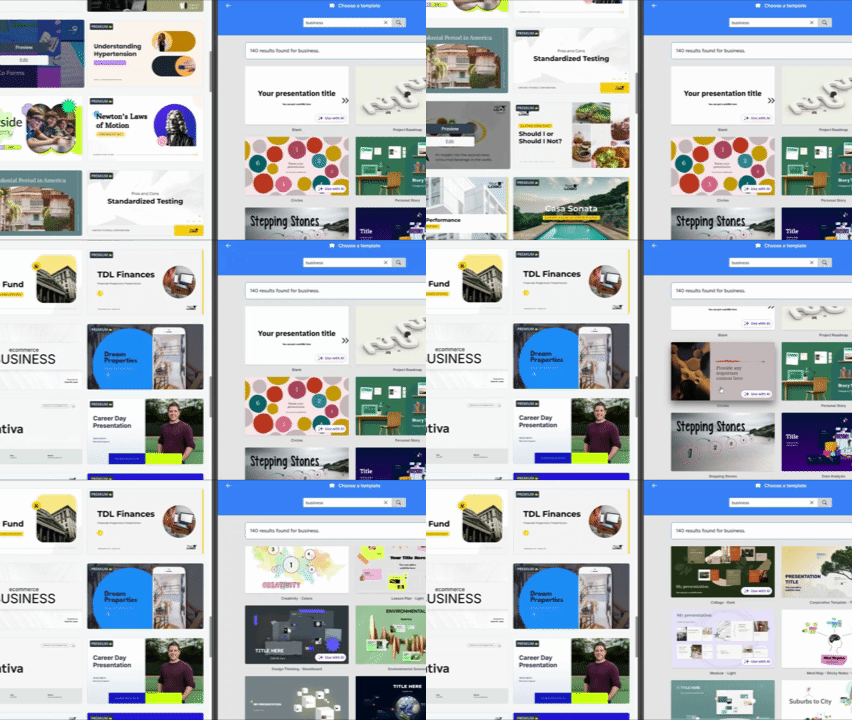
While neither library feels dated, Visme’s stricter enforcement of brand kits is better for teams needing every piece of content on-brand without manual checking.
Stock assets tell a similar story. Visme’s library holds over 5 million stock photos plus a few million stock videos and icons, all included on paid plans, so you never have to hunt outside the editor for a decent image. Prezi leans on a built-in Unsplash integration instead, roughly half a million curated photos plus tens of thousands of icons, searchable right inside the canvas.
Custom fonts also work on both platforms. Visme allows Pro and higher users to upload their own font files directly into the Brand Kit. Prezi allows the same TTF or OTF upload through its own Brand Kit, though you’ll need a Plus plan or above to save that font as a reusable custom text style across your entire deck.
Data visualization and spreadsheet links
Visme offers various types of charts, including Mekko and radar charts, and automatically pulls data from linked spreadsheets, so you don’t have to type in numbers manually.
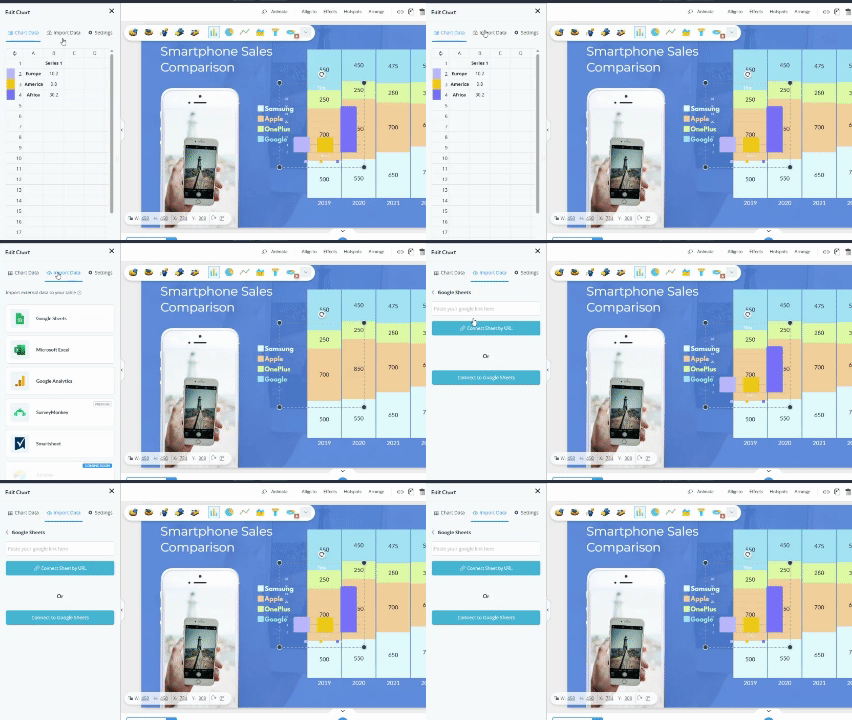
Prezi’s chart selections are limited, and you still need to manually enter most numeric information. If the decks you’re building are based around quarterly numbers or financial reporting, Visme vs Prezi doesn’t have a contest on this.
The deep 1-to-1 AI test
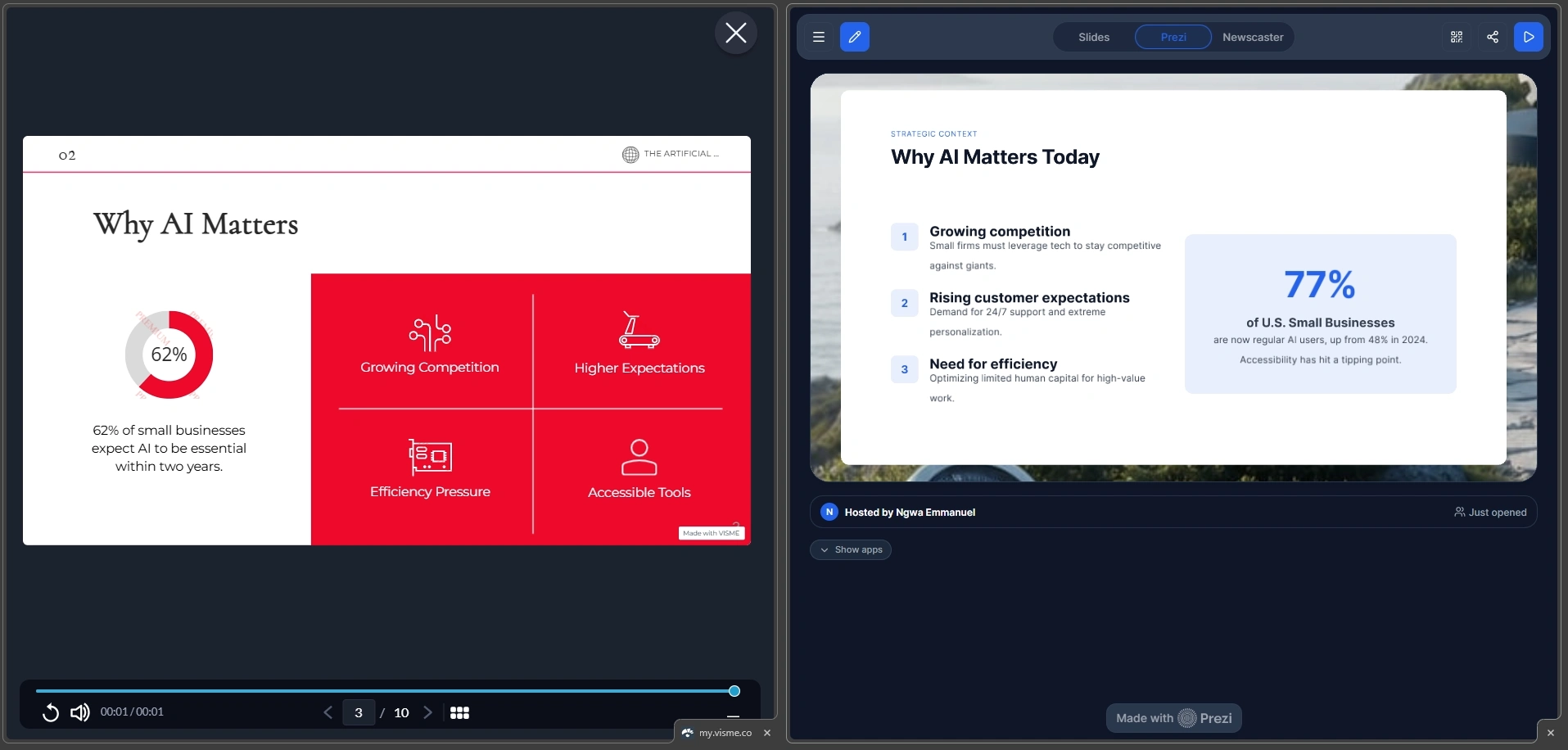
This is where the Prezi vs Visme debate actually gets real for many presenters. We gave both AI presentation makers the exact same prompt and uploaded the same PDF, without tweaking anything, just to have a fair test.
Narrative logic
Visme provides a clean, solid first draft that’s totally usable. However, we found that it mostly pours your content into whatever template you selected.
Prezi, on the other hand, does something slightly different. Before it builds anything, the tool creates a full outline and asks you to review it, allowing you to tweak the structure or move certain sections around until you’re happy with it. That extra step really helps.
Layout quality
We noticed that Visme looks great when the slides require less text, such as having just two bullet points or a simple stat. However, once you decide to squeeze in a chart, a paragraph, and three data points, you get a crowded slide.
Plus, Visme’s free tier caps your prompts at 800 words. That means if you paste in detailed notes, you’ll have to trim it down before it even generates.
Prezi’s zooming layouts, on the other hand, look much bolder. However, if your audience expects a normal, left-to-right linear deck, the zooming format might feel kind of different.
Document processing and speed
Both tools on their paid tier accept uploads in PDF and Word documents. Visme is quick to turn projects around, but if you throw a heavy document at either editor, the slowdown will be noticeable. Prezi’s AI creates a full deck within a minute or so, and the turnaround from Visme is on par.
Editing flexibility
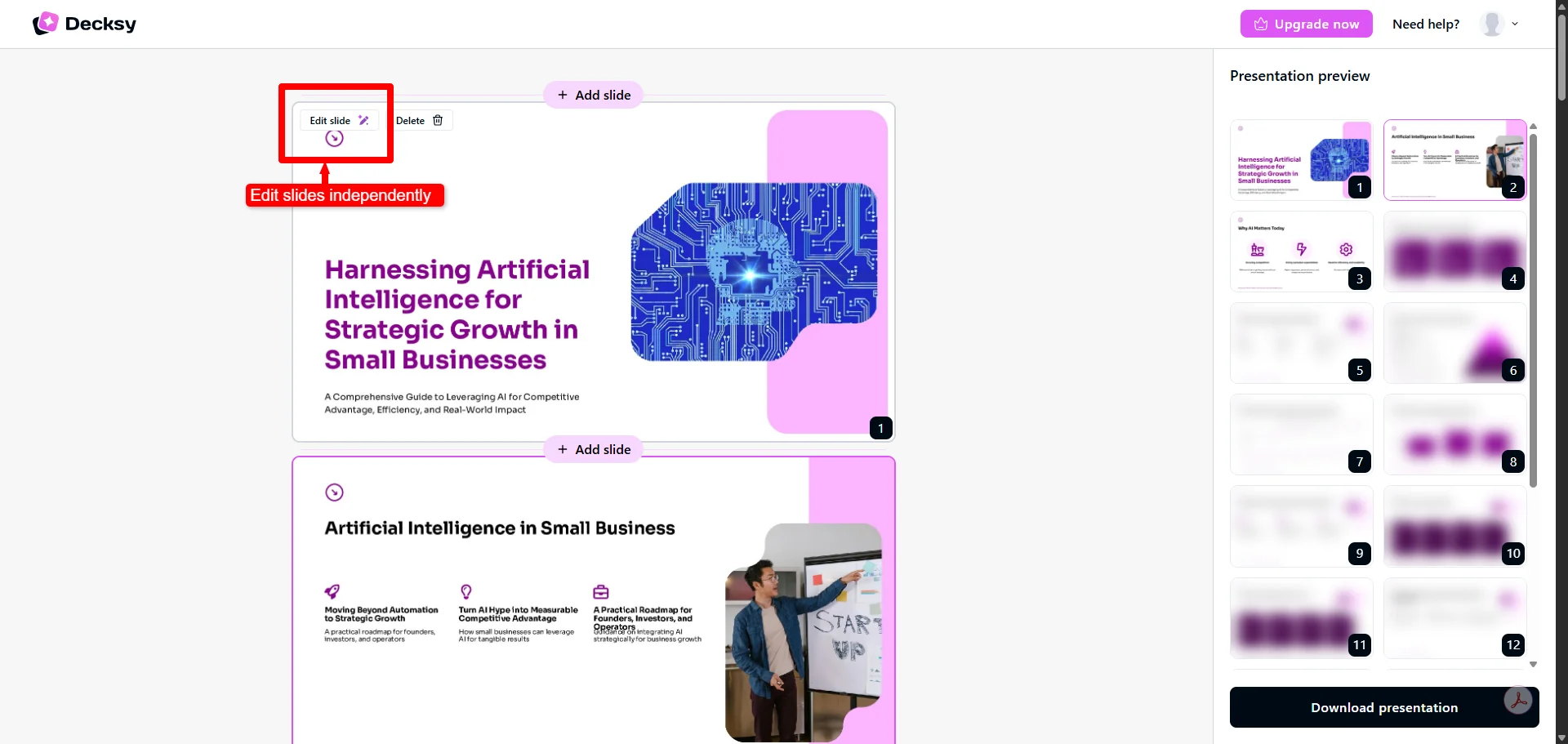
None of the tools allows the regeneration of a slide in isolation without touching the rest of the presentation. Want to fix one bad slide? You would have to manually position text boxes or re-run the generation, which means you lose all your other edits.
This single-slide limitation is exactly the gap Decksy AI was built to close. Its logic-first approach structures the narrative arc before any design gets applied. What’s interesting is that it allows you to regenerate a slide in a matter of seconds without distorting the rest of the deck.
Export options and ecosystem compatibility
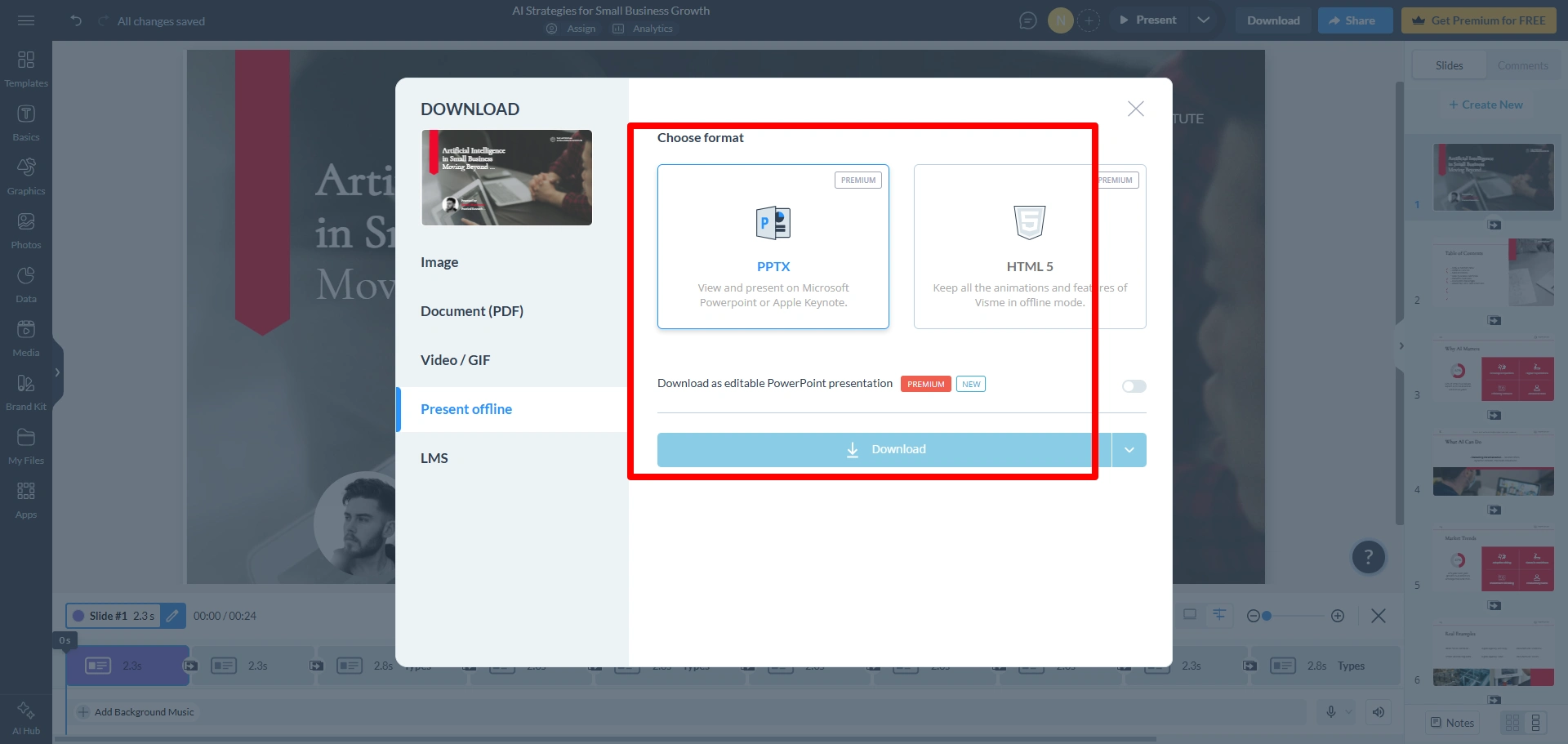
When it comes to Visme vs. PPT, Visme’s PPTX export is more reliable. Text boxes, shapes, and charts remain editable once you export to PowerPoint. They’re not flattened into a picture, so you can click into a headline and retype it like any normal PowerPoint or Gamma slide. However, animations don’t always carry over smoothly.
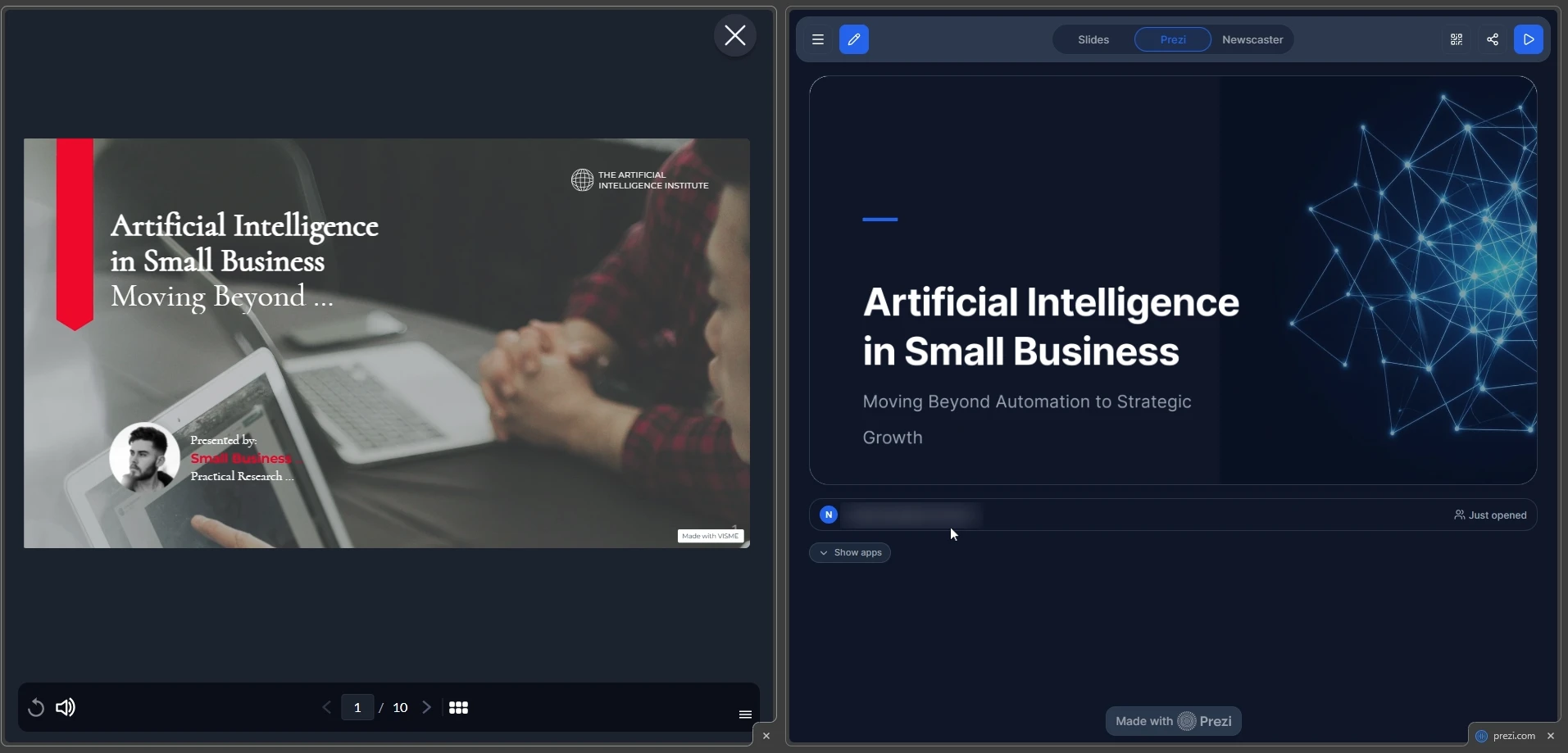
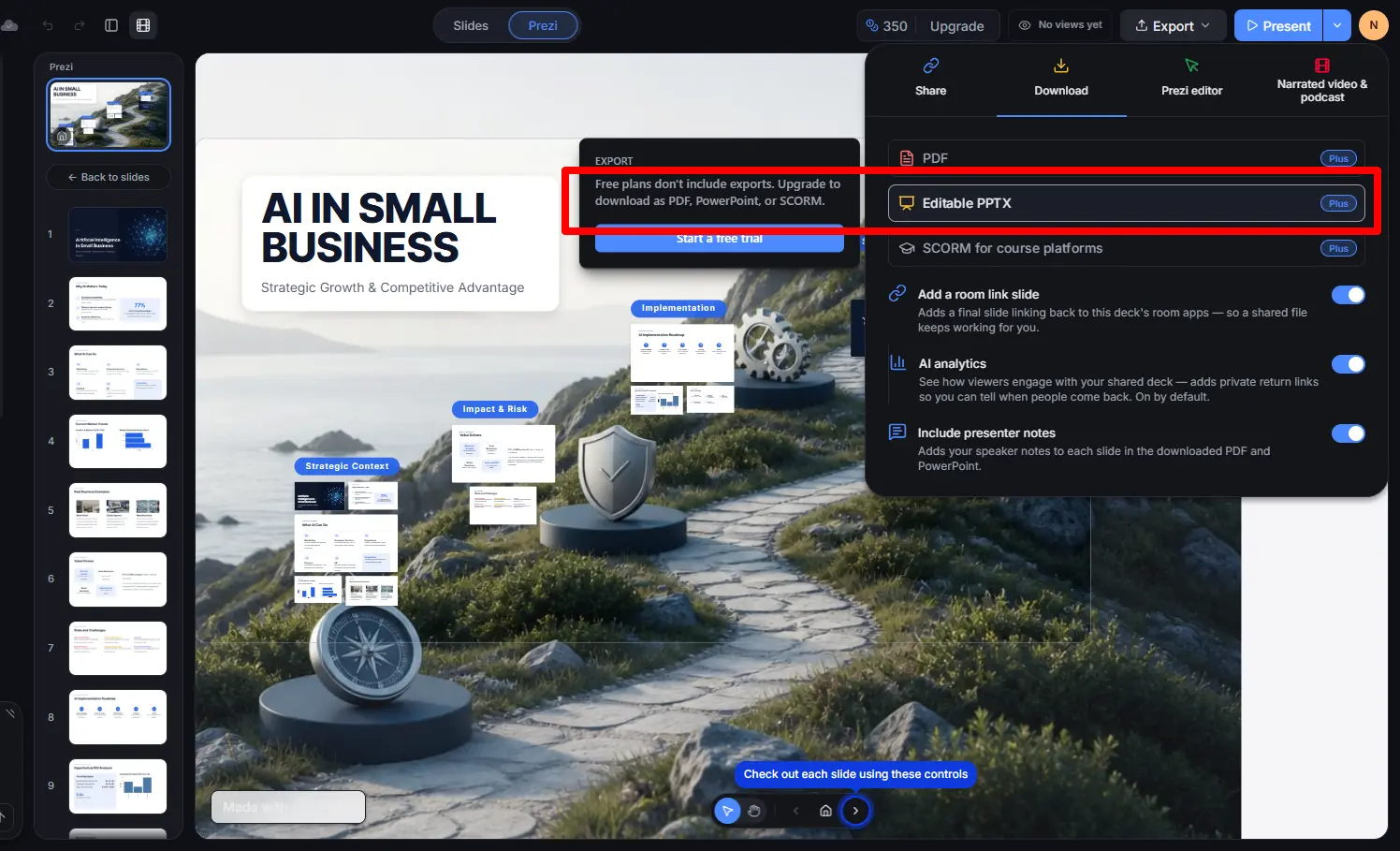
Prezi’s situation is more constrained and less forgiving. Accessing its PowerPoint export feature requires a Plus plan subscription, but once you’ve exported, Prezi’s zooming canvas doesn’t map onto fixed slide dimensions the way PowerPoint expects, so most of what you export arrives as a flattened image per frame.
To solve the above issues, Decksy AI natively exports your presentations into fully un-grouped, editable PPTX files that load cleanly in PowerPoint and Google Slides. This means you don’t get any flattened text boxes and no lock-in to a browser tab.
The smart alternative for structured decks
If you keep going back and forth on Prezi or Visme, and neither one is quite right, it’s because Visme can be a little too template-heavy for your story, while the zooming format of Prezi takes longer to build than you have time for.
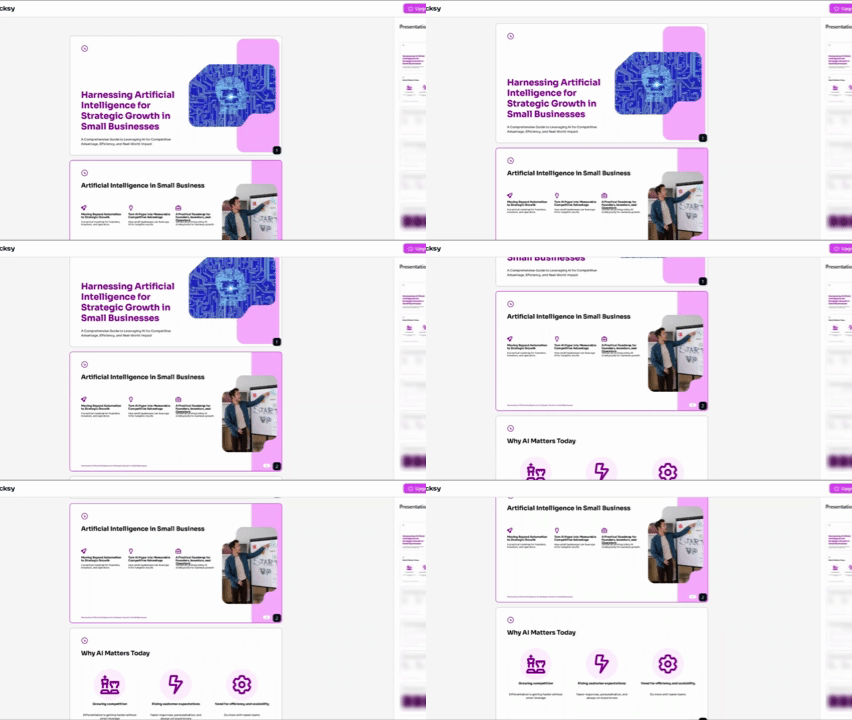
Decksy AI sits between the two extremes. The tool can analyze raw PDFs or Word files then turn them into PPT, or even just a simple text prompt from you. From there, it shapes the story arc clearly first, and then delivers a fully editable deck within a few minutes, rather than a static, generated draft.
While both Visme and Prezi restrict complete AI slide generation to their paid tiers, Decksy offers a single free presentation generation for teachers or any first clients up front. After that, you get a $2 trial and a flat $10 a month with full export rights and no restrictions on presentation generation.

Sarah Michelle Carter is the Chief Human Resources Officer at Decksy, and the person most likely to remind you that a company's culture is built in the small decisions, not the mission statement on the wall. She's pragmatic about AI — not an evangelist, not a skeptic, just someone who's watched it quietly clear out the repetitive parts of the job so there's more room for judgment and attention. Known for asking better questions than she answers, she's a go-to voice on culture, leadership, and where AI genuinely helps teams versus where it gets in the way.