Prezi vs. Genially Comparison: Which Presentation Tool Is Best for You?
- It depends on how you put your ideas across. Here’s when to use each tool.
- Choose Prezi if: You do live presentations and require visual storytelling.
- Choose Genially if: You create interactive lessons, training materials, or product explainers.
- Choose Decksy AI if: You make presentations from long reports, business plans, or notes from meetings.
- So, when deciding between Genially vs. Prezi, consider your audience and workflow. Buy the right tool for your real work.
A good presentation helps people understand and remember what you have to say. The right tools can also make their learning more fun. Some presentations require a strong visual story. Some respond more to quizzes, animations, and clickable content. So, always go with your audience and goals!
In this Prezi vs Genially guide, we discuss the pricing, design, AI features, export options, and limitations of these tools.
| Feature | Prezi | Genially |
| Best for | Storytelling with visuals | Interactive content |
| Design | Zoomable drawing surface | Clickable slides and animations |
| AI creation | Prompts and uploaded files | Prompts, PDFs, and text |
| Interactivity | Zooming and related topics | Hotspots, quizzes, pop-ups, and effects |
| Free access | Basic plan with project limits | Interactive features included in free plans |
| Export decisions | PDF and eligible portable formats | PDF, video, images, HTML, and SCORM |
| Best audience | Speakers and business presenters | Trainers, educators, and marketers |
Prices, Free Plans & Target Audiences
When presentations are part of the routine, pricing matters. The choice between Genially vs Prezi also depends on the paid features. Both are free, but they have different limits.
Prezi
Prezi’s Basic plan lets users create five public projects. Paid plans add privacy controls and advanced presentation features. Standard costs €5 monthly with annual billing. Plus costs €15 monthly, while Premium costs €25.
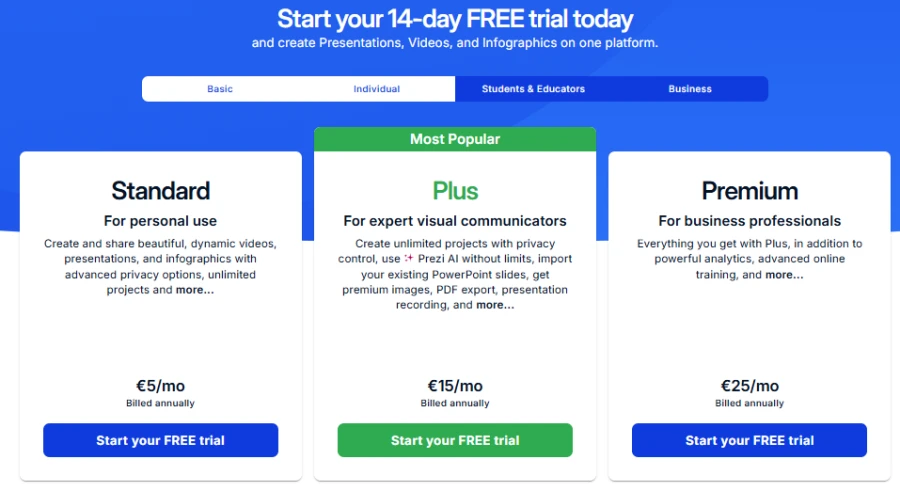
Prezi is good for speakers, educators, and business presenters. This works particularly well for live conversations. Higher plans offer recording and analytics functionality. But for business presentations, you should compare Slidebean vs Beautiful.ai for design and pitch decks.
Genially
Genially offers a free plan with templates and interactions. It includes 500 AI credits yearly and file imports.
- Pro costs $7 monthly with annual billing.
- Master costs $20 per member monthly.
- Author costs $40 per member monthly.
The plans include branding, analytics, and other premium features.
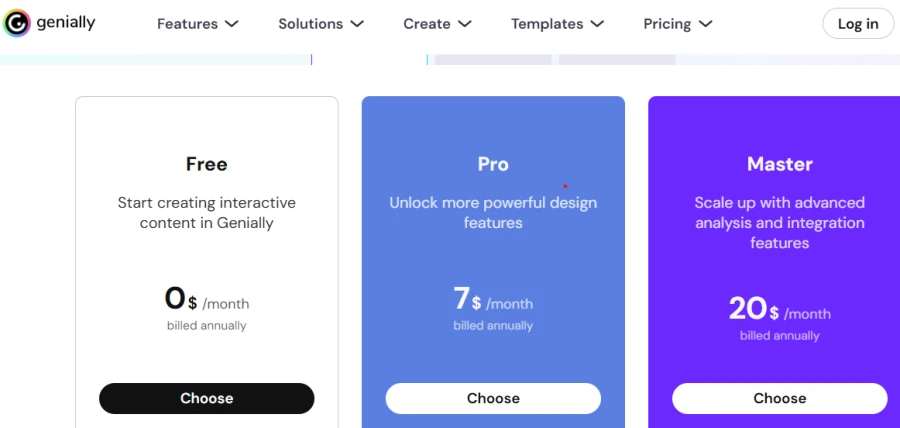
Genially is a great option for teachers, trainers and teams who want to create interactive content. Paid plans include private sharing and downloads too. Some of the advanced features require a higher subscription level.
Decksy AI presentation generator is another option for editable Google Slides for teams. Some tools reserve native exports for expensive enterprise plans, but Decksy keeps pricing simple. Try it for $2, then $10/month with full export rights!
Design Assets, Templates & Customization
When you compare Prezi and Genially, look for audience participation. They use different visual strategies.
| Prezi | 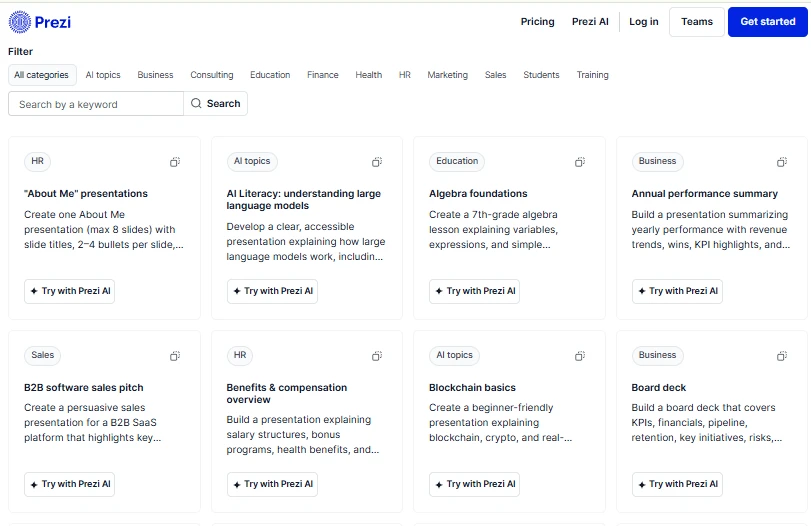 |
| Genially | 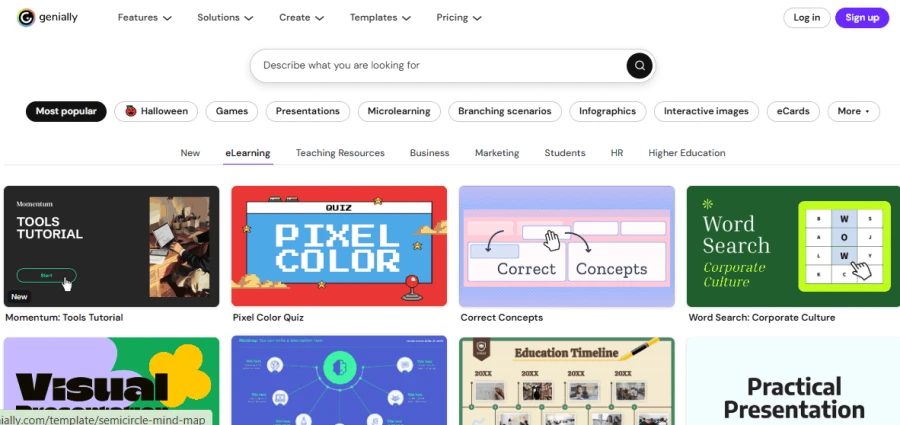 |
Visual Storytelling at Prezi
Prezi is a zoomable canvas for connecting ideas. Viewers can skip the usual slides and choose their own topics. This produces visual flow and motion. This tool helps you create presentations from prompts or files.
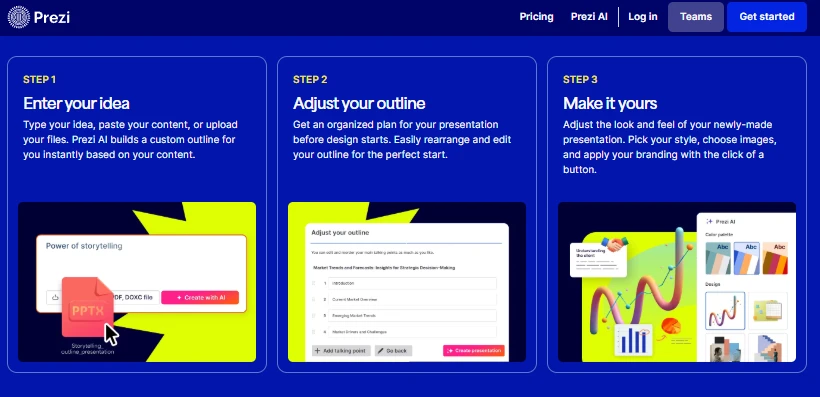
Review the outline before creating slides, then adjust the colors, layouts, and content. This works well for pitches and visual explanations. But too much movement can distract the viewer.
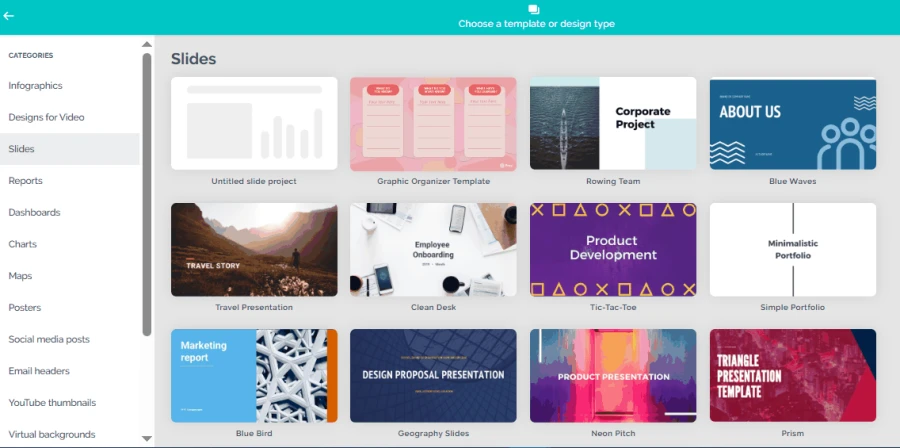
Genially’s Engaging Design
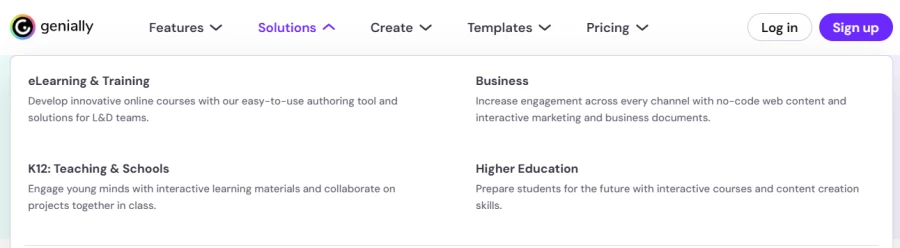
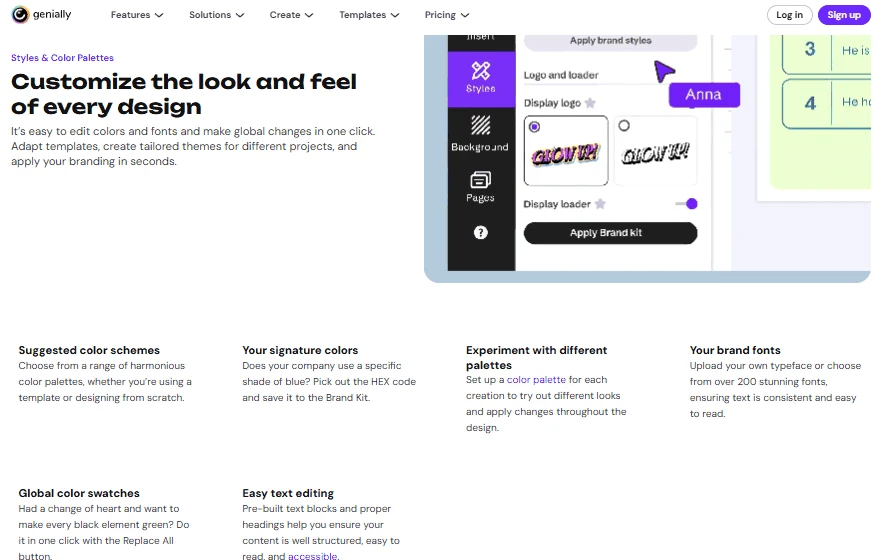
Genially is a blend of templates, clickables, and animations. You can add pop-ups, videos, audio, and quizzes.
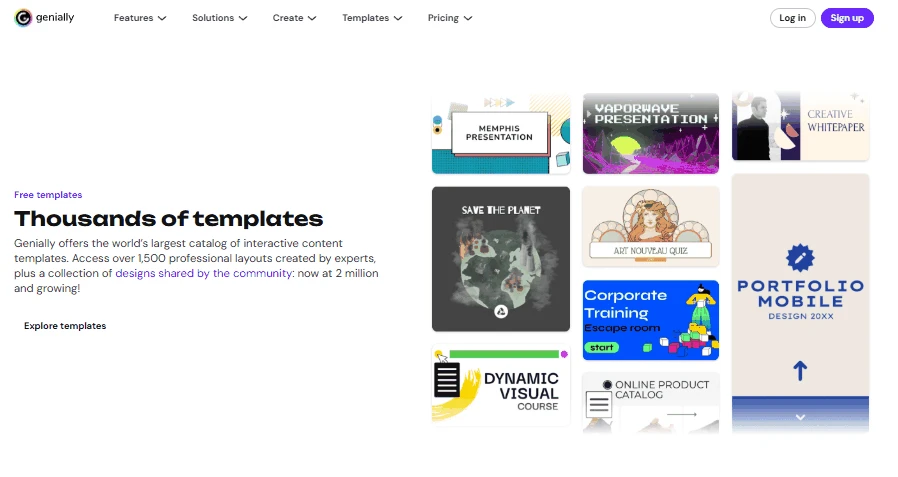
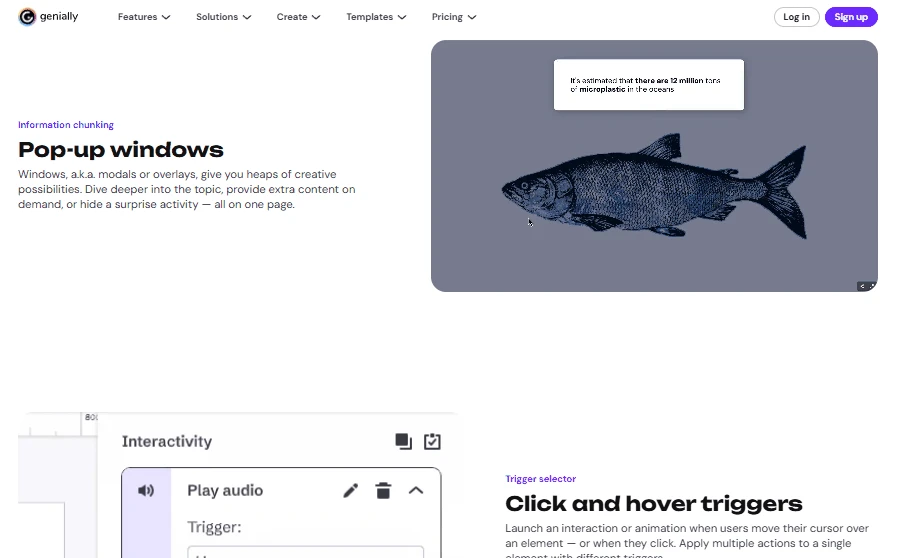
These features are useful for marketing, training, and digital learning. Genially is more interactive than the comparison between Prezi vs. PPT. Many interactions, however, require additional planning.
Data Visualization, Charts & Spreadsheet Links
If you’re looking for an AI presentation maker for pharma, you know the tool should present complex data clearly.
Prezi lets users create editable charts by either entering or importing data. Some Prezi Design projects are also linked to live data. But the options will differ depending on the source and the project type.
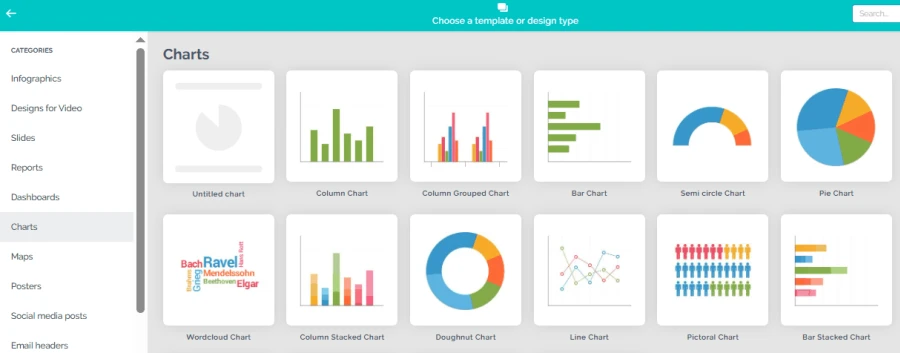
Genially has charts, graphs, and other visuals to help explain data. It’s great for interactive presentations with clear visual explanations. More complex reports may, however, require some manual preparation. Before you expect live spreadsheet updates, check out the integrations available.
Both tools validate numbers when imported or refreshed. Clear labeling and consistent numbering are important, particularly within financial reports. As you can see, in this Prezi vs Genially comparison, Prezi is a great choice for visual data storytelling. Genially is good for interactive charts and explanations.
Deep 1-to-1 Test
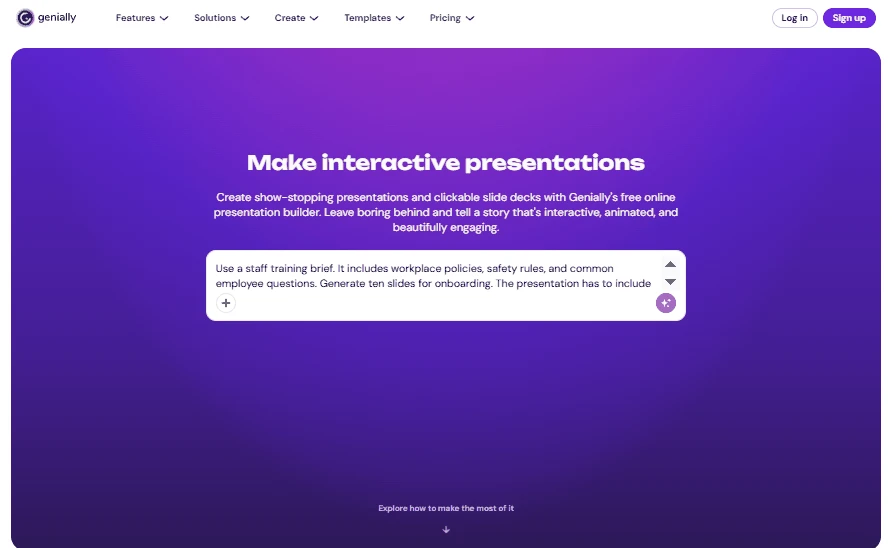
For these Prezi vs. Genially for business tests, we used a staff training brief. It contained the workplace policies, safety rules, and employee questions and answers. We asked both tools to generate 10 onboarding slides. The presentation was to include simple explanations, real-world examples, and a short quiz.
🟣 Narrative Logic
Our test shows that Prezi handled the training flow better. It linked policies and examples with a visual thread. This helped make the material more coherent from beginning to end. But it was sometimes more work to change from topic to topic.
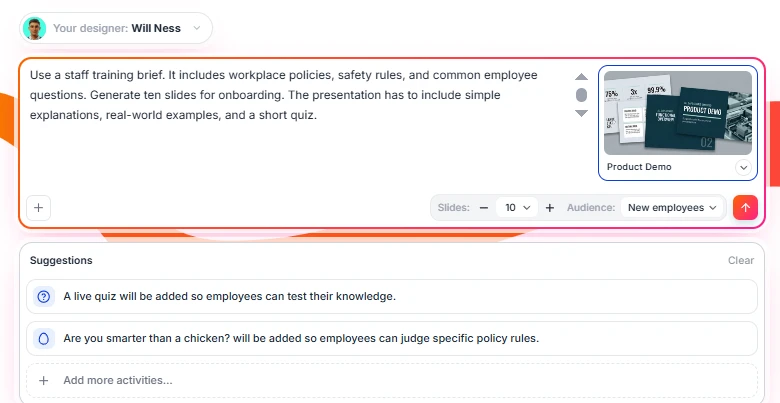
Genially kept the information in easy-to-explore sections and separate. But its interactive elements can distract from the main points.
🏆 Winner: Prezi
🟣 Page Quality
Prezi helped demonstrate the links between policies. But slides with lots of rules seemed crowded.
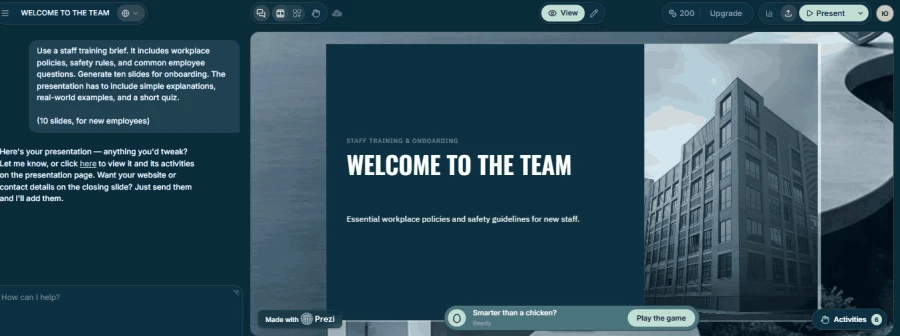
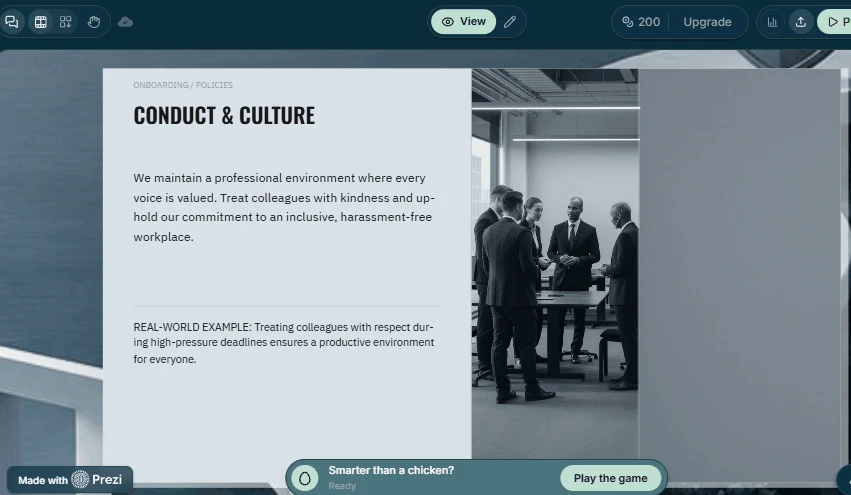
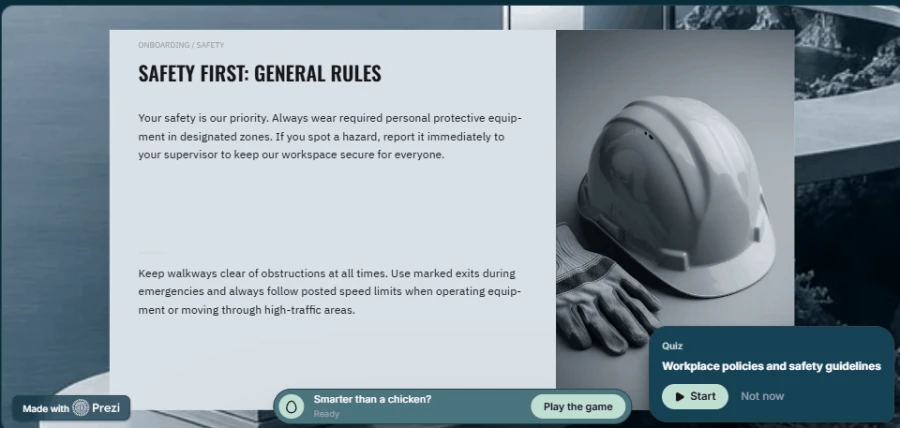
Genially had more variety in templates, icons and animations. This made the training deck more interesting. However, some of the special effects took the audience away from the important details. In workplace training, clear instructions were more important than decoration.
🏆 Winner: Genially
🟣 Document Processing
An AI presentation maker for business should be able to convert written policies into clear slides. So, we tested how well each tool converted the brief into visual pages. Prezi created an outline that was easy to follow. It did the training sequence it was asked to do and made gaps easier to find. But we still had to dig into the specifics of individual policies. Genially was also drafted from the original text. Some details, however, needed to be reviewed more carefully before use. Neither tool removed the need to verify workplace rules.
🏆 Winner: Prezi
🟣 Editing flexibility
Then, we considered the ease of updating the deck. We could switch the topics and their visual links, thanks to Prezi. But the bigger changes concerned the overall presentation. Genially allows for easier updating of quiz questions and interactive elements. That’s useful when training materials change often. Both tools need to be thoroughly vetted for medical information for an AI presentation maker for healthcare.
🏆 Winner: Genially
Decksy is a different way to make presentations. It builds the story structure first and then adds the visual design. Some tools are designed to decorate blank cards or regenerate entire decks. Decksy lets you regenerate a single slide in seconds. So, it’s easier to manage small changes. Teams can polish one section without building the entire presentation.
Test Summary
| Category | Prezi | Genially | Decksy |
| Story structure | ⭐⭐⭐⭐⭐ | ⭐⭐⭐⭐☆ | ⭐⭐⭐⭐⭐ |
| Slide design | ⭐⭐⭐⭐☆ | ⭐⭐⭐⭐⭐ | ⭐⭐⭐⭐☆ |
| Document processing | ⭐⭐⭐⭐⭐ | ⭐⭐⭐⭐☆ | ⭐⭐⭐⭐⭐ |
| Training materials | ⭐⭐⭐⭐☆ | ⭐⭐⭐⭐⭐ | ⭐⭐⭐⭐☆ |
| Editing flexibility | ⭐⭐⭐⭐☆ | ⭐⭐⭐⭐⭐ | ⭐⭐⭐⭐⭐ |
Export Options & Ecosystem Compatibility
Exporting matters when colleagues need editable files. Prezi supports PDF exports and portable presentations on eligible plans. Its zooming effects may not transfer fully into static slides. Genially supports PDF, video, images, HTML, and SCORM downloads. Some formats require paid plans.
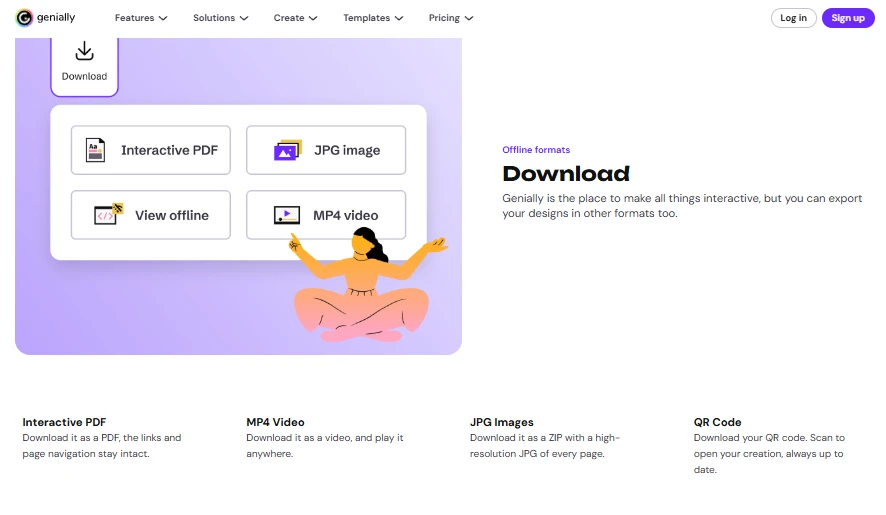
When weighing Prezi vs Powerpoint, consider how you’ll be sharing your final product. If you want Prezi’s visual style for your presentation, then Prezi is great. Genially is an effective tool for interactive learning and online sharing.
The Smart Alternative
Sometimes neither tool matches your everyday workflow. Other platforms may suit different presentation needs. So, is there a more effective alternative to Prezi and Genially? Let’s see it.
Decksy AI starts with your existing source material. You can upload reports, Word files, PDFs, spreadsheets, or prompts.
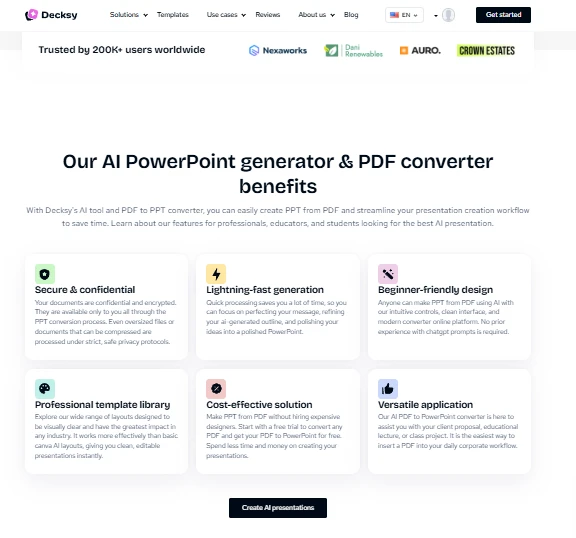
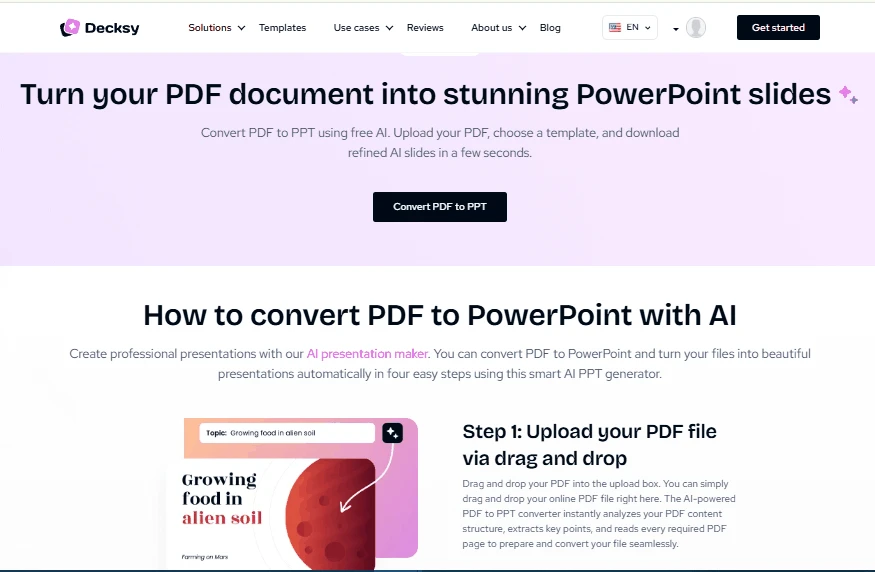
It turns your content into structured, presentation-ready slides. Unlike tools focused on visual effects, Decksy builds the story first.
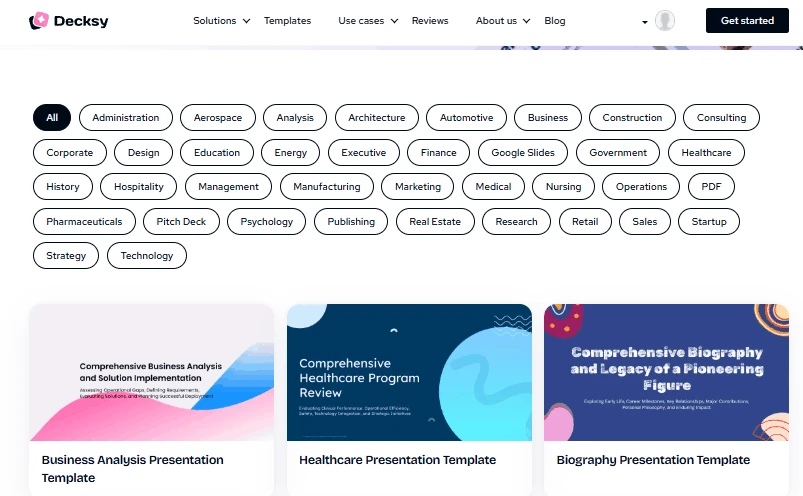
If Prezi feels too focused on movement, Decksy offers another approach. If Genially takes too much manual adjustment, Decksy makes it easier to revise. It creates a clear story before the visual design is applied. Also, you can regenerate individual slides without rebuilding the whole deck. This means you get a 100% editable Google Slides presentation.
So, Decksy is great for teams that need structure and flexible editing. This content-first workflow keeps your original message.
Other Presentation Tools
PowerPoint and Google Slides work well with familiar slide workflows. The difference between Prezi vs Google Slides is the presentation style. Prezi is all about movement; Google Slides focuses on collaboration in the browser. PowerPoint is another solid option for traditional slides, detailed formatting, and offline editing.

On decksyai.com, where people come looking for clarity wrapped in a bit of personality, Julia leans into the details that make a message land: the pause between two ideas, the subtle shift in spacing, the moment a visual finally clicks.