Visme vs Canva: What Design Platform Should You Be Paying Attention To?
You require a presentation, infographic, or visual report. There are two tools that have become popular: Visme vs Canva. Canva is a broad creative design platform. Visme is all about visual communication.
Both tools support presentations and branded content. Yet their workflows are quite different. One favors quick, flexible design, while the other offers structured visual storytelling.
🎯 Which platform fits your workflow better?
The answer depends on what you create most often:
- Canva covers many types of creative content.
- Visme is very focused on business visuals.
- Both offer templates, charts, and presentation tools.
- Both support collaboration and brand-centric workflows.
This Canva vs Visme comparison looks at real-world differences. We analyze their pricing, templates, customization, charts, exports, and AI use. We also test both platforms with the same content.
The goal is simple. You need useful differences, not marketing claims.
| Feature | Visme | Canva |
| Best for | Business visuals and reports | All-purpose creative design |
| Presentation quality | Strong business structure | Strong visual variety |
| Ease of use | Easy after learning the basics | Very easy |
| Template library | Large and professional | Massive and varied |
| Design flexibility | High | Very high |
| Data visualization | Excellent | Good |
| Brand management | Strong | Strong |
| Collaboration | Good | Excellent |
| PPT export | Available | Available |
| Best audience | Businesses and educators | Creators and teams |
📌 Visme focuses on structured visual communication, whereas Canva offers broader creative flexibility.
TL;DR: Final Verdict & Recommendations
After this Visme vs Canva comparison, we can see that both platforms have their own strengths. Visme focuses strongly on visual communication. Canva covers a much wider creative workflow. The right option depends on your regular projects. It also depends on your preferred editing style.
Visme is well-suited for reports and structured business presentations. Canva can suit a broader range of creative and marketing work.
Decksy AI has a different workflow for document-heavy presentations. It’s about how to structure your source content before you start designing your slides.
🔹 Choose Visme if:
- You prepare business reports regularly.
- You use charts and data often.
- You build infographics and presentations.
- You want structured visual communication.
- You need detailed data presentation tools.
🔹 Choose Canva if:
- You make a lot of different kinds of visual content.
- You want broad creative freedom.
- You work in marketing or social media.
- You prefer a huge template library.
- You change design formats a lot.
🔹 Choose Decksy AI if:
- You start with Word or PDF documents.
- You work with long source documents.
- You need structured presentation storytelling.
- You want editable PowerPoint exports.
- You revise individual slides frequently.
Based on reviews Canva vs. Visme, users mention different strengths. Some prefer Canva’s broad creative ecosystem. Others like Visme’s structured visual tools.
So, which is better depends on your workflow. Canva is useful for general creative projects. Visme is particularly well-suited to structured visual communication.
The choice becomes easier when you define your source material. Templates matter, but workflow matters too. Your typical project should guide the decision.
Prices, Free Plans, Packages & Target Audience
Price matters when presentations become regular work. Both platforms offer free access. Still, there are different features in their paid plans. The biggest difference lies in what you can create with each plan.
Visme
Visme has a free plan and several paid options. The Basic plan costs nothing. It lets users create unlimited projects. You get 500 MB of storage and a limit of 50 projects (slides or pages).
The free plan includes all the basics, such as templates, charts, presentations, reports, and infographics. Exports are available only in JPG, PNG, and PDF formats. Premium assets are locked.
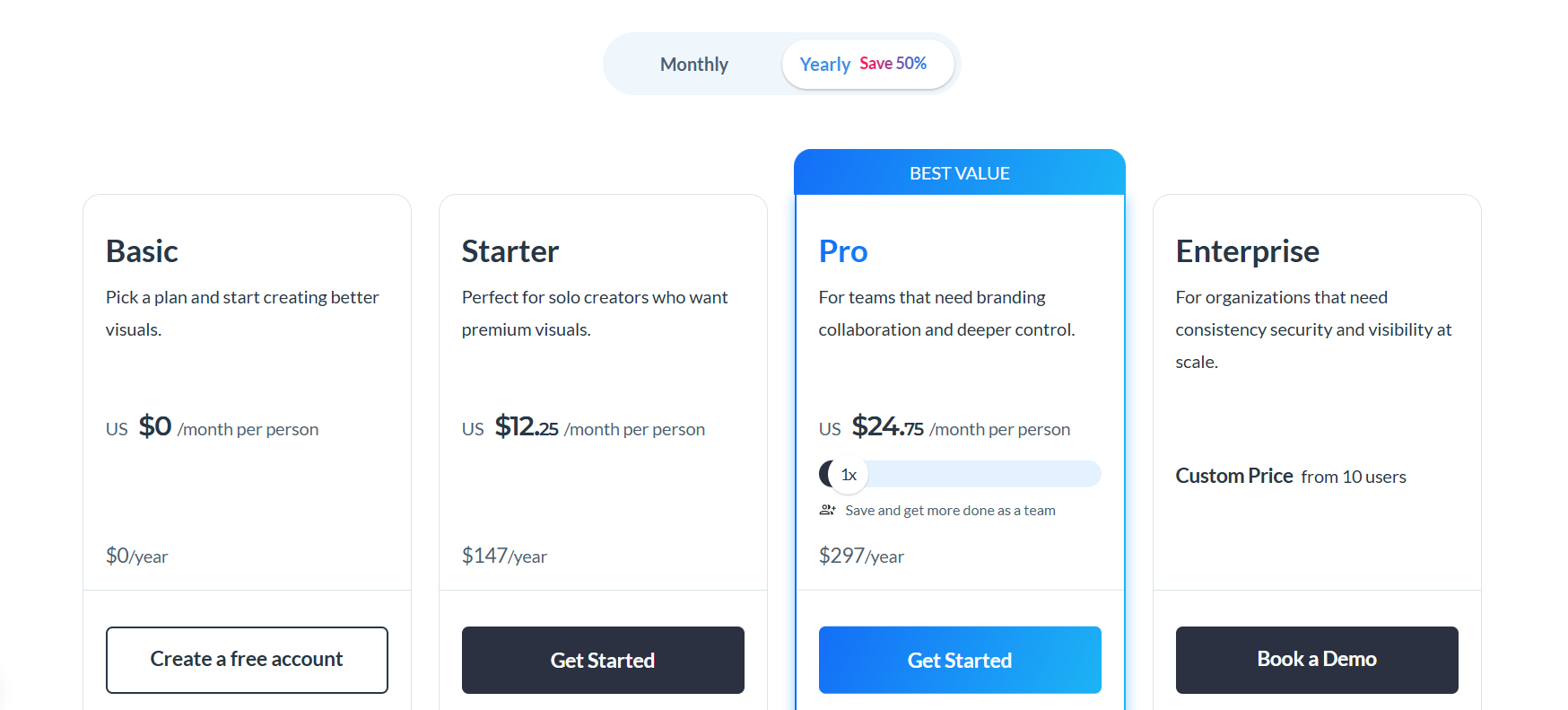
The Starter plan is $12.25 per month and offers premium assets, more download options, and support via email and chat. Pro is $24.75 per month and adds PPTX, HTML5, video, and GIF exports, as well as Brand Kit tools and analytics.
Enterprise pricing is bespoke and depends on team size. It adds two-factor authentication, custom roles, project approvals, dedicated support, and SSO. Visme is not limited to slide decks. Use it for reports, graphs, documents, and videos. It also supports interactive content and forms. So, it is good for business, marketing, and education.
| Plan | Price | Best For | Key Features |
| Free | $0 | Casual users | Templates, basic design tools, limited downloads |
| Starter | $12.25/month | Individual creators | More assets, downloads, and storage |
| Pro | $24.75/month | Professionals | Premium assets, advanced tools, brand features |
| Enterprise | Custom pricing | Teams, large organizations | Collaboration, branding, and analytics, advanced administration and security |
The free plan works well for trying Visme. A starter is a good idea for everyday solo projects. Pro has more tools for professionals. Enterprise is for larger teams with more demanding needs.
Canva
Canva is a freemium service with casual users, individual creators, teams, and larger organizations.
The Free plan is $0 and comes with over 1.6 million templates, 4.7 million visuals, 5GB of cloud storage, plus basic design and export tools. Limited AI access is also included (up to 20 uses of standard or premium AI).
📌 IMPORTANT: Pricing may vary by region, so please check for your area. The prices below are based on the English version of the Canva website.
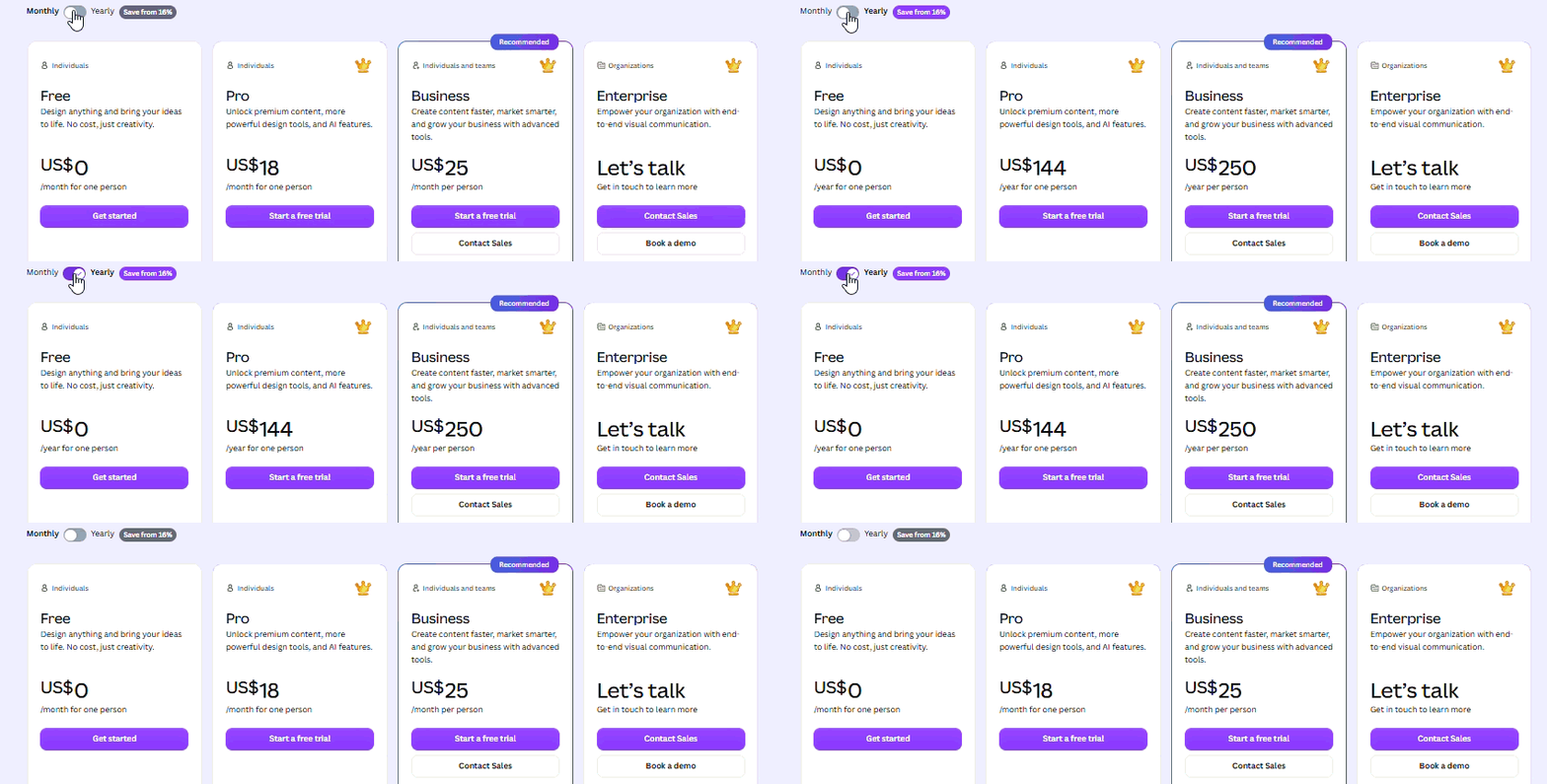
The Pro plan is $180 per year and is aimed at individual creators. It also adds millions of premium templates and assets, more advanced AI tools, five Brand Kits, and 100 GB of storage. Users can also schedule social media content.
With Canva Teams, you get stronger collaboration and team management features, 100 Brand Kits, approval tools, and 500GB storage per person. Plus, there’s a larger AI allowance and interactive data visualization via Flourish.
Canva Enterprise is priced individually for larger companies. It includes SSO, SCIM provisioning, advanced brand management, custom apps, and 1 TB of storage.
| Plan | Price | Best For | Key Features |
| Free | $0 | Casual users | Templates, basic assets, presentation tools |
| Pro | $18/month $144/year |
Individuals | Premium assets, AI tools, Brand Kit |
| Teams | $25/month $250/year |
Small teams | Collaboration, branding, approval tools |
| Enterprise | Custom pricing | Large organizations | Advanced security and administration |
| Education | Free or custom | Schools and educators | Classroom tools and collaboration |
Create presentations, social media posts, videos, documents, and websites using Canva. Its broad reach appeals to marketers and creators. The platform is also popular among small businesses and educators.
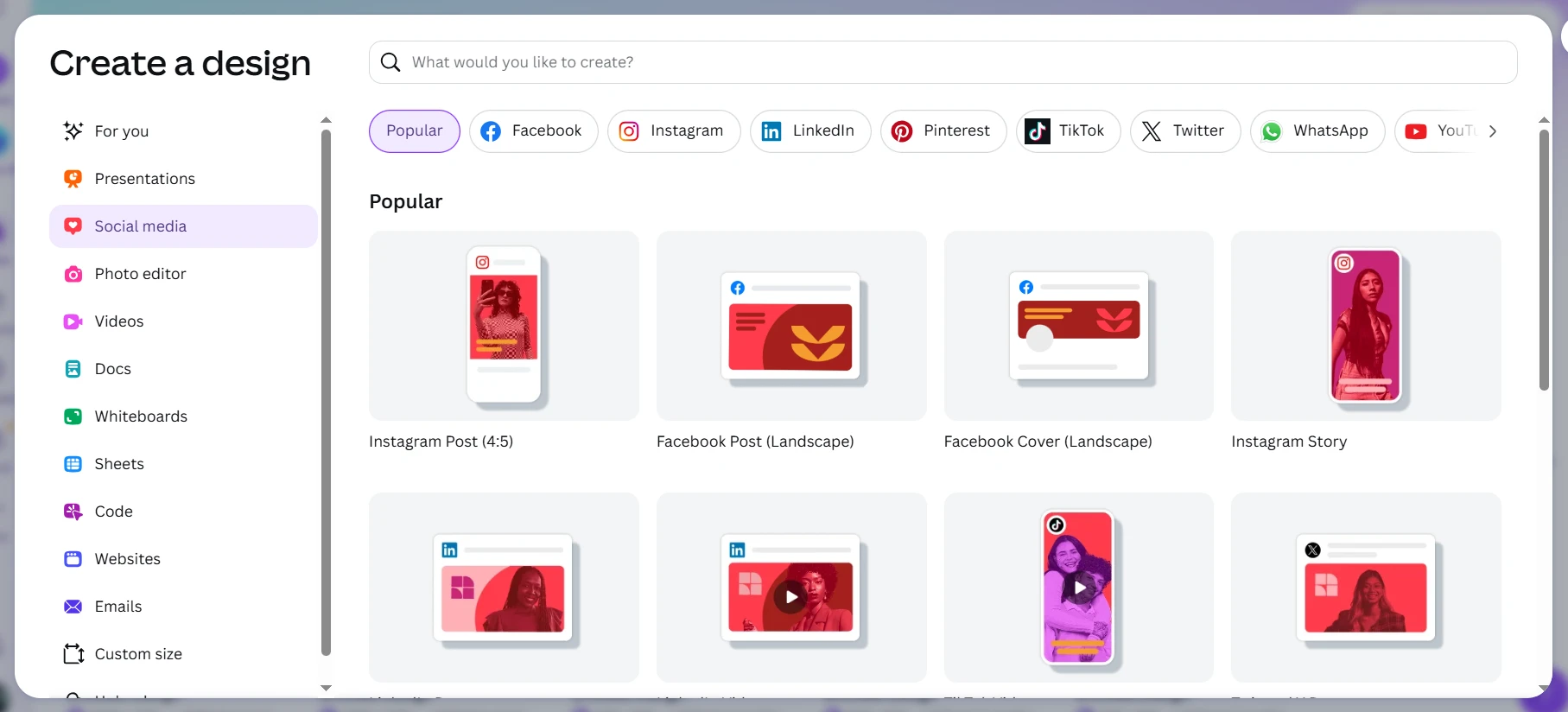
So, the Free plan is good enough for occasional presentation work. Frequent users may need a paid plan to access premium assets, more powerful AI tools, and additional brand features.
Hidden Paywalls
Both platforms have some features hidden behind paid plans. Visme has download, assets, and advanced feature limitations. Canva locks you in with premium content and some additional tools.
Free access still works for basic projects. Professional users may need a subscription. So, your content volume should guide that decision.
| Feature | Visme | Canva |
| Presentation builder | ✅ | ✅ |
| Infographics | ✅ | ✅ |
| Video design | ✅ | ✅ |
| Charts | Excellent | Good |
| Brand tools | ✅ | ✅ |
| Stock library | Good | Excellent |
| Collaboration | Good | Excellent |
The biggest difference is the focus of each platform. Visme focuses on visual communication, while Canva aims to cover almost every creative format.
When comparing Canva vs Visme, another option deserves attention. Decksy AI follows a content-first presentation workflow. It starts with source material instead of a blank canvas. That can suit users with long documents. It can also help with reports and meeting notes.
Design Assets, Templates & Customization
Templates may dictate the whole flow of your presentation. They affect structure, visuals, and editing time. Visme and Canva take different approaches.
| Canva | Visme |
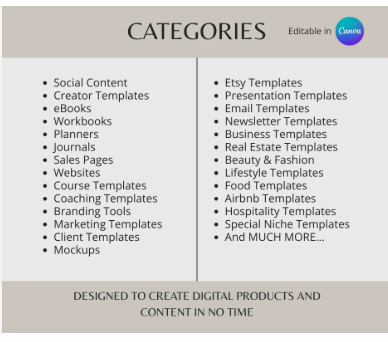 |
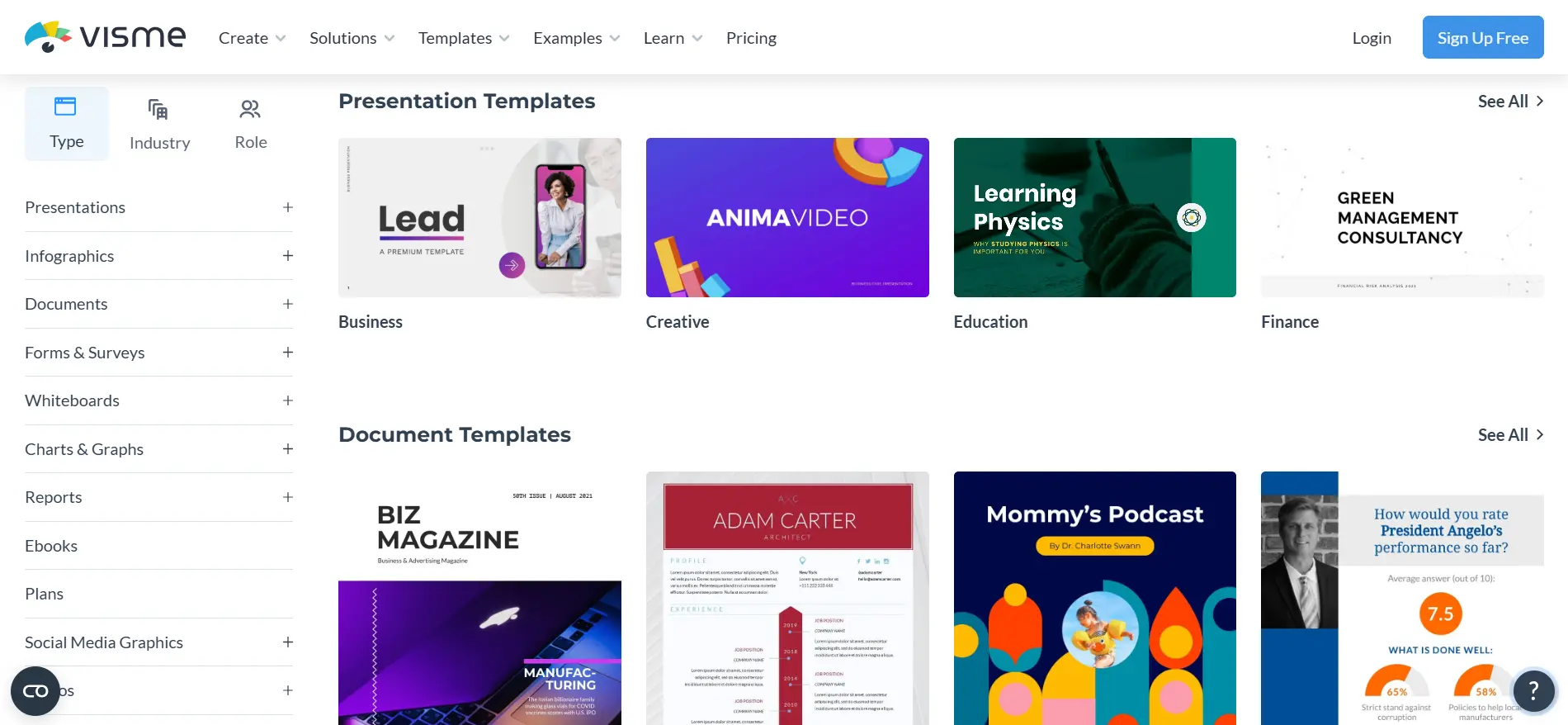 |
Visme
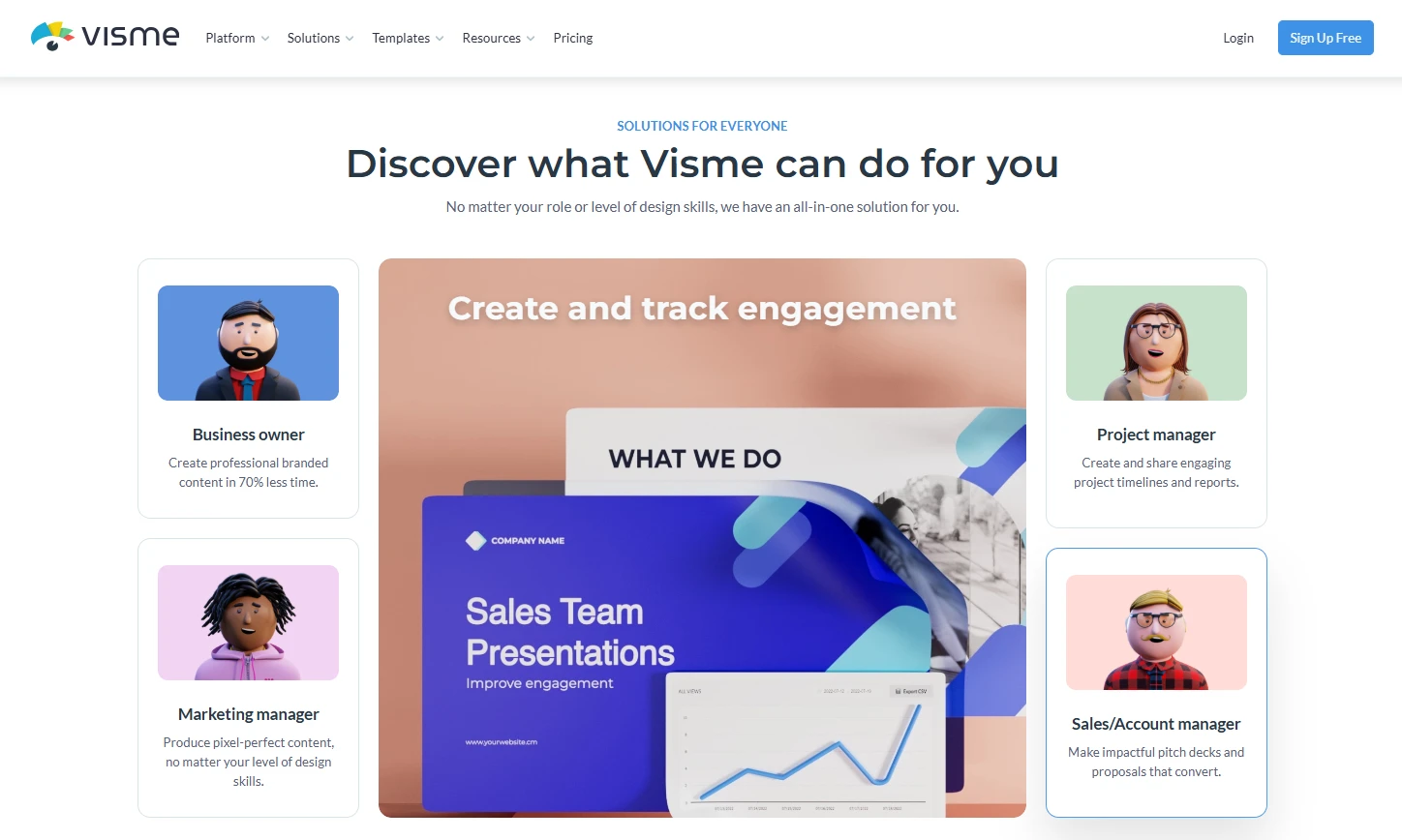
Visme focuses strongly on professional communication. Its templates cover presentations, reports, infographics, and data visuals.
Common categories include:
- Business presentations
- Annual reports
- Marketing presentations
- Training materials
- Infographics
- Project proposals
- Educational presentations
- Data reports
Many templates use clear visual structures. Adding charts and text blocks to layouts is easy. This is useful when your presentation has lots of information.
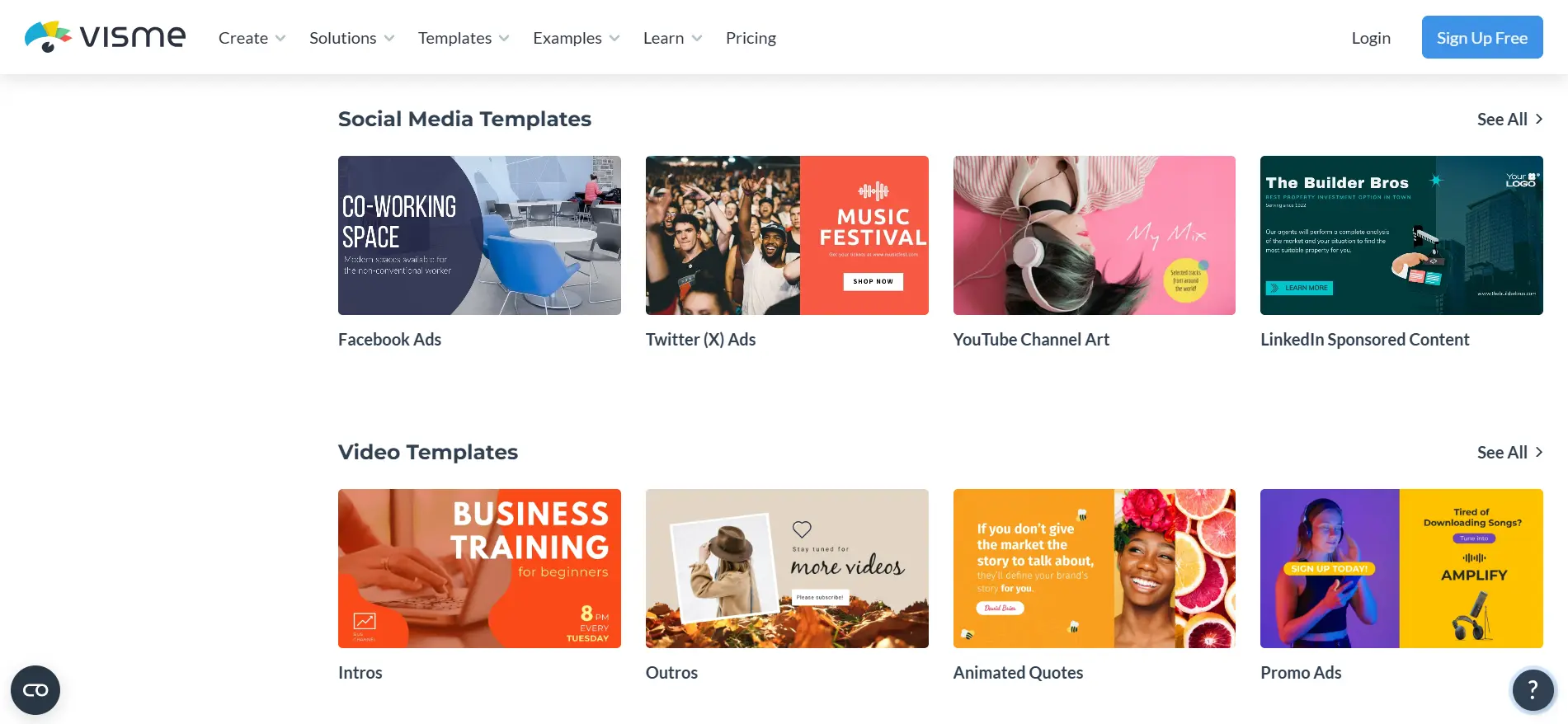
Visme also has interactive visual content. Users can create maps, diagrams, and other visuals. That makes it more valuable than your average slide deck.
The only major downside is that it’s boringly consistent. Canva has a much larger design ecosystem.
Canva
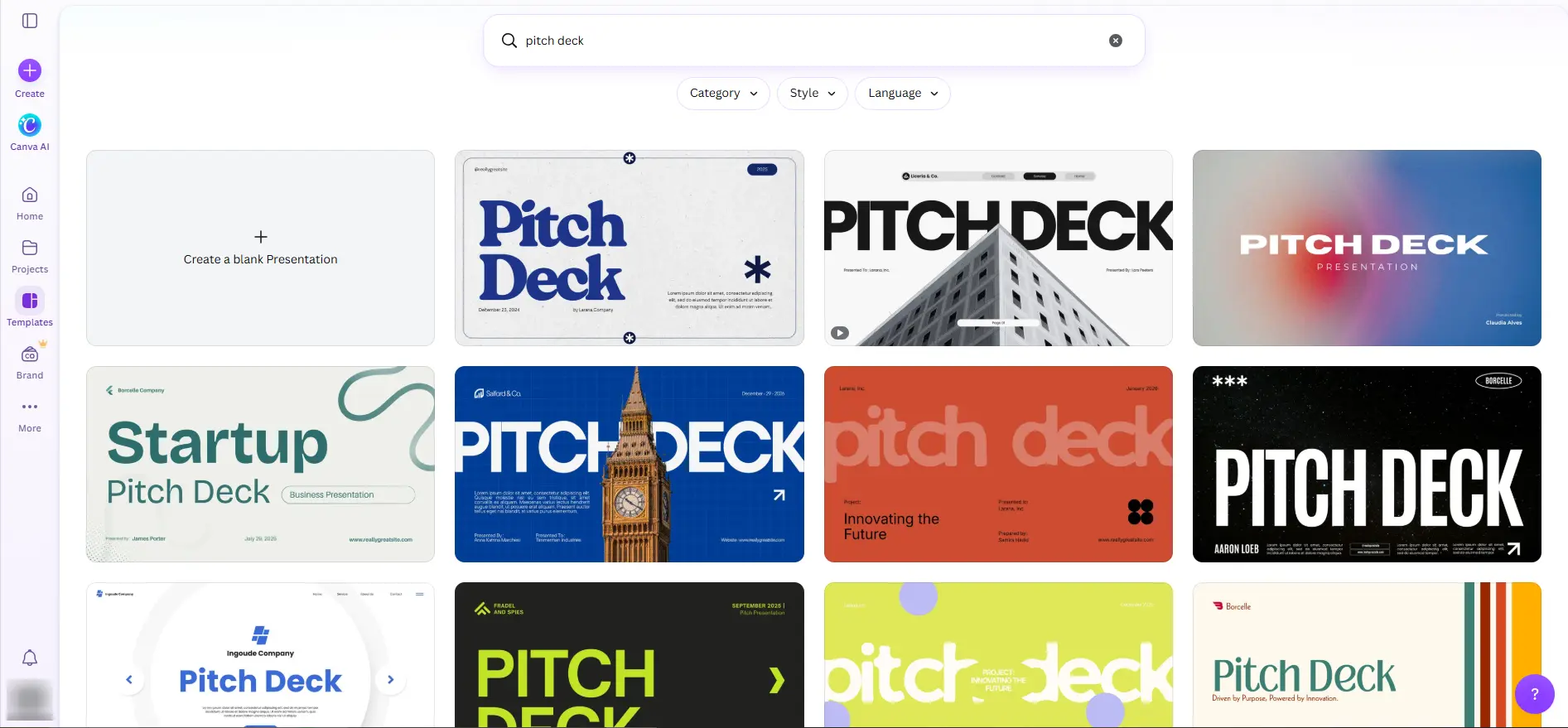
Canva offers a huge template collection. Its presentation library covers almost every major topic.
Common categories include:
- Education
- Technology
- Healthcare
- Marketing
- Travel
- Finance
- Real estate
- Nonprofit organizations
- Startups
- Personal branding
The range makes Canva easy to explore. You can create simple and highly decorative designs. Quality can vary between individual templates.
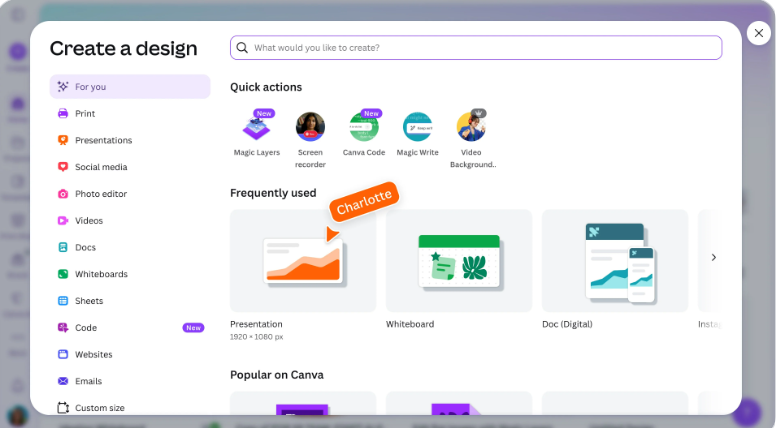
Canva also supports many other creative formats. You can move from slides into social graphics or video. This creates a flexible workflow for multidisciplinary teams.
For example, an agent can use Canva as a real estate presentation maker. The same account can create property flyers and social posts.
Template Quality
Visme tends to favor structured business communication. Canva offers greater visual variety across industries.
Visme templates often feel like they’re for presentations. Canva templates are more design-centric.
Neither approach works equally well for every project. Your audience and content should guide your choice.
Stock Assets
Both platforms provide media libraries. Canva has a particularly broad collection of assets.
It includes:
- Photos
- Illustrations
- Videos
- Icons
- Stickers
- Audio
- Graphics
- Animations
Visme also has stock images and design elements. Its assets are especially good for reports and infographics.
Canva offers a wider variety of creative formats. Visme’s visual tools are more aligned with communication.
Fonts and Brand Kits
These two platforms keep you on brand. The user can use a brand’s colors, fonts, and logos.
Visme is very business branding-oriented. Brand controls help maintain visual consistency across reports.
Canva also has Brand Kit features. These tools work across different design formats.
This is important for bigger content teams. A company can co-create presentations and social graphics.
Customization
Visme offers you a lot of freedom in editing. Users can change objects, text, colors, and layouts. Data visualizations can also be customized in detail.
Canva also gives equal control of individual elements. Its interface feels particularly flexible for creative work.
That freedom can produce distinctive slides. It can also create inconsistent layouts without careful editing.
Ease of Building Attractive Slides
Canva feels like a complete design studio. Visme feels more focused on communication design.
When Visme suits structured business presentations, Canva suits more visually varied projects.
So, the better fit depends on your preferred workflow. Your content type also makes a difference.
Data Visualization, Charts & Spreadsheet Links
Data is often included in a business presentation. Charts can simplify complicated information. Visualizing data is supported by both platforms. This makes the question of which is better: Canva vs Visme — an important one for data-heavy presentations.
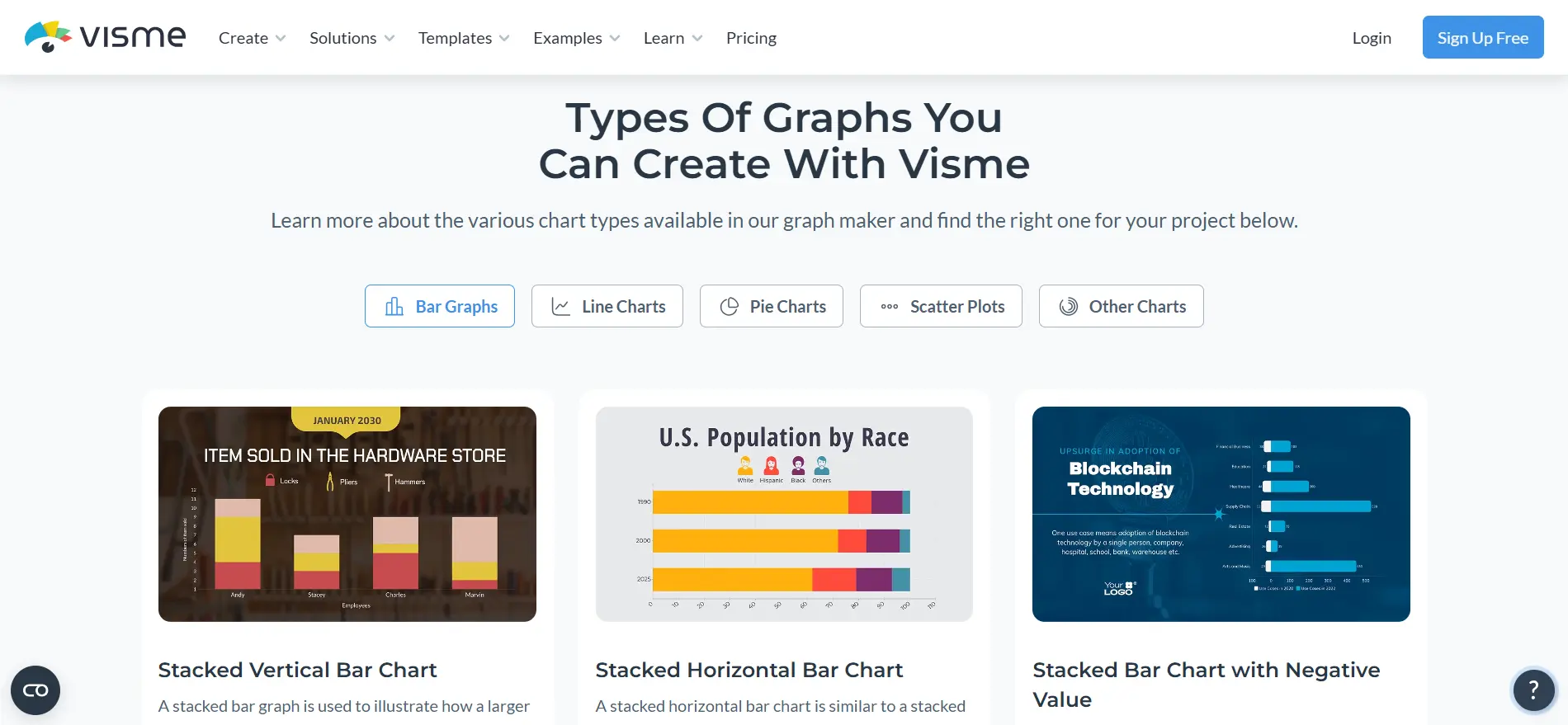
Visme offers several types of charts and graphs. Users can create bar, line, pie, and other kinds of charts. You can bring data into projects and modify it. Visme also excels at presenting data in infographic formats.
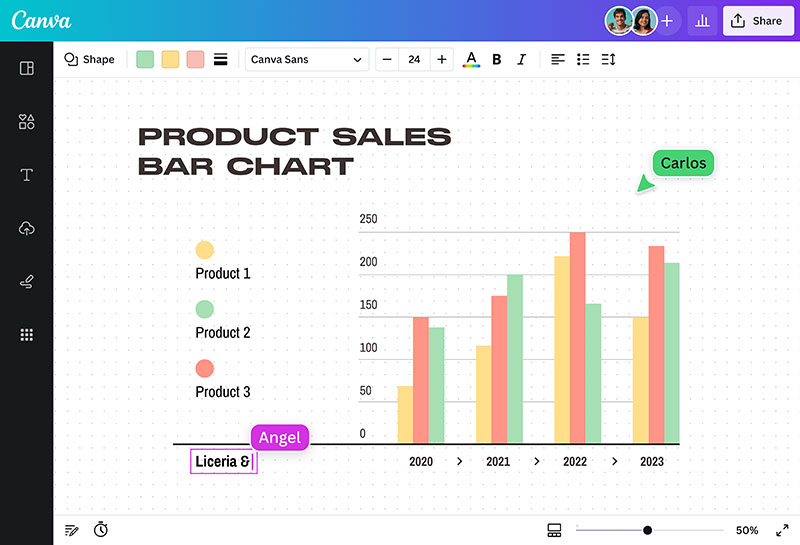
Canva also supports popular chart formats. Users can customize colors, labels, and visual styles. Charts can be used in larger creative compositions. Sometimes even complex data needs a little more formatting.
Visme has a stronger focus on visual communication here. Canva provides more freedom around overall presentation design.
Neither platform replaces dedicated business intelligence software. Frequently changing data may still require manual updates.
| Feature | Visme | Canva |
| Built-in charts | Excellent | Good |
| Data visualization | Excellent | Good |
| Automatic formatting | Good | Good |
| Manual customization | Excellent | Excellent |
| Infographic tools | Excellent | Excellent |
| Spreadsheet workflow | Moderate | Moderate |
| Best for | Reports and data stories | Creative presentations |
Charts are only one part of data storytelling. Their placement also affects the presentation. A chart should support the point being discussed.
Decksy AI takes a different approach. It first considers the content structure. Then it places visual elements around that structure.
Deep 1-to-1 AI Test
This was the most practical part of our Visme vs Canva comparison. We gave both platforms the same source material. This time, we used an 8-page business strategy document.
The document outlined the company’s goals and sales targets. It also covered team priorities and budget plans. A quarterly action plan completed the source material.
We used the same document for both platforms. Then, we compared their generated presentations. We focused on structure, design, content handling, and editing.
Narrative Logic
Visme took the strategy document and made it a simple flow. Goals come first, followed by actions and priorities. The presentation looked easy to follow.
Canva has a nice first deck. But some ideas came from less logical places. We moved some slides around to improve the flow.
🏆 Winner: Visme
Layout Quality
Visme presented business information in balanced layouts. It was easy to scan tables and text sections. Some slides needed only minor tweaking.
Canva provided more visual diversity. The layouts looked polished from the start. But a few of the slides needed some spacing adjustments.
🏆 Winner: Visme
Document Processing
Visme got the main goals and priorities down. It also broke the action plan into useful visual sections. Some budget details had to be edited by hand.
Canva got the main points too. But a few slides had longer blocks of text. We cut them down before the deck was finished.
Source documents might be presented differently by a AI presentation maker. This also matters in a Plus AI vs Gamma.app design comparison. The tools may select different parts of the source to highlight.
🏆 Winner: Visme
Editing Flexibility
We had good control over charts and layouts with Visme. It worked for structured business content. After a generation, it was easy to make changes.
Canva was more innovative. We could quickly change layouts, graphics, and visuals. Its wider design library also gave us more options.
🏆 Winner: Canva
Test Summary
| Category | Visme | Canva |
| Story structure | ⭐⭐⭐⭐⭐ | ⭐⭐⭐⭐☆ |
| Slide design | ⭐⭐⭐⭐⭐ | ⭐⭐⭐⭐⭐ |
| Document processing | ⭐⭐⭐⭐⭐ | ⭐⭐⭐⭐☆ |
| Business layouts | ⭐⭐⭐⭐⭐ | ⭐⭐⭐⭐⭐ |
| Editing freedom | ⭐⭐⭐⭐☆ | ⭐⭐⭐⭐⭐ |
Decksy AI’s Different Approach
Both platforms can turn source material into slides. Decksy AI starts with the content itself.
We uploaded the same type of business document. Decksy first organized its main ideas. It then built the presentation around that structure.
The workflow also supports individual slide regeneration. You can revise one page without rebuilding everything. This can make later changes much easier. That approach is useful for content-heavy projects. It’s a fit for strategy documents, reports, and meeting notes.
Export Options & Ecosystem Compatibility
If presentations move between platforms, exports are important. Editable files are especially critical for business teams.
Visme also lets you export to PowerPoint and PDF. Export options depend on the plan you choose. Some advanced visual features may have to be adjusted post-export.
Canva supports a few common export formats. They include PowerPoint, PDF, images, videos, and other formats. Complex animations may not transfer perfectly.
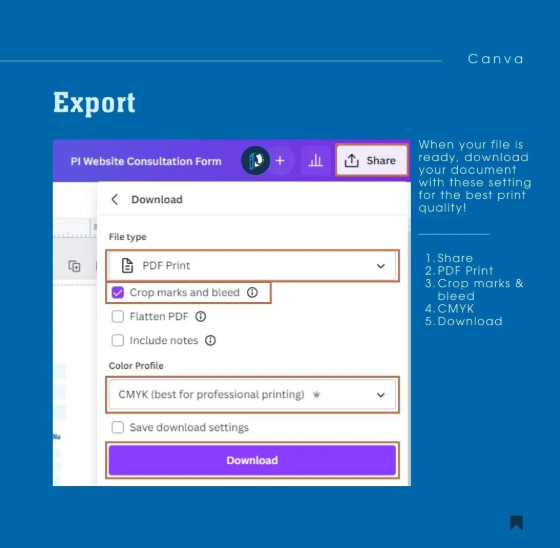
Both tools can support offline presentation workflows. However, exported files should be checked carefully. Fonts and advanced effects can behave differently.
When comparing Gamma vs PowerPoint, export flexibility becomes important. The same principle applies to Canva and Visme.
| Feature | Visme | Canva |
| PowerPoint export | ✅ | ✅ |
| PDF export | ✅ | ✅ |
| Image export | ✅ | ✅ |
| Video export | Limited | Excellent |
| Editable PPT text | Usually | Usually |
| Browser lock-in | No | No |
The wider presentation ecosystem also matters. Some users compare presentation tools directly. Others work across several design platforms.
For example, comparing Keynote vs Slides becomes relevant for Apple users. Their collaboration and ecosystem models differ.
Decksy AI focuses heavily on editable presentation exports. You can keep editing the text and objects after downloading. This can be useful if you still need to edit in PowerPoint.
The Smart Alternative
Choosing between design platforms isn’t always an easy decision. Visme is about structured visual communication. Canva is a broader creative ecosystem. Both are built mainly around visual content creation.
But some projects need a different workflow. You may already have the content ready. Starting with a blank template can add extra work.
Decksy AI takes a content-first approach, serving as an efficient AI Keynote presentation maker alternative for document-heavy projects. You can upload PDF, Word, PowerPoint, Excel, text, or Markdown files, and Decksy automatically extracts the most important points.
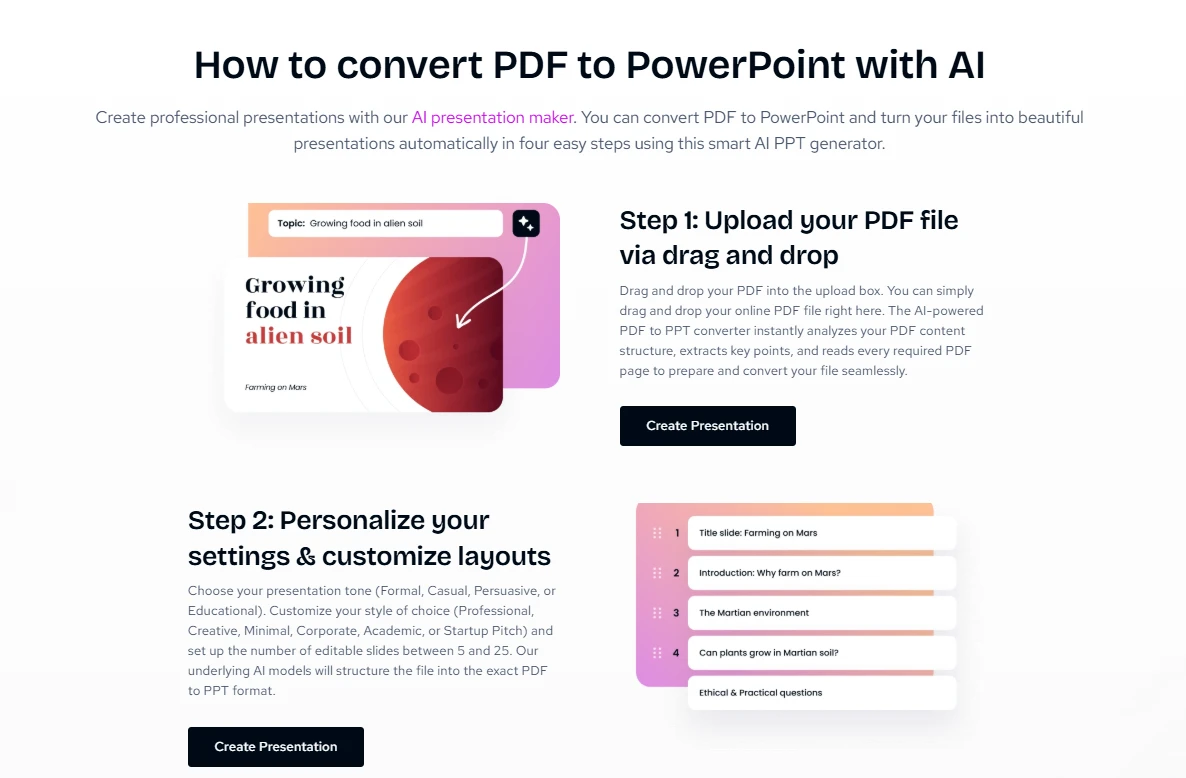
This is where Decksy differs from both platforms:
- Canva starts with templates, layouts, and creative assets.
- Visme focuses on visual communication, data, and interactive content.
- Decksy starts with your existing documents and turns them into slides.
Decksy also keeps its pricing straightforward. You can try the platform for $2 before committing to a full plan. The unlimited plan costs $10 per month and includes full export access. This gives users a simple way to test the content-first workflow.
The approach works well with reports and research. It can also handle meeting notes and business documents. You do not need to copy everything into slides manually. Decksy organizes the source material into presentation-ready sections.
You can also adjust the deck for different audiences. The AI can adjust the tone and level of detail. It can also adjust the presentation length. Decks can range from five to 25+ slides.
Another useful feature is slide-level regeneration. You can change one slide without rebuilding the deck. Make it shorter, more casual, or more structured. The remaining slides stay unchanged.
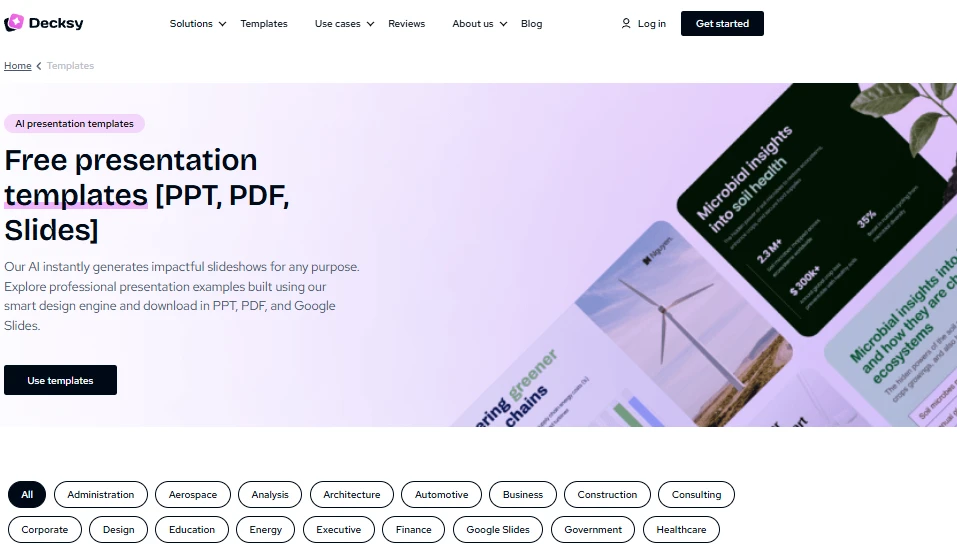
Decksy also handles visual details automatically. It concerns typography, spacing, margins, and visual hierarchy. This helps you create polished slides with no design experience.
The main difference is the starting point. Canva starts with creative design. Visme starts with visual communication. Decksy starts with your existing content. This can suit consultants, researchers, educators, and business teams.

On decksyai.com, where clarity still matters, but results matter just as much, Alyssa Johnson, Chief Revenue Officer, looks at messaging through a growth lens. She pays attention to how structure drives action, how a well-timed pause improves conversion, and how AI is reshaping all of it — without ever replacing the human instinct behind the message.