star

AI presentation maker

Create polished presentations faster with AI

The AI presentation maker turns your ideas and files into clear, professional slides in minutes. Skip tedious design decisions and focus on refining your message. Decksy keeps your content organized while automatically handling layouts.
Generate a presentation for FREE
No credit card required
See our presentation maker in action
Powered by:
icon
icon
icon
icon
icon
See our presentation maker in action
Try a sample topic:
Tech Summit Sponsorship Deck
Medical Lecture: GLP-1 Breakthroughs
Marketing Sync & Q4 Planning Workshop
Social Impact Grant: Bakery Project
Create presentation with my topic
Flexible export across major formats:
icon
icon
icon

Easy AI presentation generator for professional slides

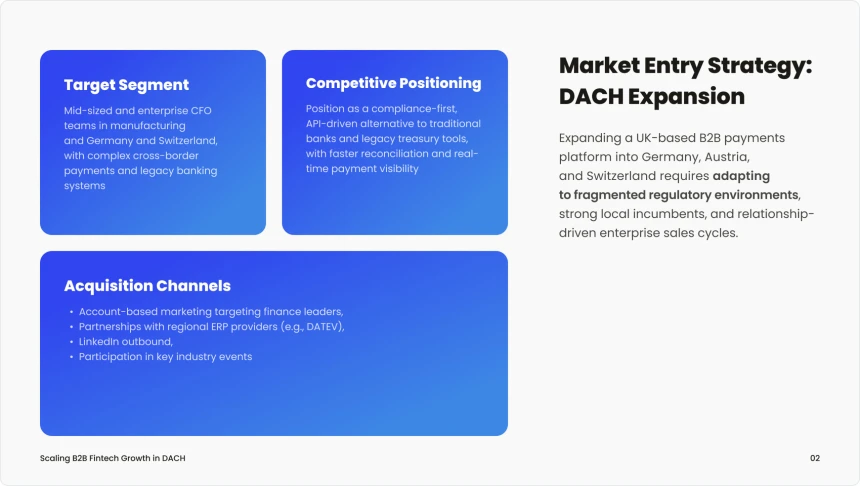
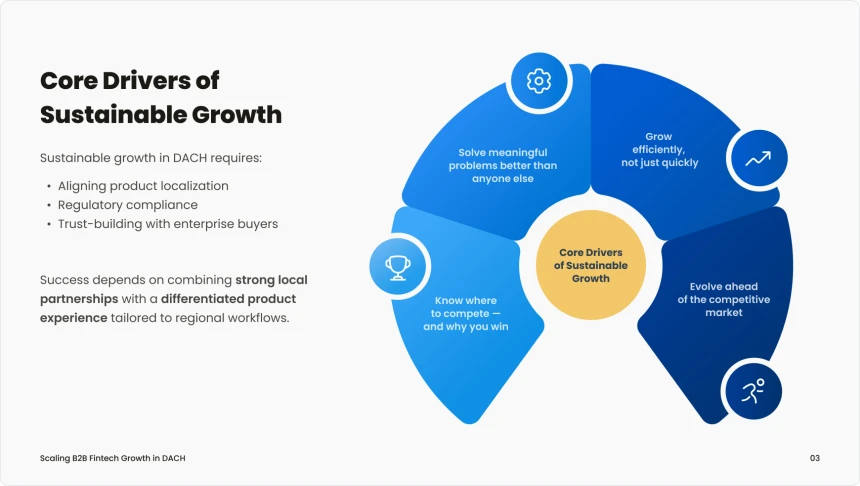
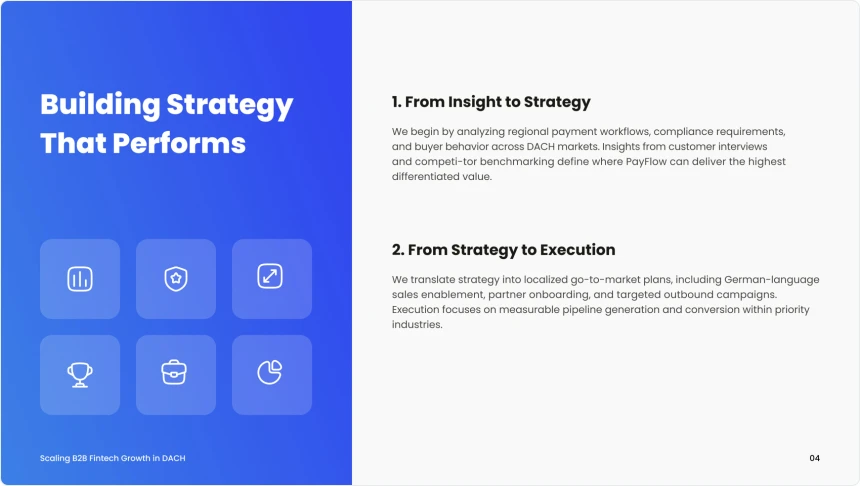
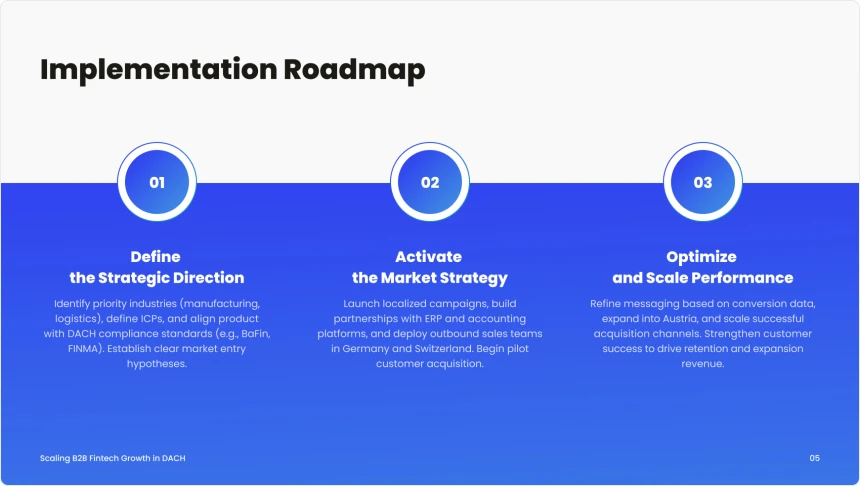
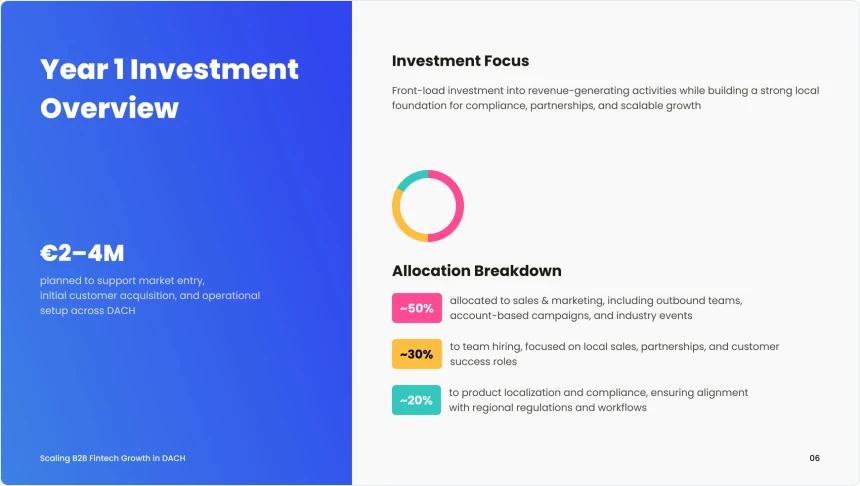
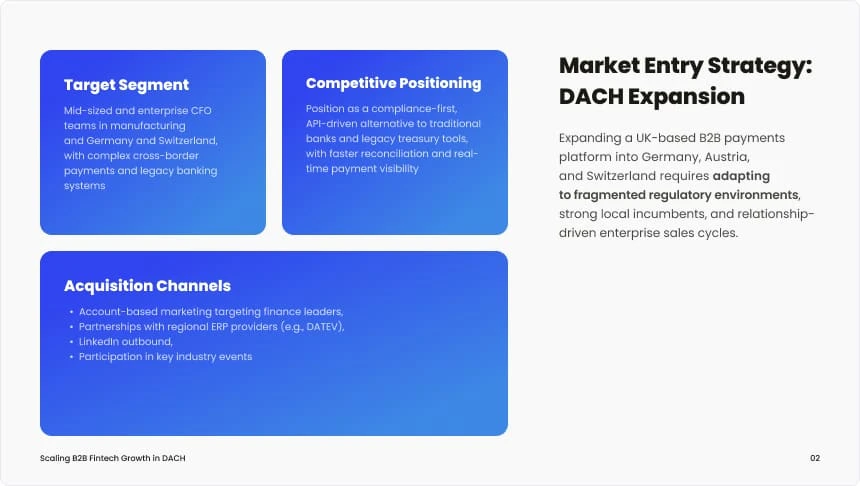
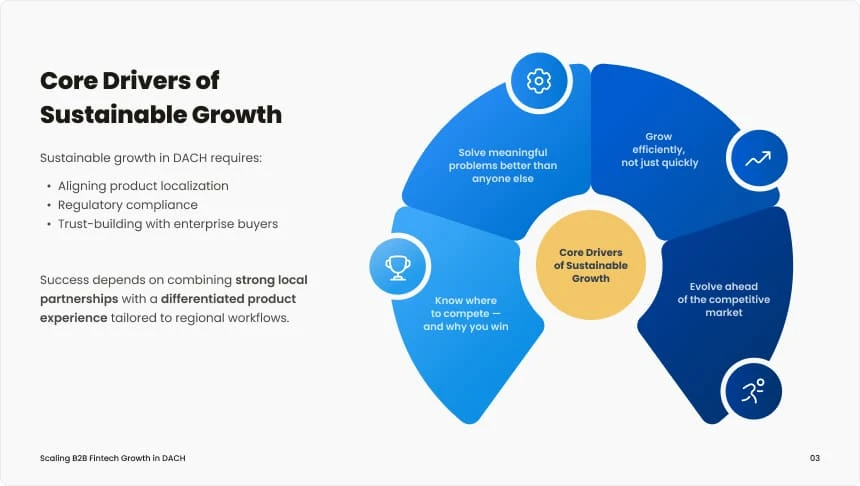
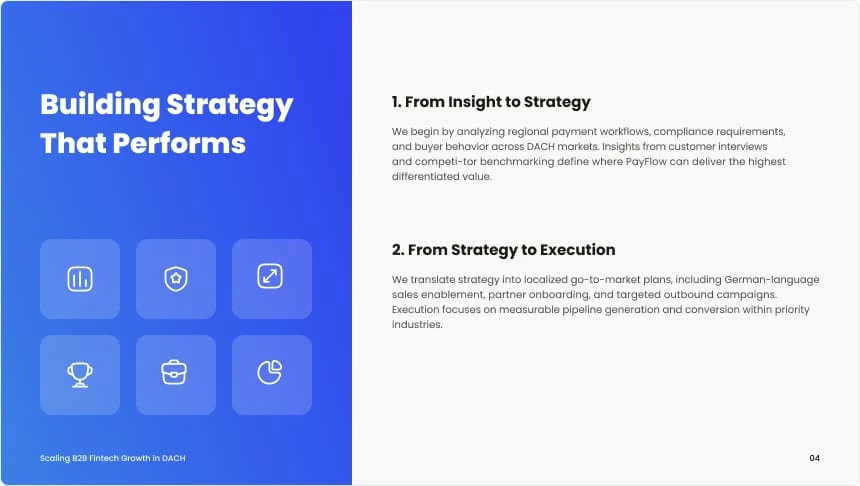
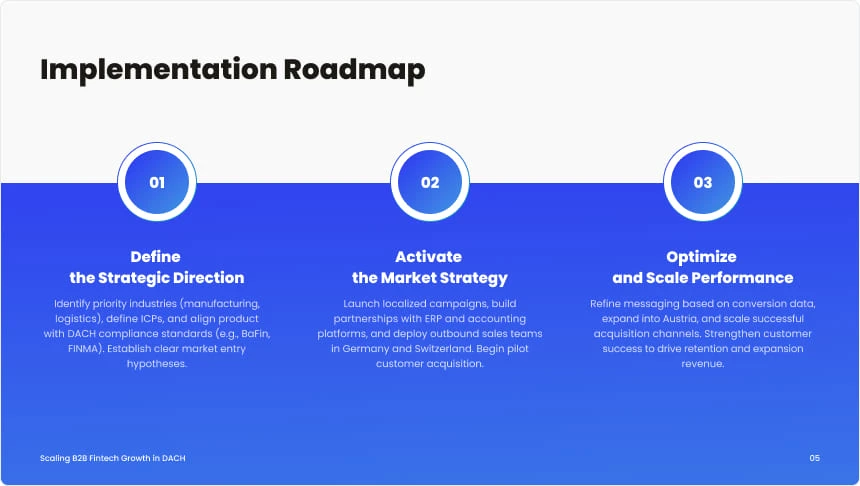
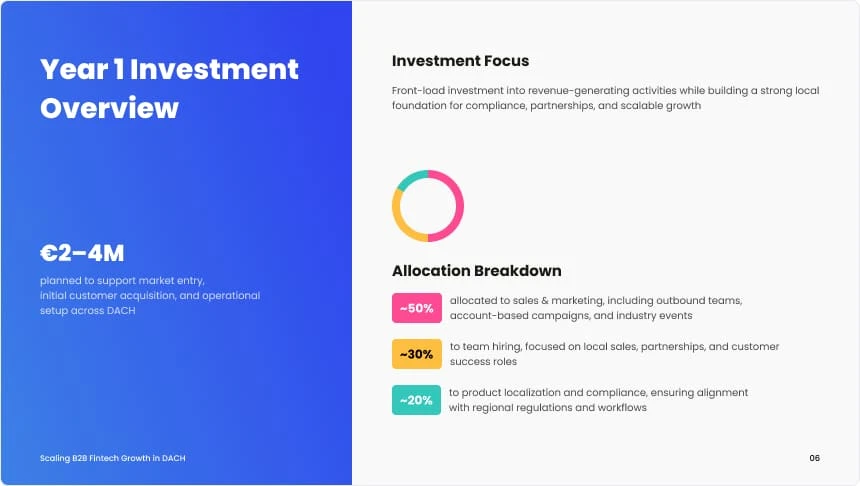
Decksy’s AI slideshow maker automatically adapts the tone, level of detail, and slide length to suit any audience, eliminating the need to build different versions of the deck from scratch. Simply enter your topic or upload your source files, and our intelligent engine transforms them into polished, client-ready presentations in minutes.

Upload content and build slides with our AI slide maker

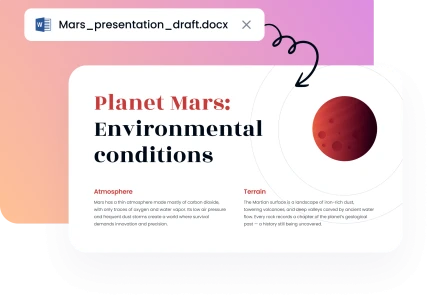
Start with material you already have. Upload PDF, PPT, Word, Text, Excel, or MD files. Decksy reads your content and builds a logical presentation. This saves time when working with reports, research, or business documents.

Create a presentation
Upload content and build slides with our AI slide maker

Shape your message with Decksy

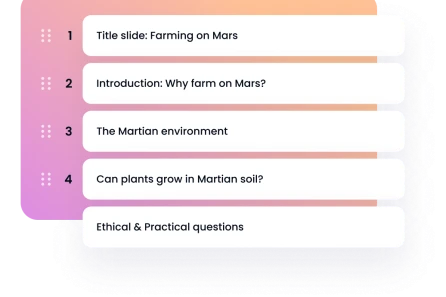
Provide your topic, outline, or source material. The AI slides generator turns that information into structured slides. It can adjust the vocabulary for your audience. It can also change the deck length and visual approach.

Shape your message with Decksy

Regenerate individual slides without starting over

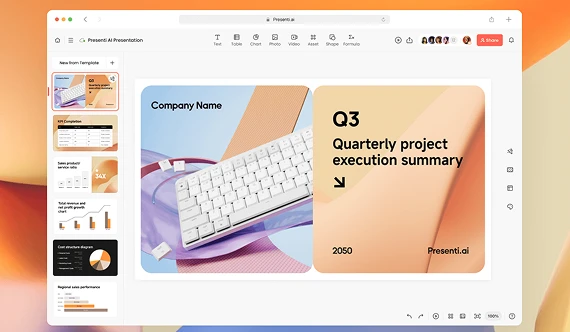
Sometimes only one slide needs another approach. Our slide maker AI lets you regenerate that slide instead of rebuilding everything. Make a section shorter, more casual, or more structured. These targeted changes take only a few seconds.

Regenerate individual slides without starting over

Improve layouts without learning graphic design

Good slides need more than attractive templates. Decksy manages visual hierarchy, typography, whitespace, and slide margins. The AI presentation maker free experience gives beginners an easy starting point. You can create professional-looking decks without design expertise.

Create a presentation
Improve layouts without learning graphic design
Trusted by professionals worldwide
image
image
image
image

Create your presentation in four simple steps

1

1. Start with your topic or file

Enter your topic or upload your material. The AI presentation tool works from your information. You can use documents you already prepared. There is no need to copy content manually.
2

2. Choose your presentation direction

Select the style that fits your project. The tool adjusts the structure around your content. You can create a short briefing or detailed deck. Slide length can range from five to 25+ slides.
3

3. Review and refine your slides

Check the generated deck before your meeting. Use slide-level regeneration when something needs changing. You can shorten text or restructure a specific slide. The rest of your presentation stays unchanged.
4

4. Export and present

Download your finished deck as PDF or PPTX. Your AI PPT is ready to be edited, shared, or presented. Most decks can be prepared in roughly five minutes. No advanced design skills are required.
image
image

Why choose Decksy for presentation creation?

Creating a presentation can take longer than expected. Decksy helps with the parts that usually take the most time. You still have full control over the content and final slides.
image

Eliminate manual copy-pasting

Start directly with the files and reports you already have rather than from a blank page. Decksy turns your existing material into structured slides, saving you from retyping information or fixing formatting by hand.
image

Reclaim hours every week

Automating basic slide creation turns hours of assembly into a quick five-minute task. Our AI slides maker gets you valuable time back to review key details, practice your delivery, and prepare for high-stakes meetings.
image

Simple for beginners

No background in graphic or presentation design is required to produce high-impact decks. Decksy keeps the process straightforward from start to finish, making professional slide creation accessible to everyone.
image

Maintain polished agency standards

Ensure every deck reflects high visual standards without hiring an external design team. Consistent layouts, balanced spacing, and clean typography make your client presentations and internal reports look executive-ready.
image

Flexible and affordable plans

You can try Decksy with a $2 subscription for seven days. Want it more often? The unlimited plan is $10 per month if you pay annually. It offers a low-cost way of doing presentation work regularly.
image

Great for different presentation needs

Create decks for meetings, training, sales, research, or education. The AI slideshow maker lets you tailor the content for different audiences. You can also tweak the length and degree of detail as needed.
Show more

Meet the team behind our AI presentation maker

A team of business and presentation experts working together to make professional presentations faster and easier to create.
alyssa-johnson-photo
Chief Revenue Officer
She drives product growth and strategy, helping us build an AI presentation tool for real business needs.
expert-team-icon
Sarah Michelle Carter
Chief Human Resources Officer
She builds the team behind our product, bringing together the talent and expertise that drive it forward.
expert-team-icon
Julia Hartwell photo
Senior Presentation Designer
She shapes our presentation standards, turning proven design principles into clear, professional slides.
expert-team-icon
illustration
200K+ customers worldwide rely on Decksy
A global team of 50+ professionals supports the product.

A strong AI tool for most presentation needs

Decksy has designed an AI presentation maker for businesses, professionals, and remote teams.

Business
Business
Business
Business
Business
Business
Business
Business
Business
Business
Business
Business
Business
Business
faces

Why professionals choose Decksy

Decksy helps reduce the manual work behind presentation design. The goal is simple: create useful slides faster while keeping control over the final result.
stars
Now I can speed up client presentation work
“I used to spend hours preparing client decks. With this slide generator, I can create a strong first version much faster. I have more time for reviewing details before meetings.”
icon
Sarah M., Sales Director
stars
Easy reuse of existing content
“I already have most of the information I need for my presentations. Decksy helps turn those documents into slides without starting from a blank page. It makes the whole process much easier when I’m working on several decks.”
icon
Alex R., Research Manager
stars
Polished decks without design skills
“I am not a designer, so formatting took too much time. Decksy handles the visual details for me. I can focus on making the content accurate.”
icon
Michael T., Business Consultant
stars
It makes quick changes before meetings
“Sometimes one slide needs a complete rewrite. I like being able to regenerate that slide on my own. It saves me from rebuilding the entire deck.”
icon
Luke P., Marketing Manager
stars
Turn reports into presentations faster
“Our team works with large reports every month. The AI slideshow generator gives us a useful starting point. We can then refine the content before sharing it.”
icon
Emma K., Training Manager
stars
Content adjusted for different audiences
“We often present the same topic to several groups. Decksy helps change the amount of detail between versions. That makes our presentations easier to reuse.”
icon
Daniel R., Operations Manager
stars
Professional slides in less time
“I used to spend a lot of time fixing spacing, fonts, and slide layouts. Decksy takes care of those details automatically. I can get a professional-looking presentation ready much faster.”
icon
Nikolai K., Project Manager
stars
Clearer classroom materials
“I often start with long notes for my courses. Decksy helps turn those notes into organized slides. It gives me a useful structure before class.”
icon
Dr. Laura R., University Professor
Show more

Frequently asked questions

What does an AI presentation generator do?

It’s a tool to turn ideas, text, or files into slides. It gives your content structure and a clean visual layout. That means you spend less time building slides from scratch. Just by using our AI text-to-presentation maker, you may utilise AI to create a PowerPoint slideshow. You may easily add project-related documents, comments, or descriptions.

How does the presentation creation process work in Decksy?

Creating a presentation with Decksy is straightforward from start to finish. The process takes you through a few simple stages, from adding your material to checking the finished slides. You can make changes along the way and prepare the final version when everything looks right.

Can I create a deck from a PDF?

Yes. You can upload a PDF and use that as your source material. Our tool reviews the content and generates a deck on the main points. It’s good for reports, research, guides, and other in-depth documents. Get started with the free plan, try our AI PDF to PPT and make one presentation.

Which files can I upload?

You can upload Word, Text, Excel, PDF, PPT, and MD files. Decksy works with the content you already have, rather than making you copy it into a new template. This can save a lot of manual work.

Is it possible to export my presentation?

Yes, you can download your finished file as a PDF or PPTX file. PDF is good for sharing and viewing. PPTX is good for editing your slides. There are alternative formats that work better with Decksy AI presentation creator, such as PDF or Word to PPT converters.

Can I use an AI slide generator for business?

Yes, our tool is useful for many business needs. Develop sales decks, client presentations, reports, internal meetings, training materials, and more. You can also tweak the content to fit different audiences.

Is Decksy suitable for internal team reports and HR onboarding?

Yes, Decksy is widely used by project managers, department heads, and HR directors for internal communications. Whether you need a weekly site status update, a quarterly board summary, or a new employee onboarding deck, the AI organizes your internal documents into clean, easy-to-follow slides.

How does Decksy adapt presentations for different target audiences?

Decksy lets you specify who you are presenting to before generating your deck. The AI automatically adjusts vocabulary, tone, slide count, and visual depth. This way, you can turn the exact same source material into a concise 5-slide executive summary or a detailed 25+ slide report for technical teams.

Does Decksy support AI presentation generation for specialized industries?

Yes, Decksy supports presentation workflows across a wide range of fields, including real estate, pharmaceuticals, education, finance, and marketing. You can upload industry-specific reports or research data, and the platform will format the content into a structured, audience-tailored deck.

Can I edit individual slides?

Yes, you don’t have to re-create the entire deck. Our tool lets you regenerate individual slides when something needs changing. You can make a slide shorter, more casual, or better structured in seconds.

Can I keep editing my presentation after exporting to PowerPoint?

Yes, absolutely. When you export your deck as a PPTX file, all text boxes, shapes, and elements remain fully editable. You can make last-minute tweaks, adjust layout details, or add custom animations in Microsoft PowerPoint or Google Slides whenever you like.

How many slides can Decksy create?

It is possible to create short presentations of about five slides. For bigger projects, Decksy can create decks of 25+ slides. Adjust the length to suit your content and presentation needs.

Do I have to be a designer to create a deck with this tool?

No, you don’t need any graphic design skills to work with Decksy. Typography, spacing, margins, and visual hierarchy are handled automatically. You can focus on your content, not on fixing every detail of the layout.

Do you offer a free version?

Decksy offers 1 try with a free AI presentation maker that is ideal for getting started on a presentation. Paid access provides more capabilities regarding usage and presentation. Build polished presentation slides in minutes with Decksy's AI presentation maker. Turn raw text, PDFs, and files into editable PPTX decks automatically.

How much does Decksy cost?

$2 for a 7-day subscription. An unlimited plan is $10 a month if you sign up for a year. This allows you to create presentations with an AI pitch deck generator regularly at a low cost, without paying for each deck.

Latest Articles

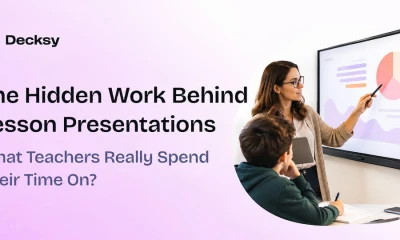
The hidden work behind lesson presentations. What do teachers really spend their time on?

Decksy surveyed 1,036 U.S. teachers and found that 71% prepare lesson presentations outside scheduled working hours at least sometimes. When does a teacher’s workday actually end? Is it when the…
Read full article
The hidden work behind lesson presentations

Visme vs Canva: What Design Platform Should You Be Paying Attention To?

You require a presentation, infographic, or visual report. There are two tools that have become popular: Visme vs Canva. Canva is a broad creative design platform. Visme is all about…
Read full article
Visme vs Canva

Canva vs Google Slides: Which Is Better This Year?

Creating a presentation is about more than making attractive slides. Your workflow matters just as much as the final design. The right tool can save time, simplify edits, and make…
Read full article
Canva vs Google Slides

Keynote vs Google Slides: Which to Use This Year?

A presentation can look great and still take hours to finish. The tool you choose affects how quickly you build, edit, and share it. Keynote and Google Slides have different…
Read full article
Keynote vs Google Slides

Tome vs Gamma AI: Which Presentation Tool Is Better?

You’ve narrowed the long list of AI presentation makers down to Gamma and TomeApp.ai. Good shortlist, but there is a catch. A Tome vs Gamma AI comparison in 2026 is…
Read full article
gamma and tome app ai

Plus AI vs Gamma Comparison for Faster, Better Presentation Workflows

You need to turn a long document into a presentation, but generating the slides is only half the job. Plus AI and Gamma often come up in the same conversation…
Read full article
plus ai vs gamma

Create professional slides without the busywork

Create AI presentation
NEW ON DECKSY
Get decks with verified facts and real-time data

Deep Research goes beyond generic LLM drafts by analyzing your files and topics to cross-check facts, gather extra sources, and add citations — all before the first slide is designed.

Deep Research Deep Research NEW
Get a deck with verified facts and up-to-date data, not just generic LLM drafts
Learn about Deep Research