Templates
PechaKucha presentation template
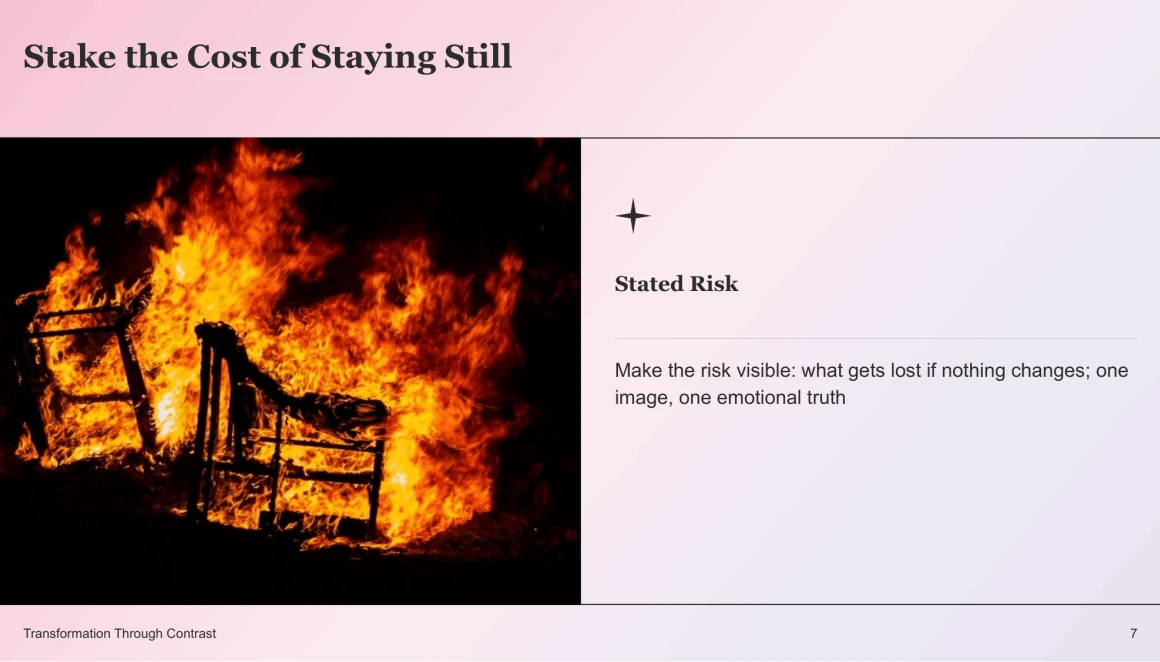
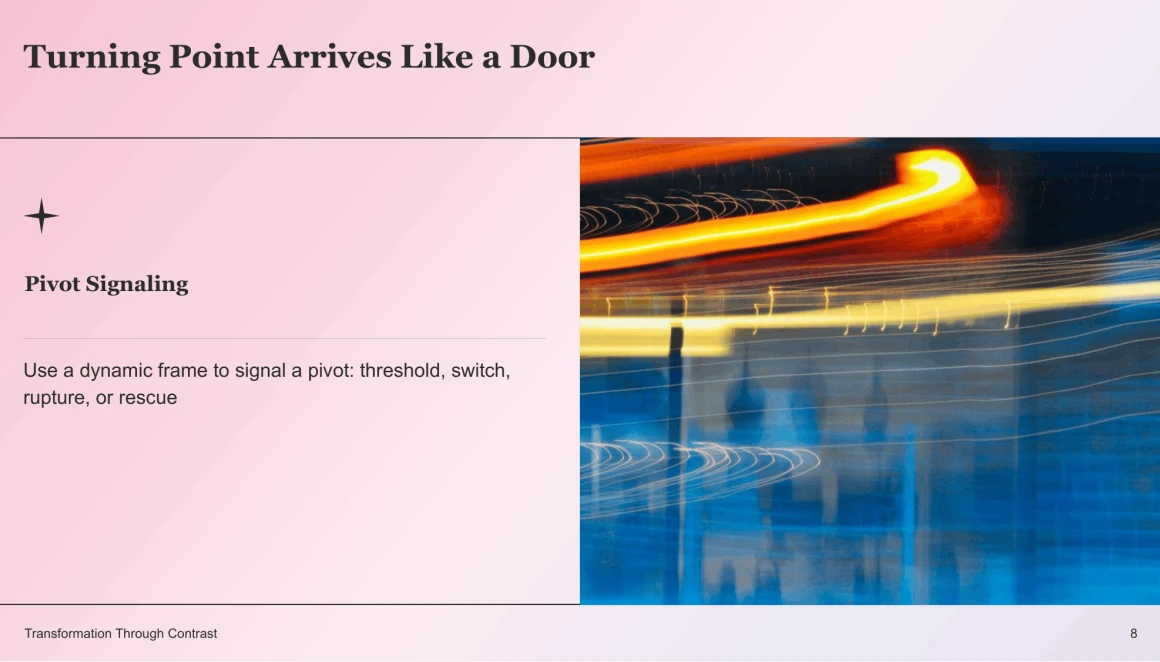
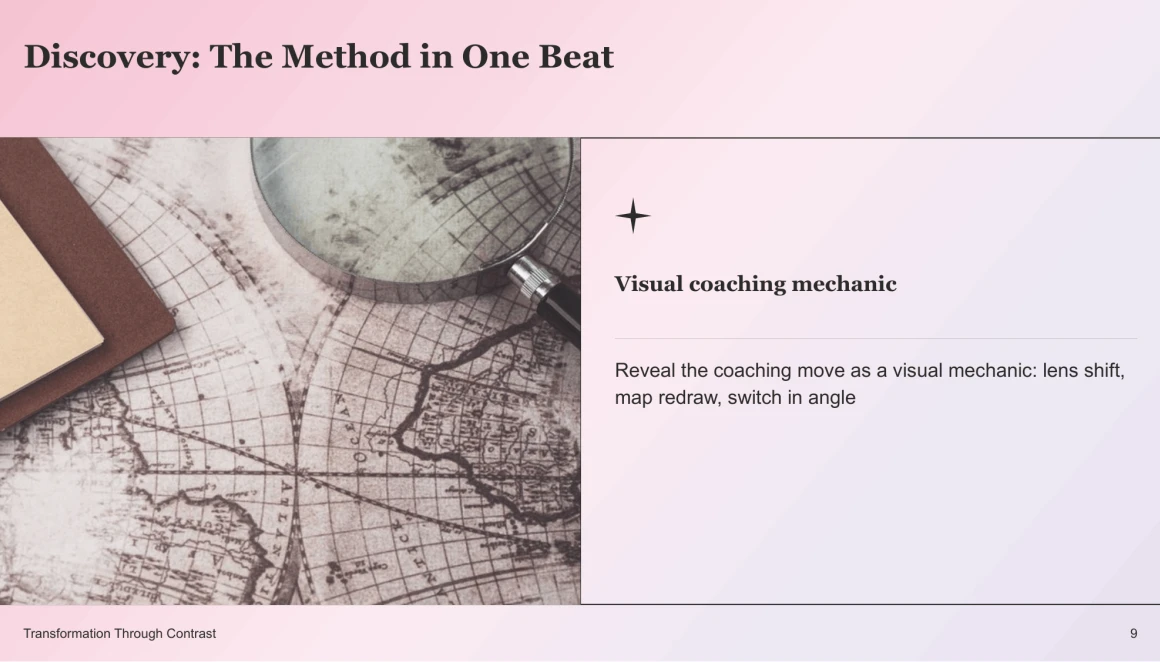
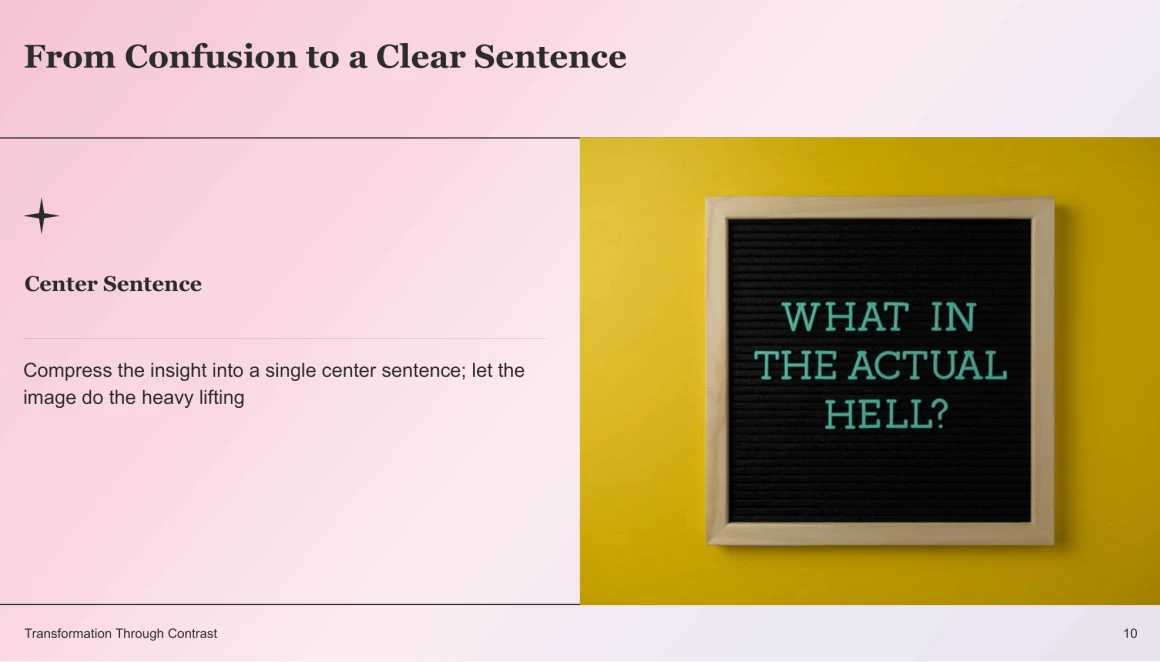
Explore these examples of PechaKucha presentations to see how to tell an engaging story in just 20 slides, with 20 seconds per slide. Whether you’re designing slides yourself or using an AI presentation maker, these examples offer a great starting point for creating a compelling presentation.
Use this template 
PechaKucha presentation template preview

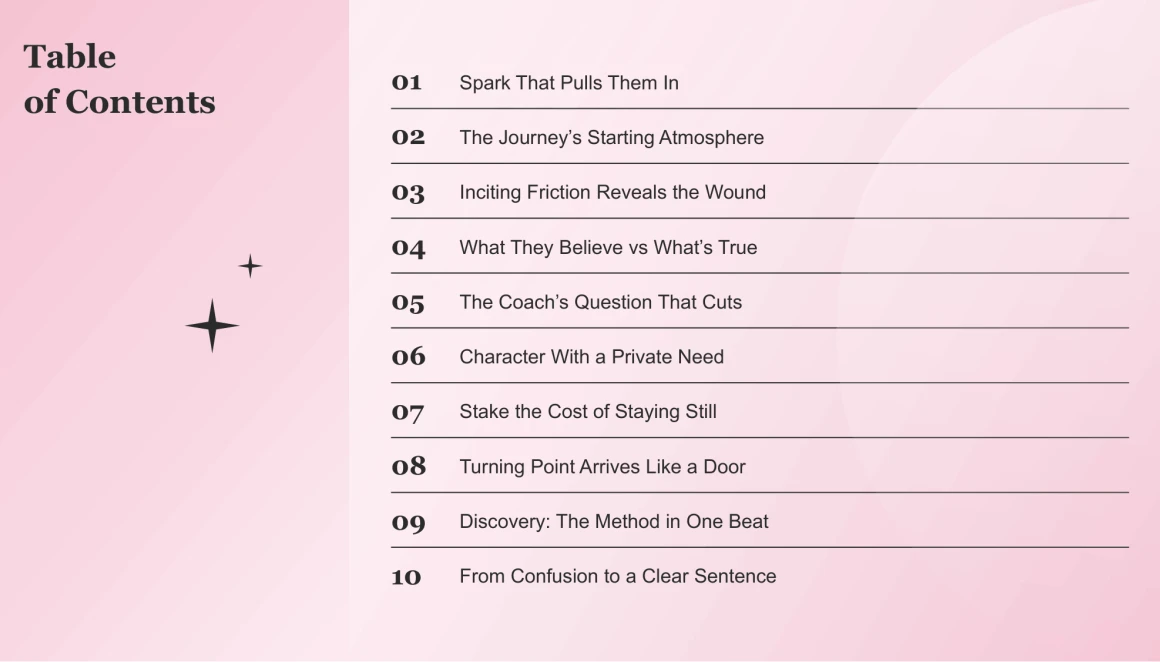
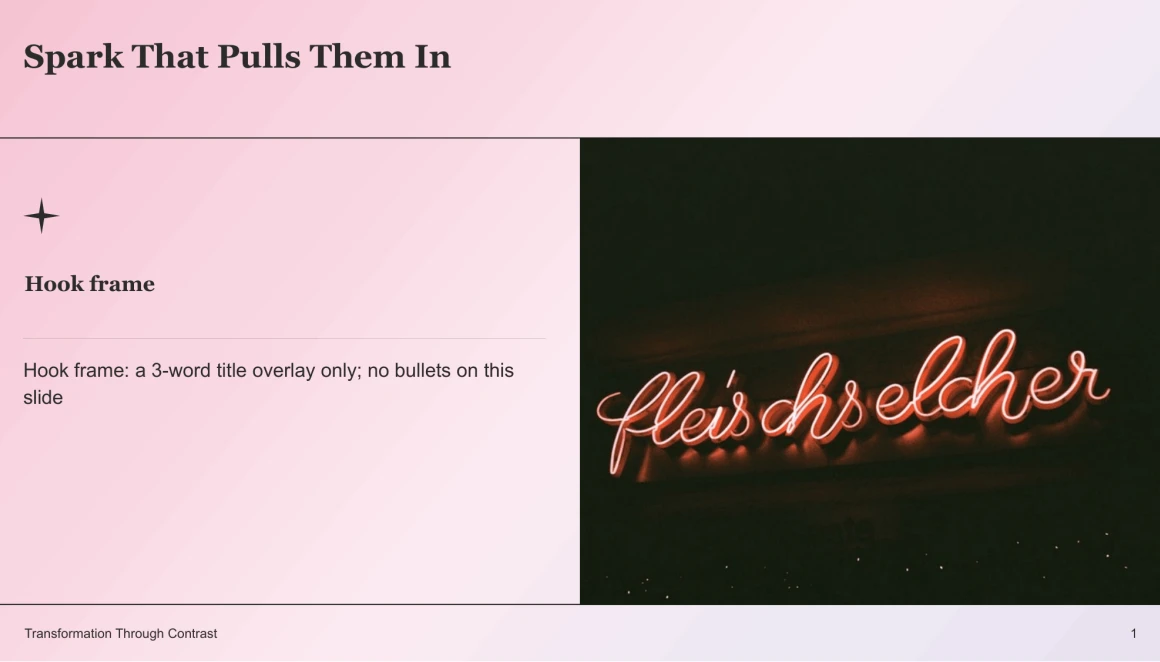
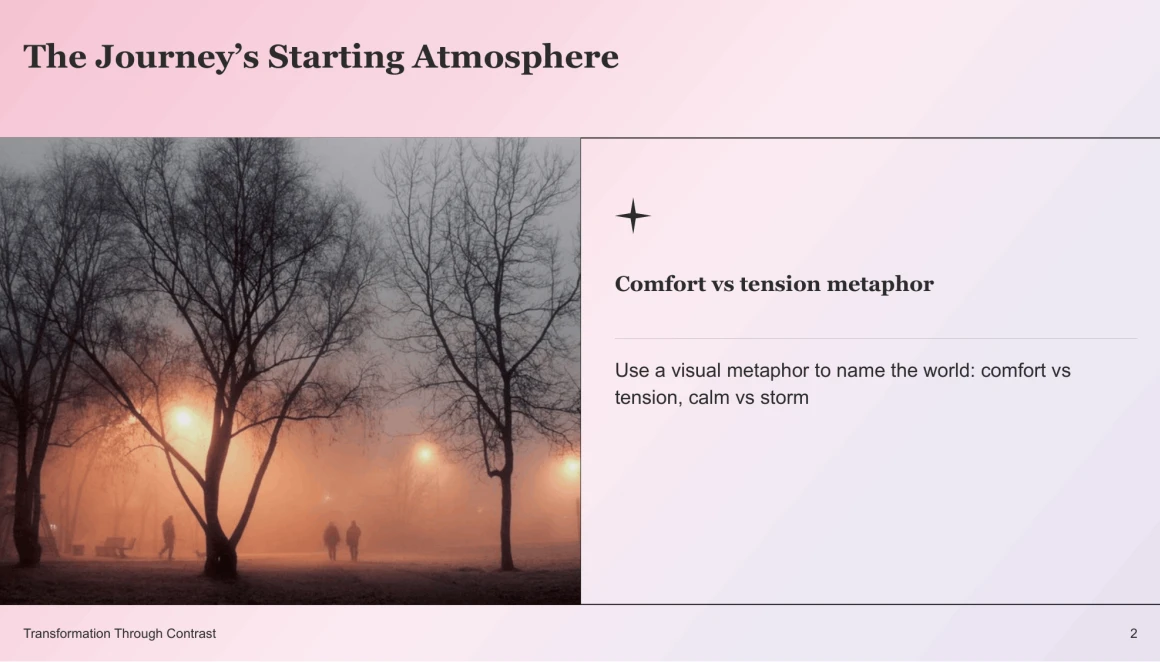
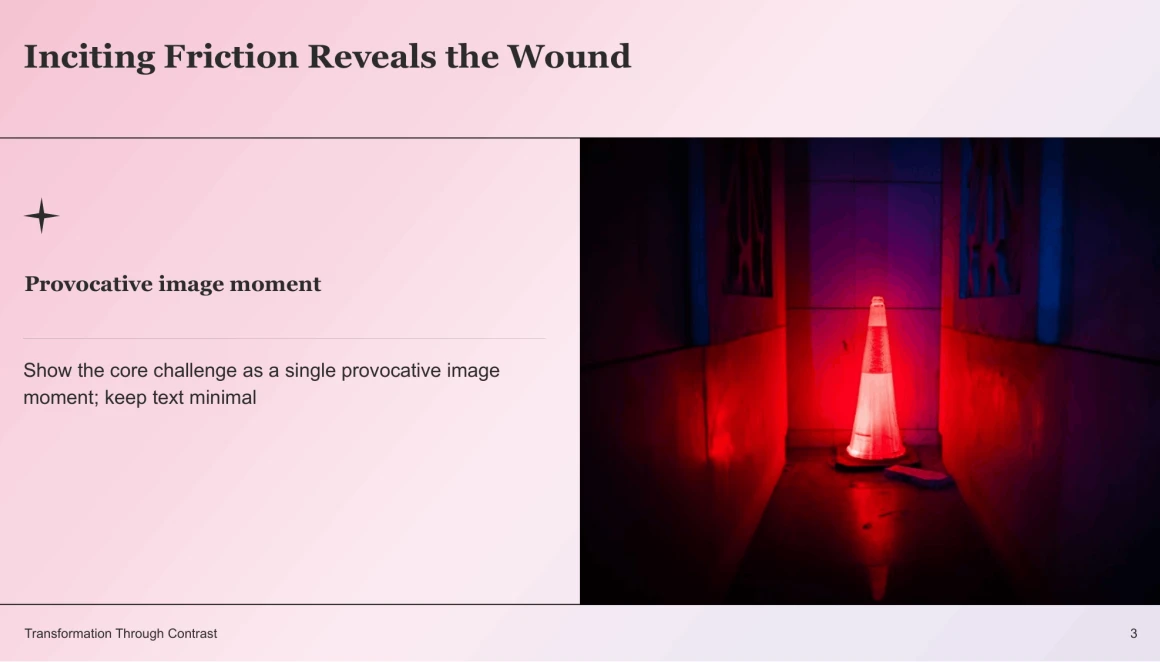




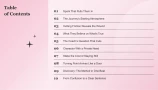
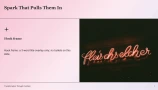
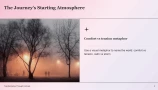
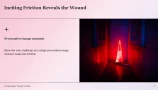


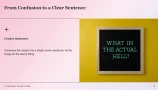
Download pechakucha presentation example




Our PechaKucha presentation sample is available in PDF, Google Slides, and PowerPoint. With editable vector graphics, a 16:9 aspect ratio, and simple drag-and-drop image placement, this template is easy to personalize. For help turning your ideas into slides, you can also explore AI presentation makers for students. The template supports the PechaKucha format of 20 slides shown for 20 seconds each, helping you maintain a consistent visual pace. No additional plugins or fonts are required.

After downloading our PechaKucha presentation template, use Decksy AI to personalize it, no design experience required. Our AI presentation maker for teachers makes it easy to adapt the deck for your classroom. Rebrand the entire presentation in just two clicks using global theme colors and master font styles, saving time on tedious slide-by-slide edits. A clear visual hierarchy and refined layouts keep your message focused and professional. Start with our example, add your story, and present with confidence without spending hours on manual formatting.
PechaKucha polish. Zero design work.
Decksy turns PechaKucha slides into powerful visual stories.
No need for design expertise or endless formatting sessions with Decksy's AI-powered PechaKucha slide generator.